


Answered
Imported preset doesn't appear in UI (Lightroom)
Hi, I've bought and imported the Lutify.me presets. I've tried to import using File>Import as well as from the Presets pane. I've tried one by one or by folder in either case. I've verified that no preset is hidde and I've restarted LR.
It appears that the import seem to work well : I had confirmations and when I try to re-import, the corresponding preset appear as alreasdy imported. However, the imported preset don't show up in the UI.
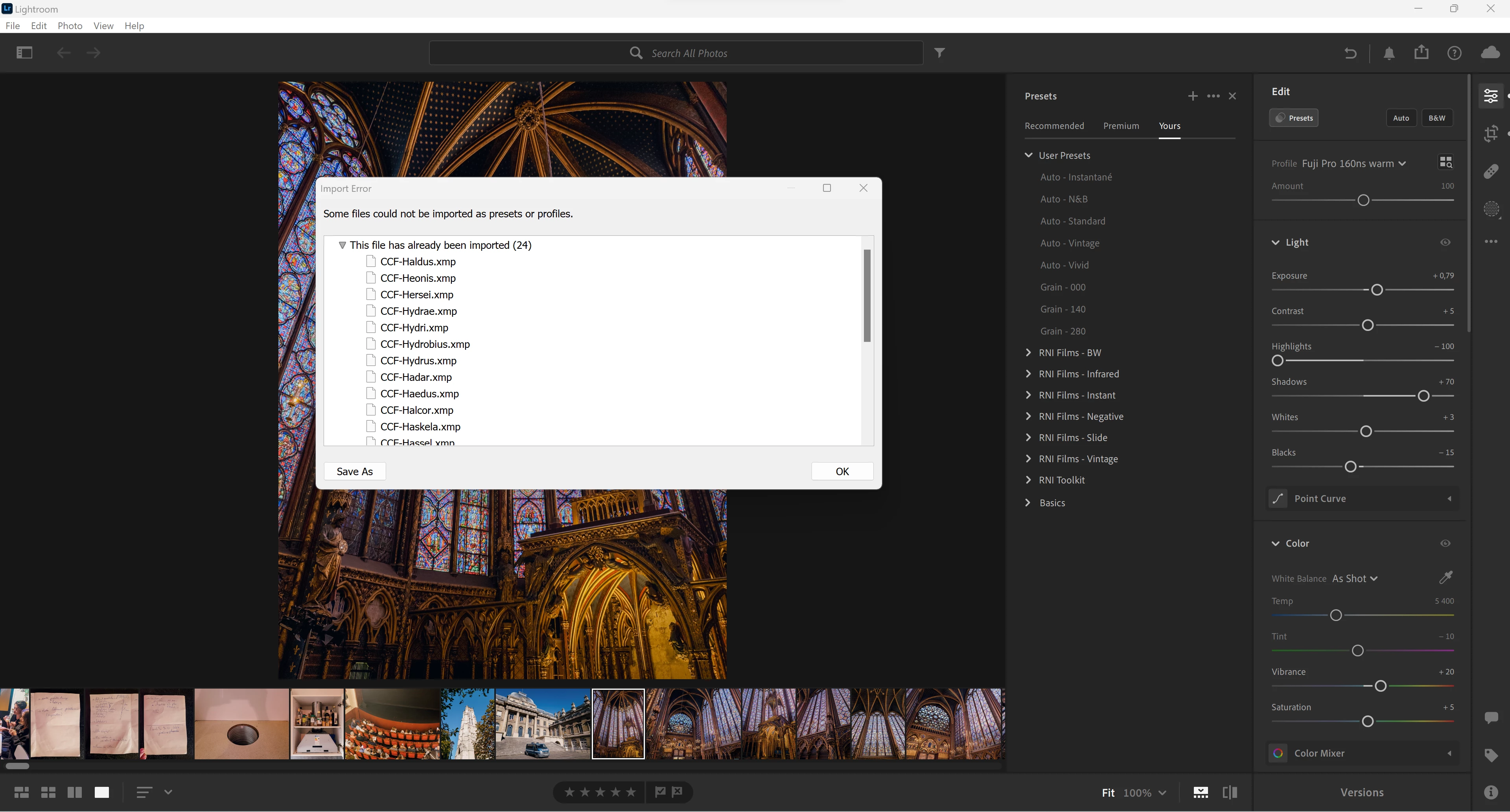
I also think that I've briefly seen a preste sync notification in LR Mobile but the preset won't appear in LR mobile.
Any idea ?
 AdChoices