

Importing Photos from Adobe Creative Cloud Libraries to Adobe Lightroom CC
I have photos stored in my Creative Cloud Libraries. I want to Add them to my Lightroom CC. As image below shows, it should be possible to use Libraries in all Adobe Apps. And makes sense, after all is just adding files already stored on Adobe's cloud hosted infrastructure.
As a workaround (shouldn't be necessary) I looked into doing it by just adding from my local Creative Cloud Files folder in Windows Explorer, but Libraries photos don't seem to be sync'd there.
I even tried to do a bulk download of the Library photos from hosted Created Cloud to my PC, to re-upload (again, shouldn't be necessary), but Libraries doesn't seem to permit bulk export. Just one by one. Which isn't practical for a large Library.
What am I doing wrong? Can anybody here help?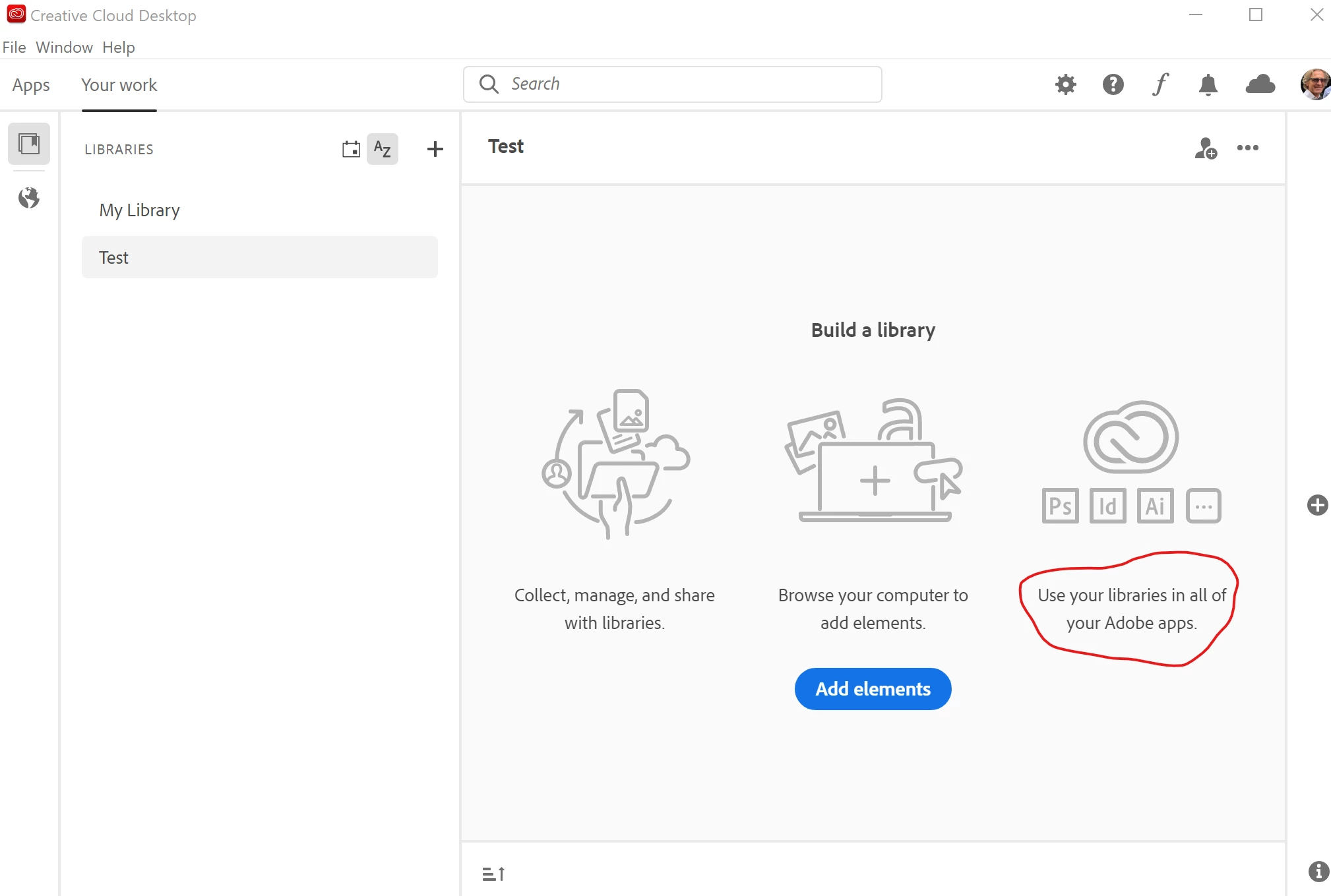
 AdChoices