
Participant
August 5, 2026
Question

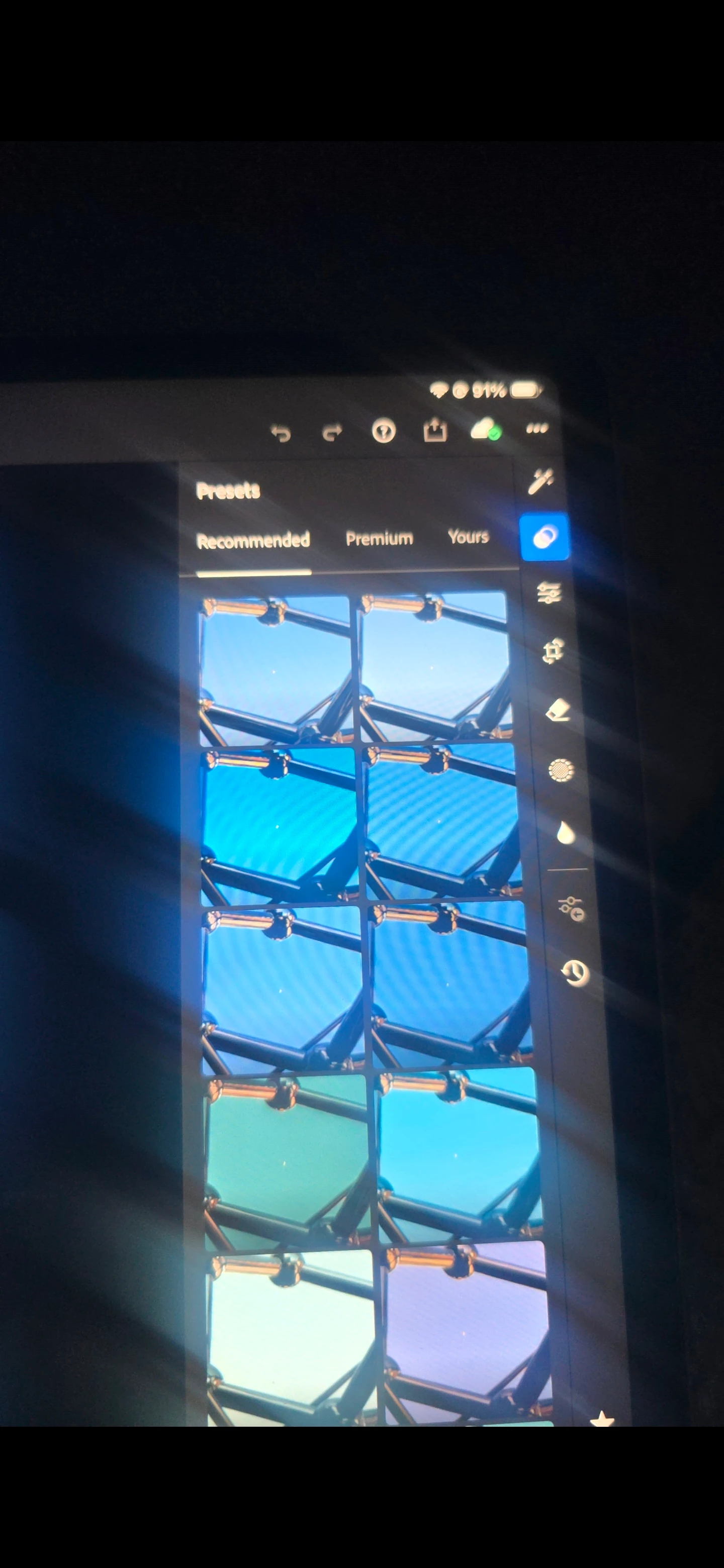
In the Presets panel, under Recommended, I do not see the preset categories (Warm, Dark, Bright, Cinematic, HDR, etc.)

  • August 5, 2026
  • 1 reply
  • 12 views

In the Presets panel, under Recommended, I do not see the preset categories (Warm, Dark, Bright, Cinematic, HDR, etc.) that appear in Adobe's documentation and other users' screenshots. The app is fully updated, I've already compared it with Lightroom on my phone, and the feature is missing only on my iPad. I'd like to know if this is a bug, a staged rollout, or an account-specific issue.
 

    1 reply

    Claire H.
    Community Manager
    Community Manager
    August 5, 2026

    Hi @realistic_days9390, Welcome to the Lightroom Community forum! To better help you with this issue, we would like a few more details. Can you send your system info? You can find your system info by going to Help > System Info, copying and pasting it into a text file, and attaching it here.


    In the meantime, I would recommend clearing your cache and try resetting your Lightroom Preferences

    https://adobe.ly/4o7JADQ. I hope this helps! ^CH