

(iPad) Imported photos do not upload
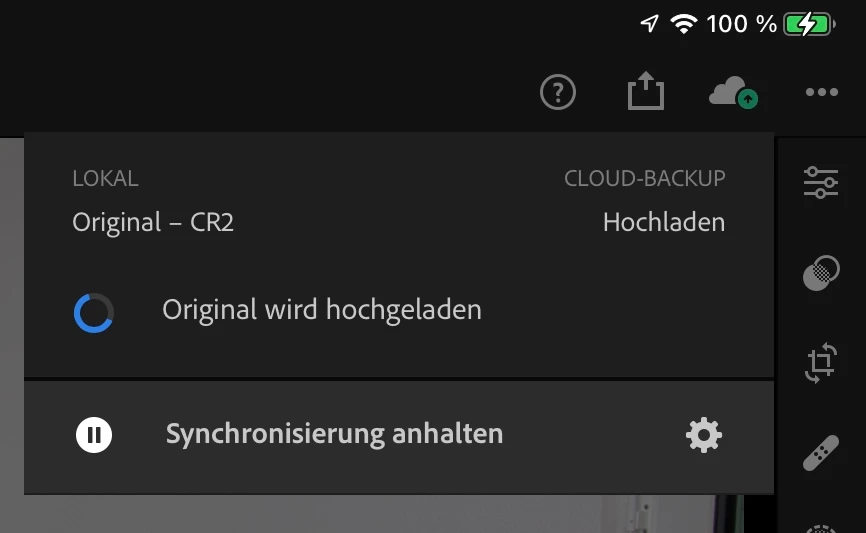
I have a couple of albums which are not getting uploaded by Lightroom mobile on my iPad. The photos have been originally imported on the iPad and they don't get uploaded. Overall status says everything is fine, but when you open a picture, the status on the cloud symbol says something different:

All the pictures are there on the iPad, but Lightroom CC on my Laptop or Lightroom Web are missing the pictures. Lightroom Web displays synchronization errors for the missing pictures:
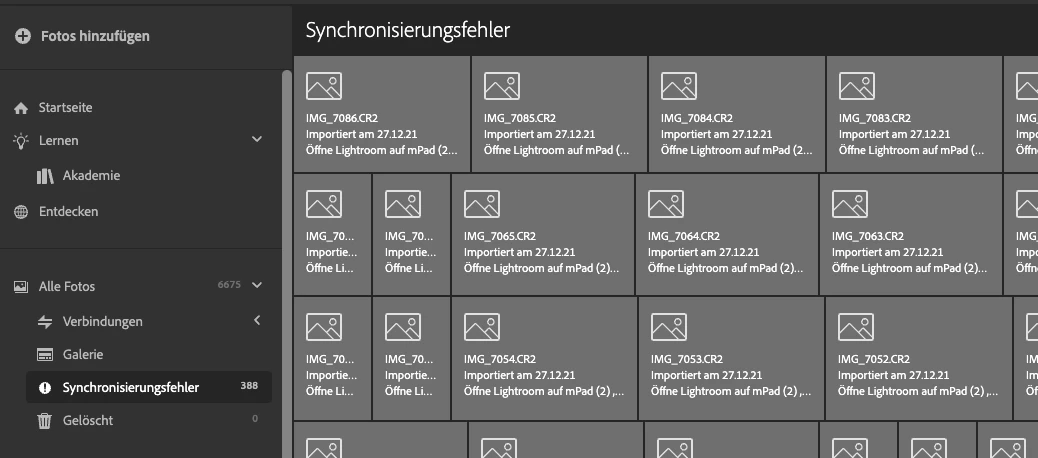
My trust goes down the drain that such synchronization issues still exist in 2022 with Lightroom. Never had such an issue with iCloud / Photos in 11 years.
I tried the delete the photos in the web app as suggested here, but this only made my photos dissappear on the iPad (shocked for a moment):
I then restored the photos in the web app from the recycle bin and the pictures are again there on the iPad.
I'm using the latest version on the iPad, Web and Lightroom CC on desktop.
Your help is really appriciated - I actually wanted to use the christmas holidays to migrate all my photos from "Photos" to Lightroom.



 AdChoices