
Participant
January 12, 2024
Question

iPhone DNG issues

  • January 12, 2024
  • 2 replies
  • 725 views

Hi all,


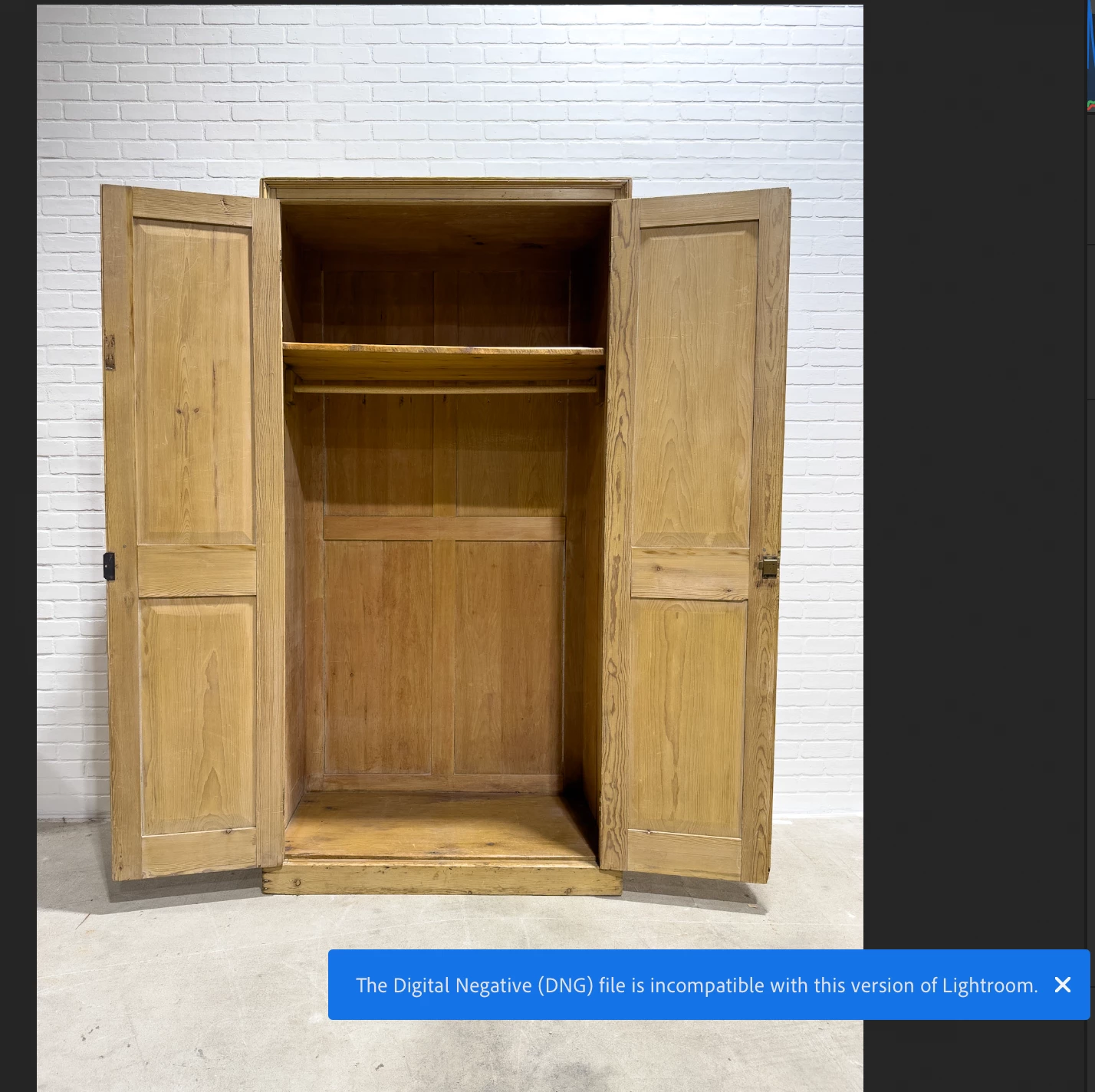
I take raw DNG files with my iPhone 15 Pro, upload to the LR mobile app and then edit on my laptop. Recently I've run into a stuck where the photos are not editable on my laptop but are on my phone. See attached image. I get the following error when trying to edit: The Digital Negative (DNG) file is incompatible with this version or Lightroom.

The image is imported and the profile is changed to Apple Embedded Color Profile from Apple Raw.


Any ideas?

Thanks!
This topic has been closed for replies.

2 replies

Jim Wilde
Community Expert
Community Expert
January 14, 2024
quote

Hi all,


I take raw DNG files with my iPhone 15 Pro, upload to the LR mobile app and then edit on my laptop. Recently I've run into a stuck where the photos are not editable on my laptop but are on my phone. See attached image. I get the following error when trying to edit: The Digital Negative (DNG) file is incompatible with this version or Lightroom.

The image is imported and the profile is changed to Apple Embedded Color Profile from Apple Raw.


Any ideas?


By @yorkshireman13


Check the actual version number of the Lightroom app that you are running on your laptop. It needs to be at least version 7.0 for the Lightroom Desktop app (and 13.0 if using Lightroom Classic).

Participant
January 14, 2024

Comment traiter photo comme celle là svp