Participant
June 28, 2022
Question

Issue with Lightroom changing my RAW photo when imported (PLEASE HELP) on Windows

  • June 28, 2022
  • 1 reply
  • 127 views

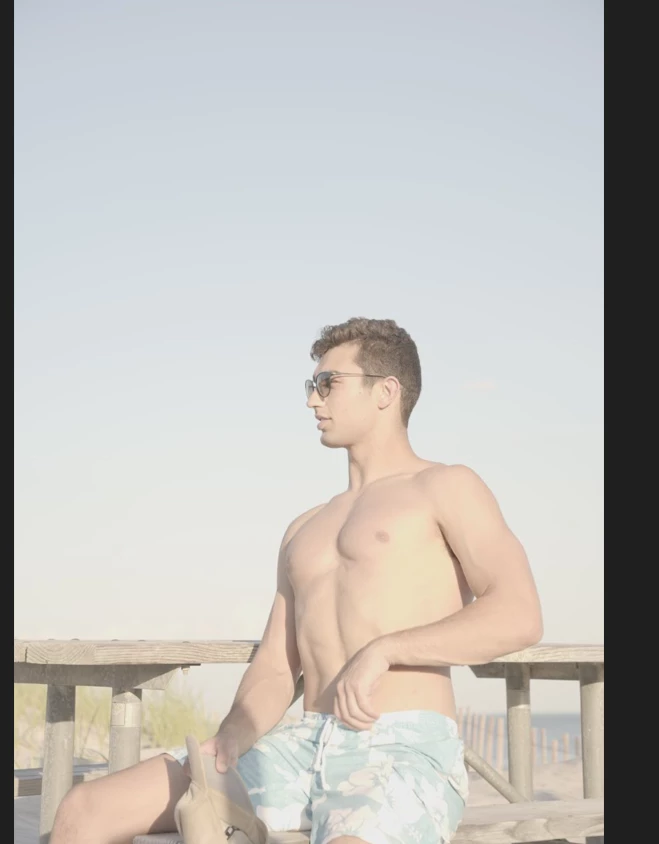
I have looked everywhere on google and all I can find is something about the jpeg image changing the way my raw photo looks. All that is recommended is that I change the profile on lightroom. My issue is that previously I took pictures on my sony a7iii with no picture profile, I shot RAW images and uploaded them to lightroom with 0 change. Now I put a sine 3 picture profile on and my images look flatter which I want so I can adjust however, only when I upload the image to lightroom does the image become more colorful and seems post-processed. This is super annoying and I cannot figure out what is wrong.

Here are the differences:
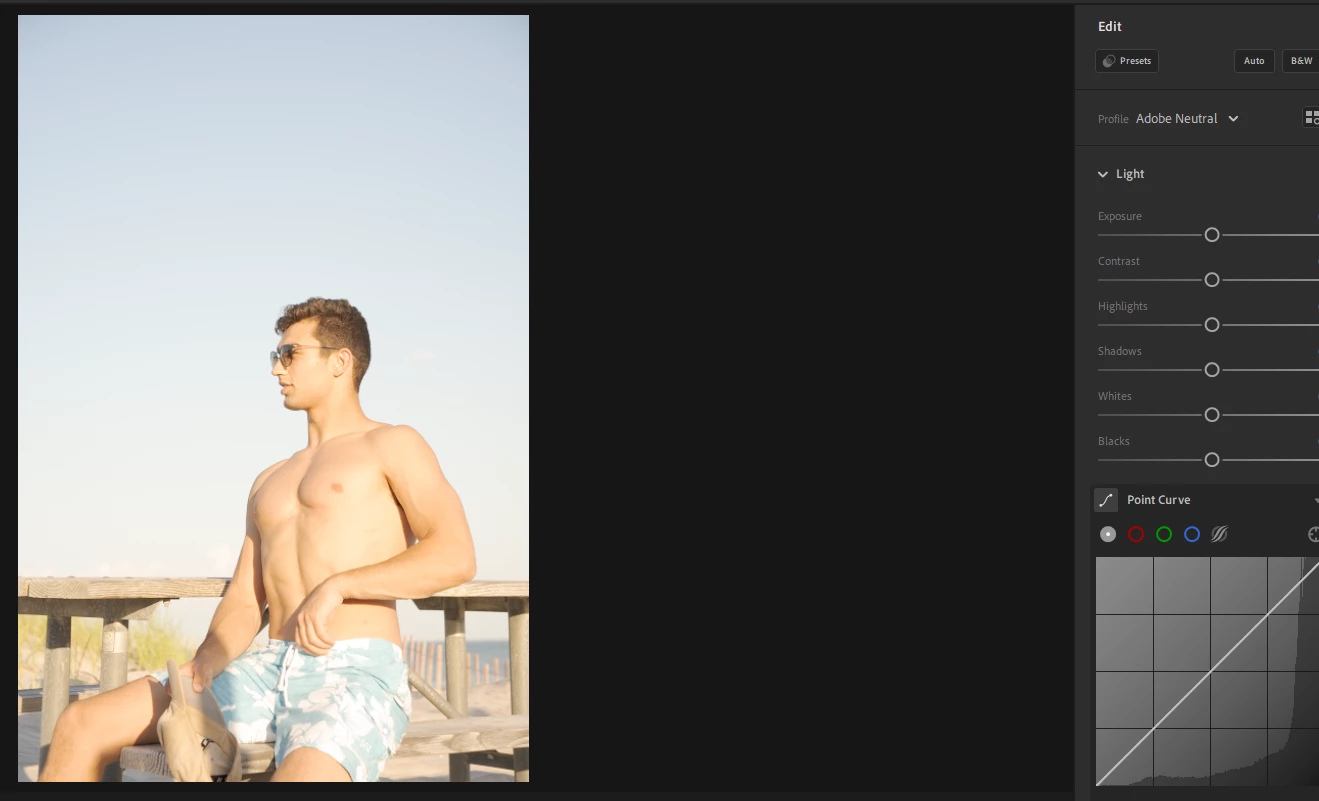


{Thread title updated by moderator}

This topic has been closed for replies.

1 reply

Sameer K
Community Manager
Community Manager
June 28, 2022

Hi there,


Thanks for reaching out. We are sorry for the trouble with Lightroom. We are here to help.

Could you please share the version of Lightroom (Help > About Adobe Lightroom) &  the version of the operating system you are working on? Does this happen with only the recent images, or do all the photos behave similarly? 


If you are noticing any other changes in the images right after import. The reasons could be the RAW defaults within Lightroom (version 3.3 & above) which sets default settings for importing raw file format images in Lightroom based on Adobe defaults, camera-specific defaults, or custom presets.  

Check this article to understand, create your default settings and troubleshoot the same. 

https://helpx.adobe.com/lightroom-cc/using/raw-defaults.html


Please let us know if this helps. 

Thanks!

Sameer K.