Participant
June 10, 2022
Question

Issues with Lightroom mobile camera and Lightroom Classic

  • June 10, 2022
  • 2 replies
  • 465 views

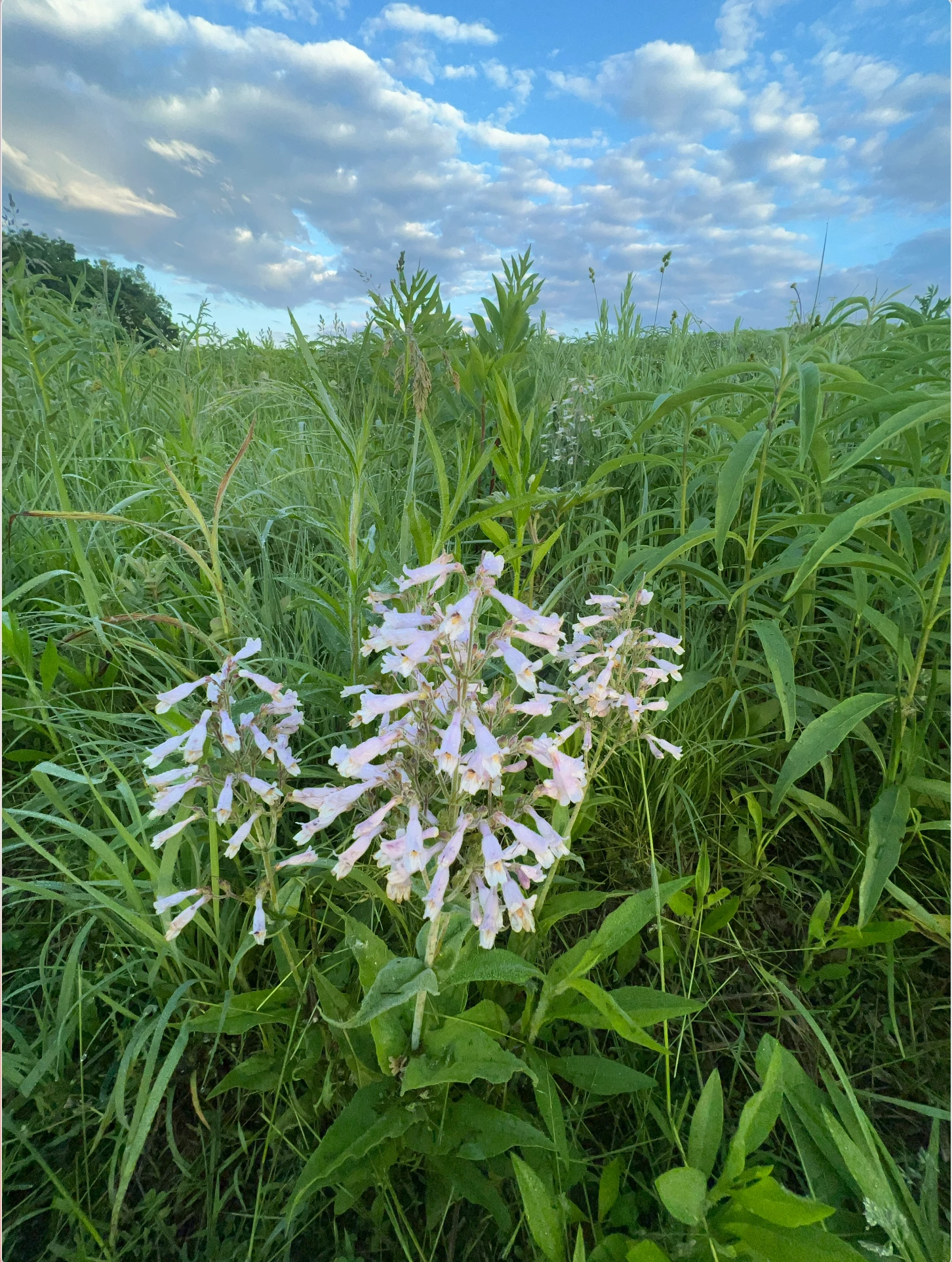
Not sure if this is a new thing, but I have recently... the last two times I have shot RAW using Lightroom Mobile Camera.  The photo after its taken looks fine when taken, no issues.  When I get home to look at them in Lightroom Classic the get dark and sometimes look like a filter is over them.  I'l post a image of what I am talking about below.  The first time this happened, I thought it was user error and posibly something got in thw way, but its happening to every image taken with Lightroom Mobile in RAW, havent tried JPEG shooting.  The iphone camera images import fine.
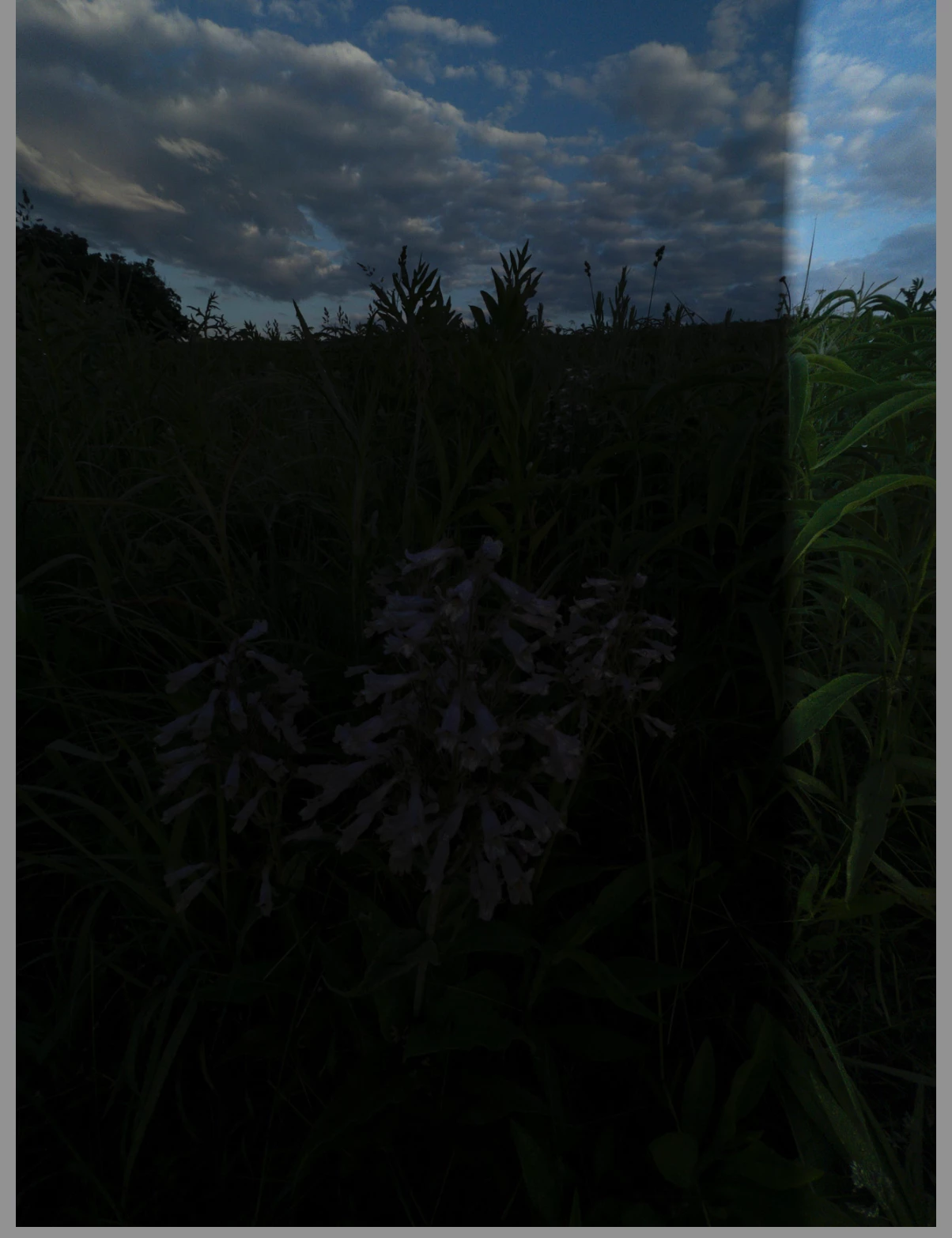
This is how they show in MacOS preview and in Finder.


Coincidently, when I open these images in Photoshop they open in Camera RAW and show up like the first image.


Any help would be appreciated.  I'm going to try opening a copy of the images in another program to see if the same thing persists.


This topic has been closed for replies.

2 replies

Participant
June 11, 2022
johnrellis
Legend
June 13, 2022

Rawdigger shows the problem is indeed in the raw sensor data:

So it's not a rendering issue with the Camera Raw engine in LR or Photoshop.


"This is how they show in MacOS preview and in Finder."


The DNG contains a full-size JPEG preview which is uncorrupted, and many apps will display that preview instead of rendering the raw sensor data.

johnrellis
Legend
June 13, 2022
Participant
June 11, 2022

I can confirm that its a Lightroom mobile camera issue.  I took off the case, shot with and without flash.  Same thing happens in variying degrees.  I shot with the iPhone camera and imported the images to Lightroom Mobile to view in Lightroom Classic and they show up without the darkening artifact.

johnrellis
Legend
June 11, 2022

Please upload one of the problem .dngs to Dropbox, Google Drive, or similar and post the sharing link here. If there's a bug, that will make it more likely Adobe will pay attention.