Thanks for reaching out. Let's try to check this issue.
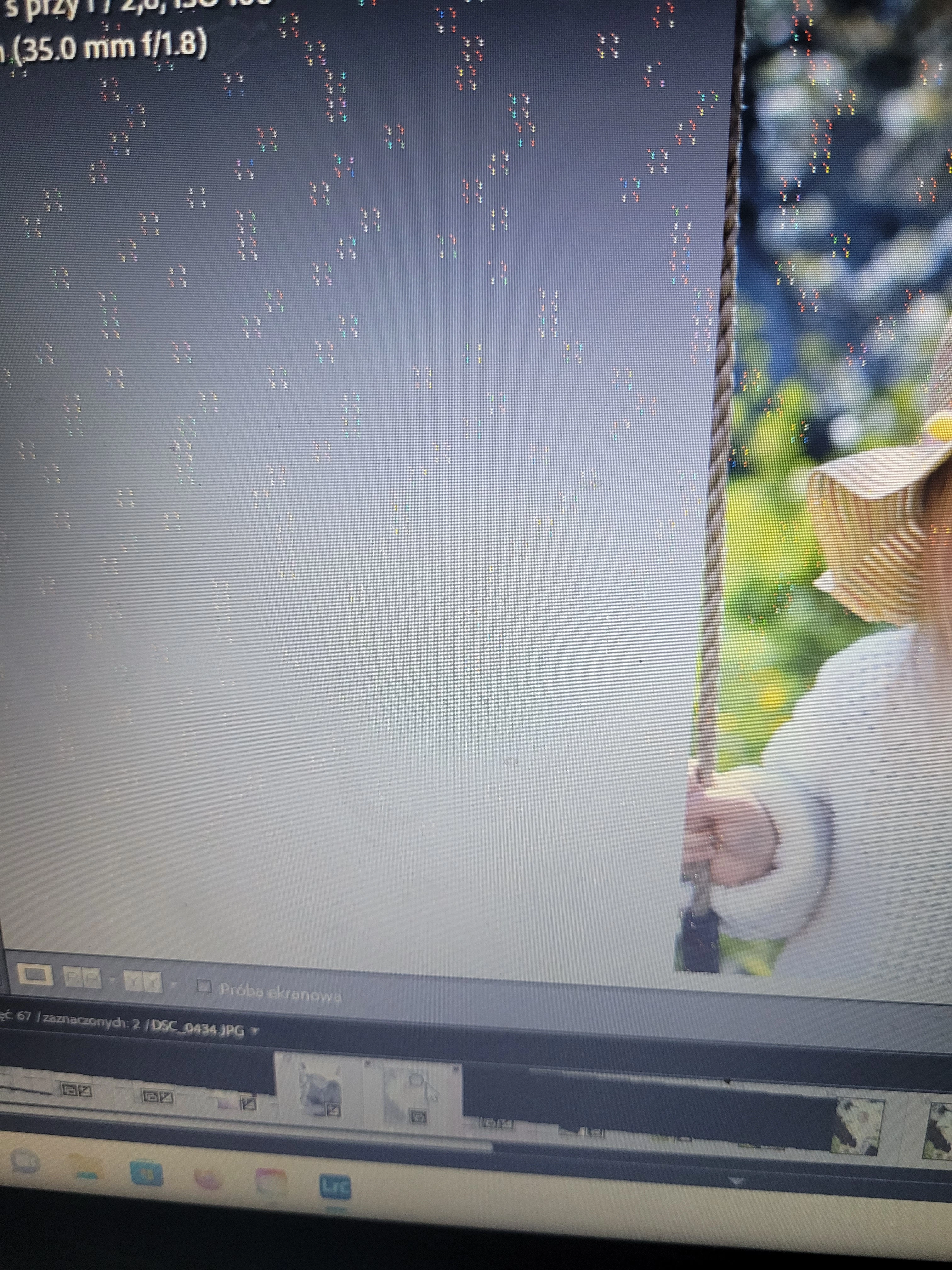
Which version of Lightroom are you using? Are you getting these dashes throughout the screen all the time?
Which file format are you working with?
Please disable the graphics processor; Go to Edit > Preferences > Performance. From the Use Graphics Processor drop-down menu, select Off. Quit and relaunch Lightroom.



 AdChoices