

Question
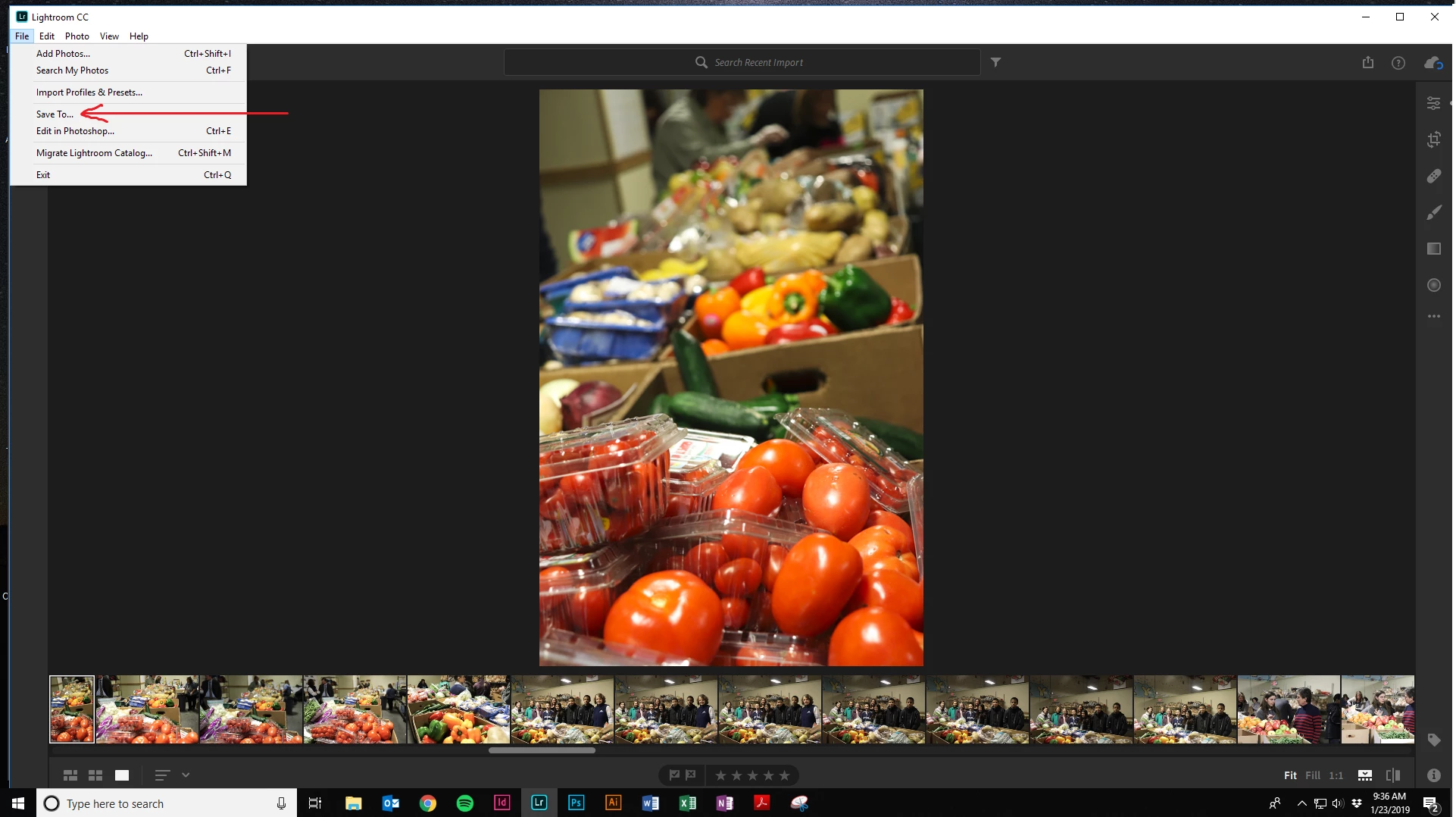
Keyboard shortcut for "save to" box in new Lightroom CC
Googling hasn't seemed to be much help on this issue. I'm trying to figure out what the keyboard shortcut is to open the "save to..." dialogue box in the new Lightroom CC for Windows. Searches bring up Ctrl+Shift+E and Ctrl+Alt+Shift+E but those don't seem to be working, and they're listed as Export rather than Save To. Has anyone had any luck with this? Screenshots below.


 AdChoices