This might be a temporary solution this thanks to Reddit (See Azriel0's comment) https://www.reddit.com/r/lgg6/comments/77oyoo/my_g6s_rawdngs_are_purple_whose_arent/
https://www.reddit.com/r/lgg6/comments/77oyoo/my_g6s_rawdngs_are_purple_whose_arent/
It looks like something's up with LG's profile on this thing. The metadata doesn't match the model number of my phone, and I think this might be a similar issue with all H873's.
In the linked Reddit thread, Azriel0's comment recommends downloading the DNG Profile Editor from Adobe. His attached profile didn't quite do it for me, but he gave enough information to work with. Here's what I did:
1. Open DNG Profile Editor
You can download this straight from Adobe at Digital Negative (DNG), Adobe DNG Converter | Adobe Photoshop CC
2. Open A Photo
Grab one of your purple-tinted DNG's that you want to work with. Find an example with neutral color (cloudy sky, etc)
3. Do one of the following:
a) Open the photo in DNG Profile Editor.
1. Click a neutral color with an excessively purple tint.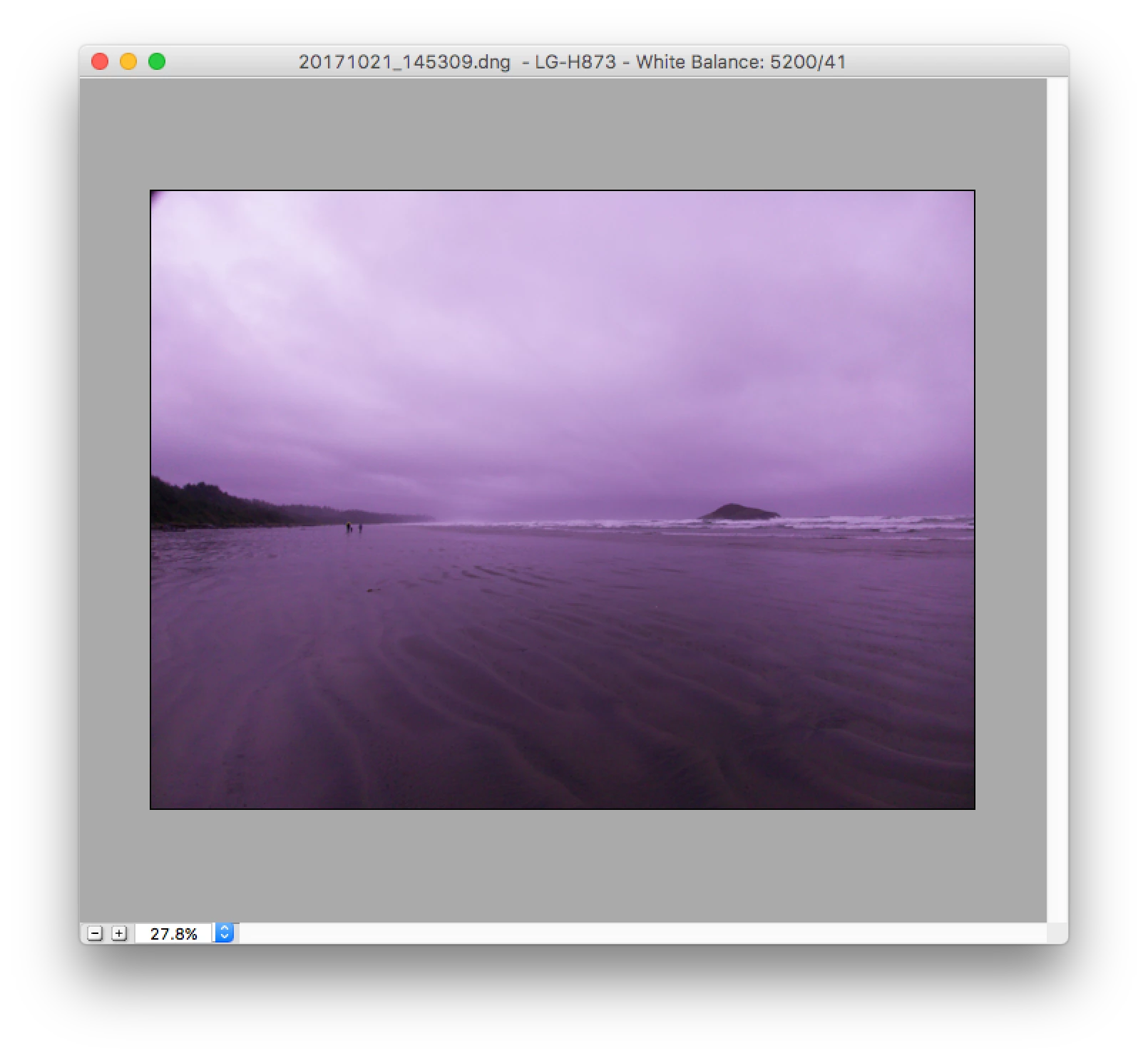
2. Click a purple part on the color wheel, and adjust the purple to point towards green, as following.
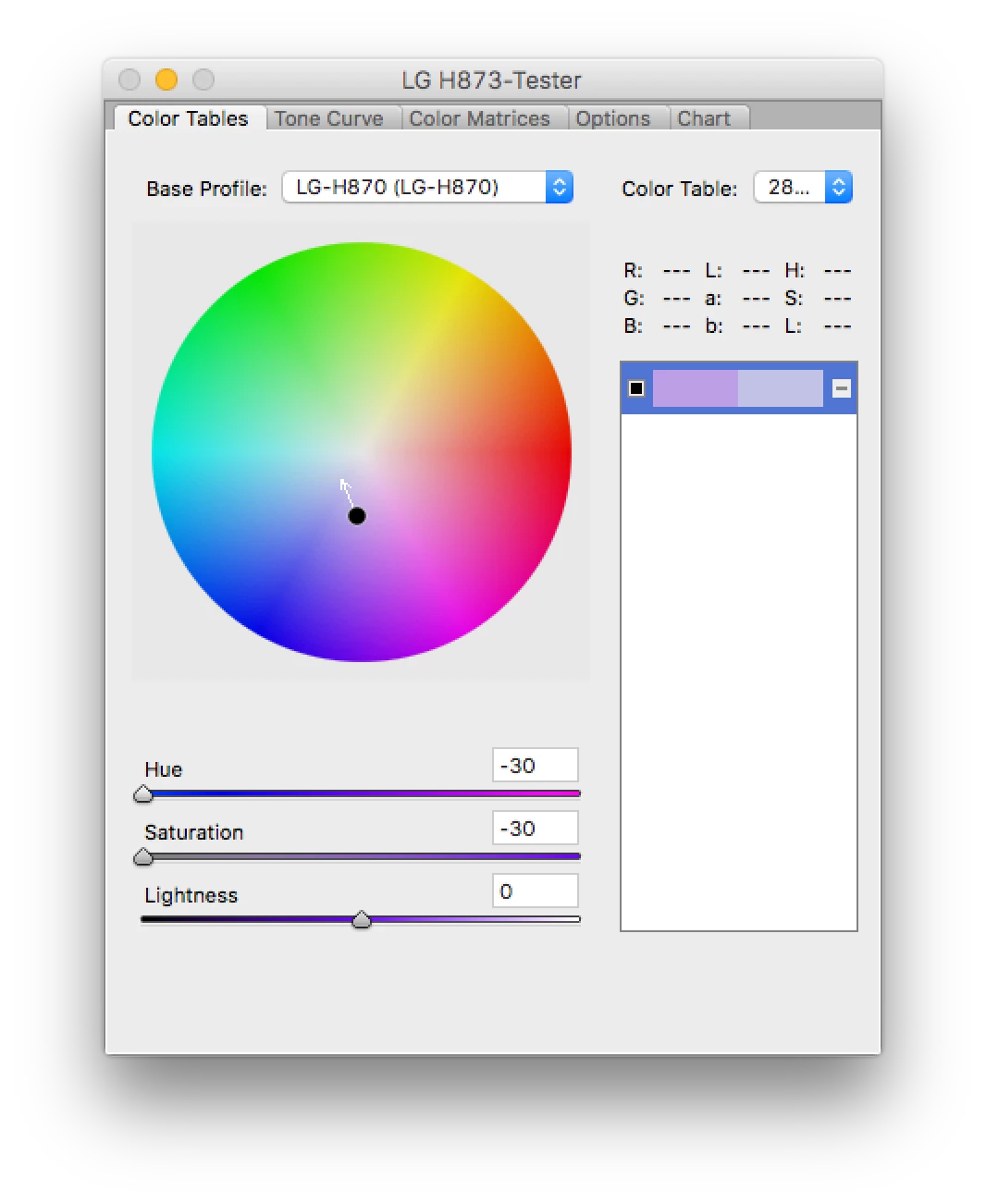
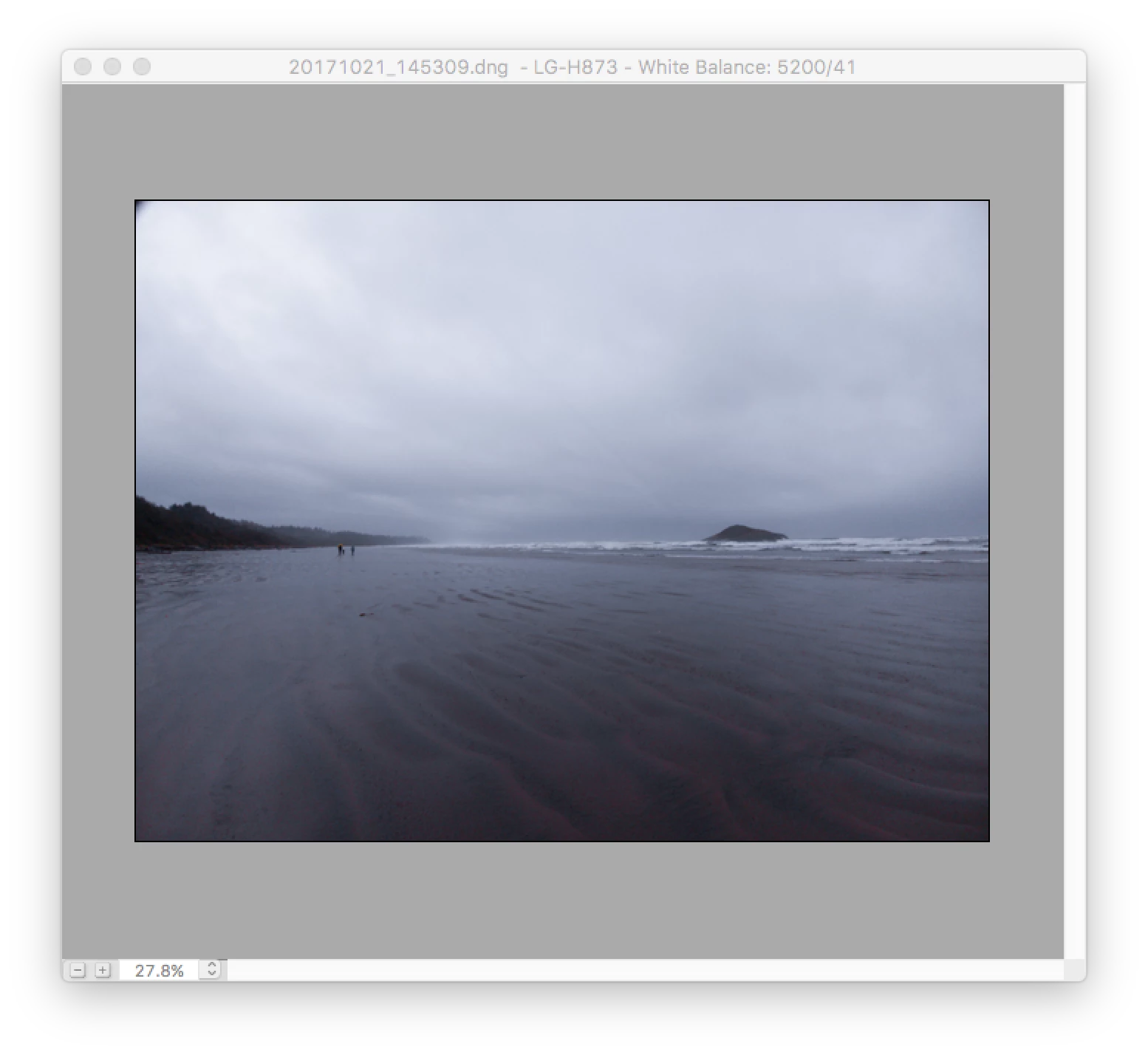
3. After making changes, export the new profile to {HOME FOLDER}/Library/Application Settings/Adobe/CameraRaw/CameraProfiles.
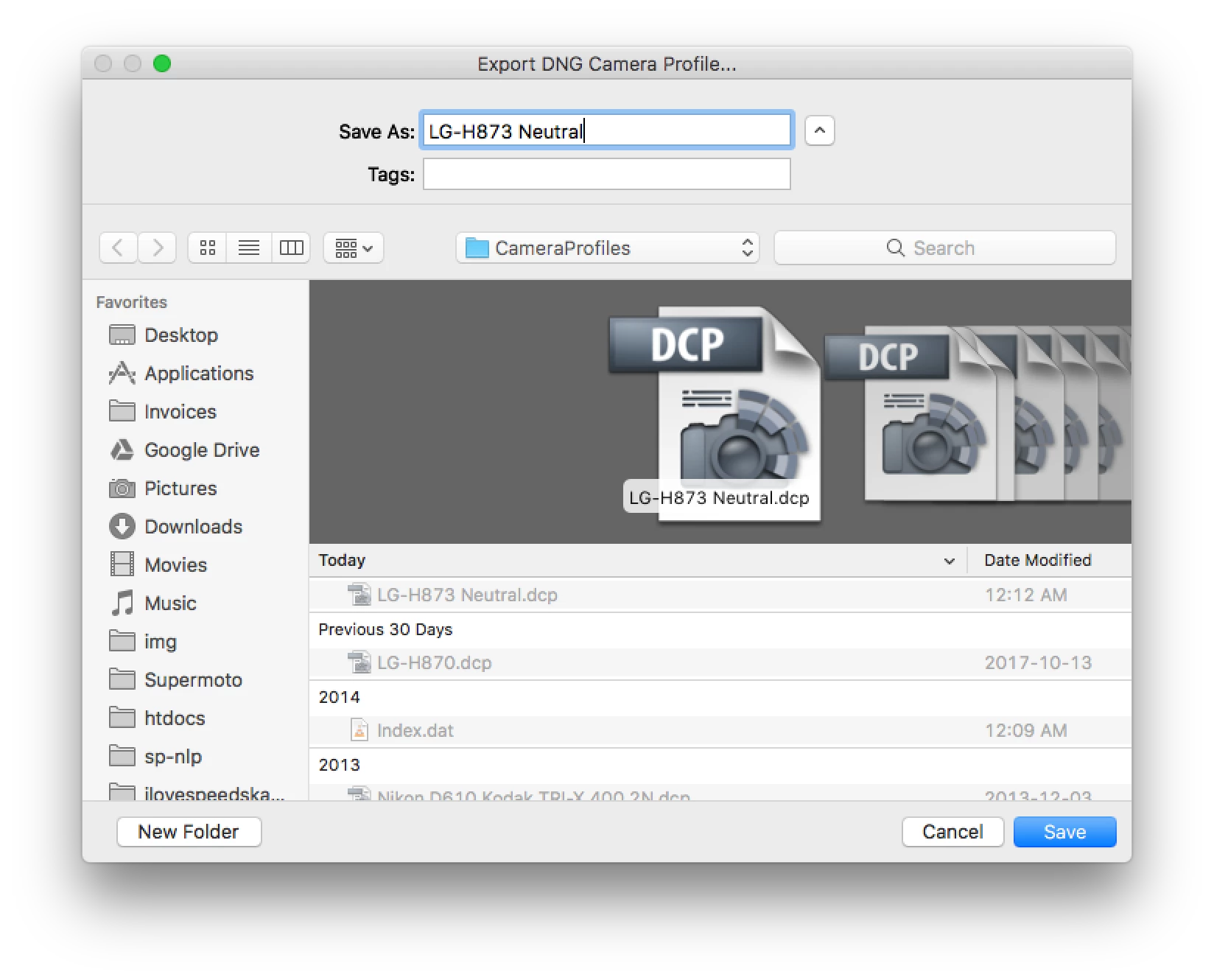
4. Import your photo to Lightroom. It should appear somewhat closer to normal.
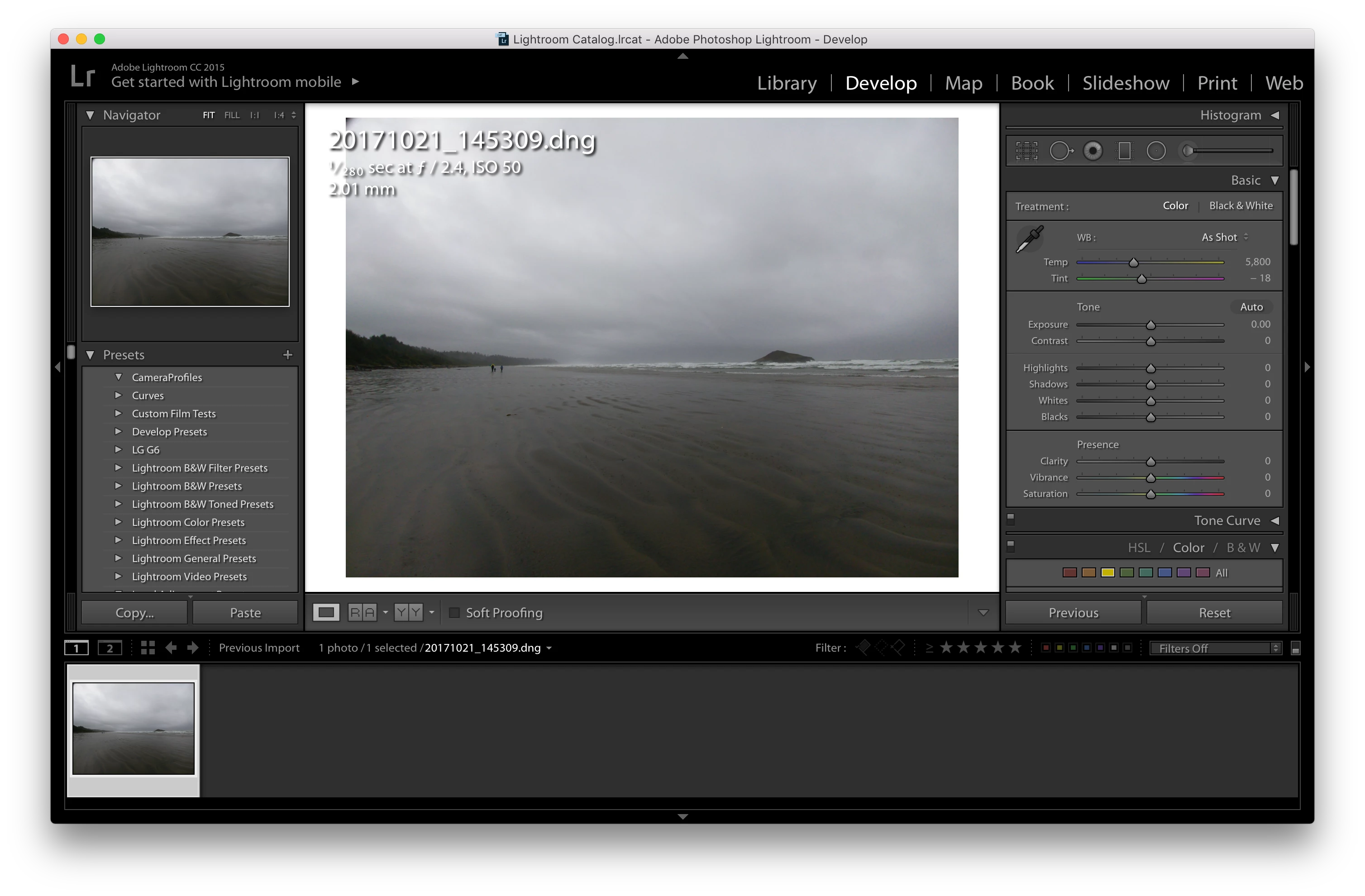
5. Now thanks to that newly-exported profile, you can throw it on all your old photos.
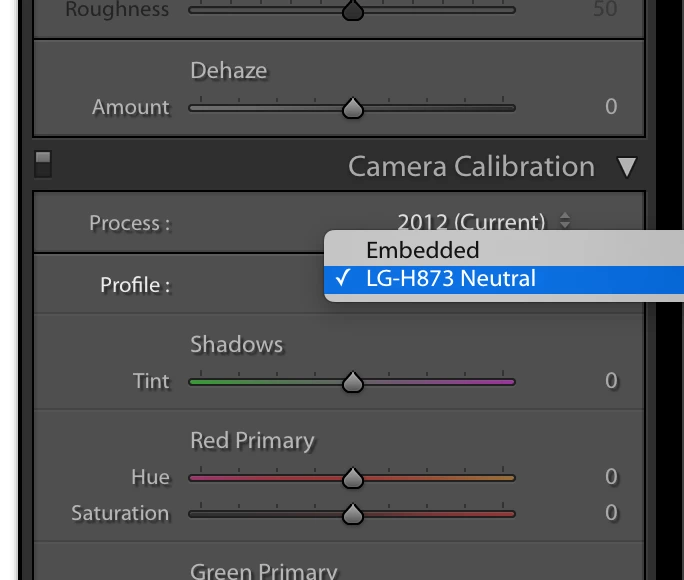
b) Or just download this starter profile (right click, Download) and adjust from there. Export from DNG Profile Editor as above, and it should appear in Lightroom.
------------------------------------
I hope LG figures out this issue in a future software update. Adobe might be able to bandaid this so we can use our photos in Lightroom Mobile, but for now desktop is actually usable with this phone.
Hope this helps someone!



 AdChoices