


Question
Light room presets don't work on Huawei p30 pro
I'm having an issue with importing presets into Light room on my p30 pro. the download Manager says it's downloaded to some "temparchiv" and once I clock on it it opens a folder and shows me the .Dng Files. However, once I tap on those I can't save them to my camera roll or anything. Only Print/save as PDF.
And if I close that I can't find that downloaded folder ANYWHERE. I've looked an searched through every folder on both my sd card and the internal memory. I always have to re-download it to try again.
I tried it with different zip Apps with the same result. The last one I used, "izip",
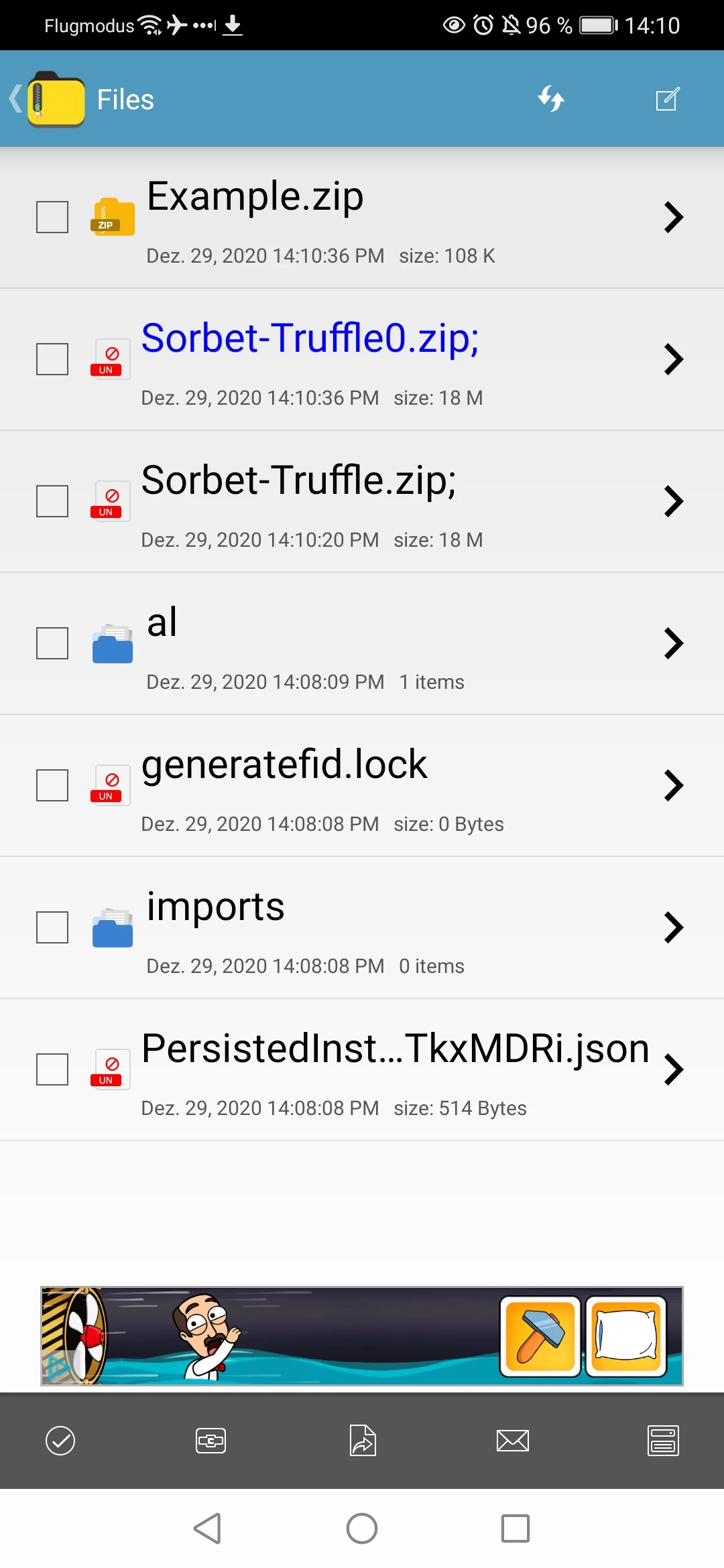
now showes me a Symbol that Looks like the file is unzippable (see photo file "sorbet-truffle"). Can anyone help?
 AdChoices