

Lightroom 2.4.1 ERRORS: Submodel does not exist; can only init the OrganizeModule
Hello everyone,
today I've downloaded the Adobe Lightroom App from the Creative Cloud App because I want to sync edited photos from my computer with the Lightroom App installed on my smartphone. When I want to start it, two error messages are presented to me, reading 'Submodel does not exist: catalog' and 'can only init the OrganizeModule once':
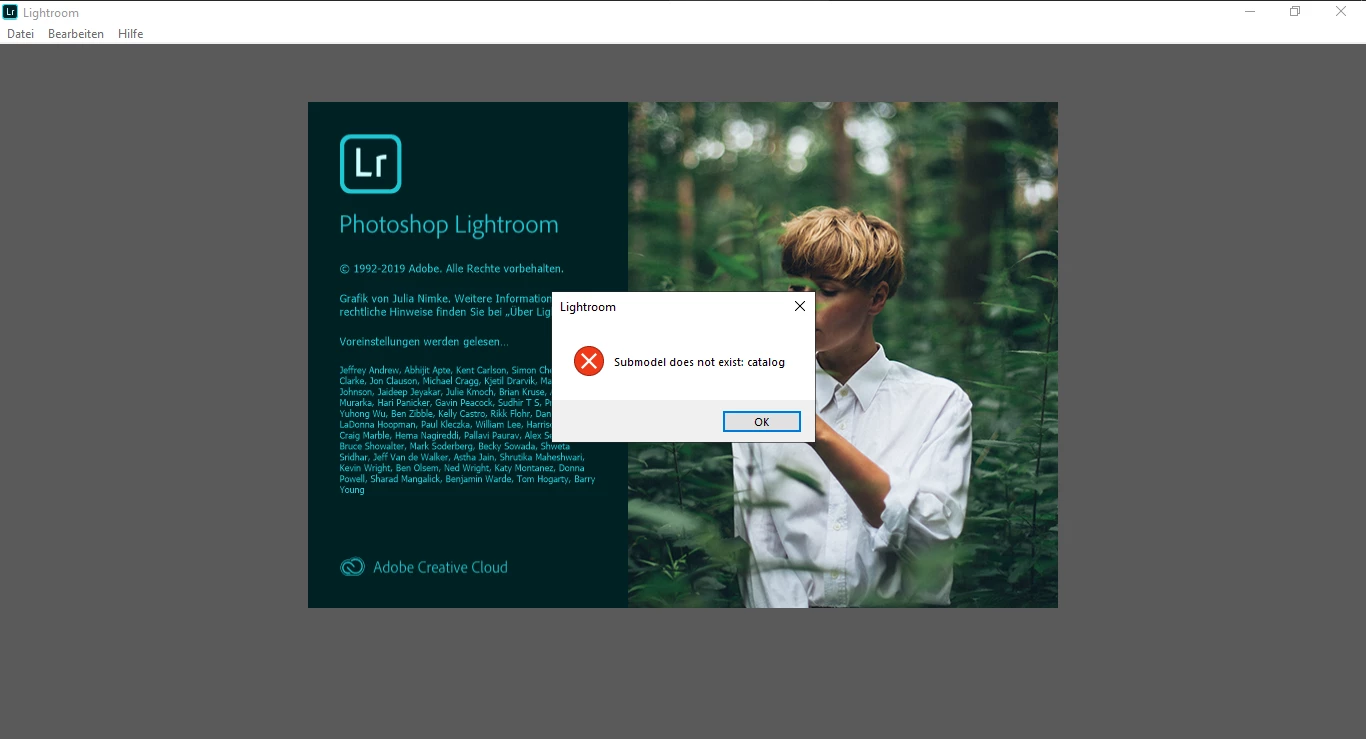
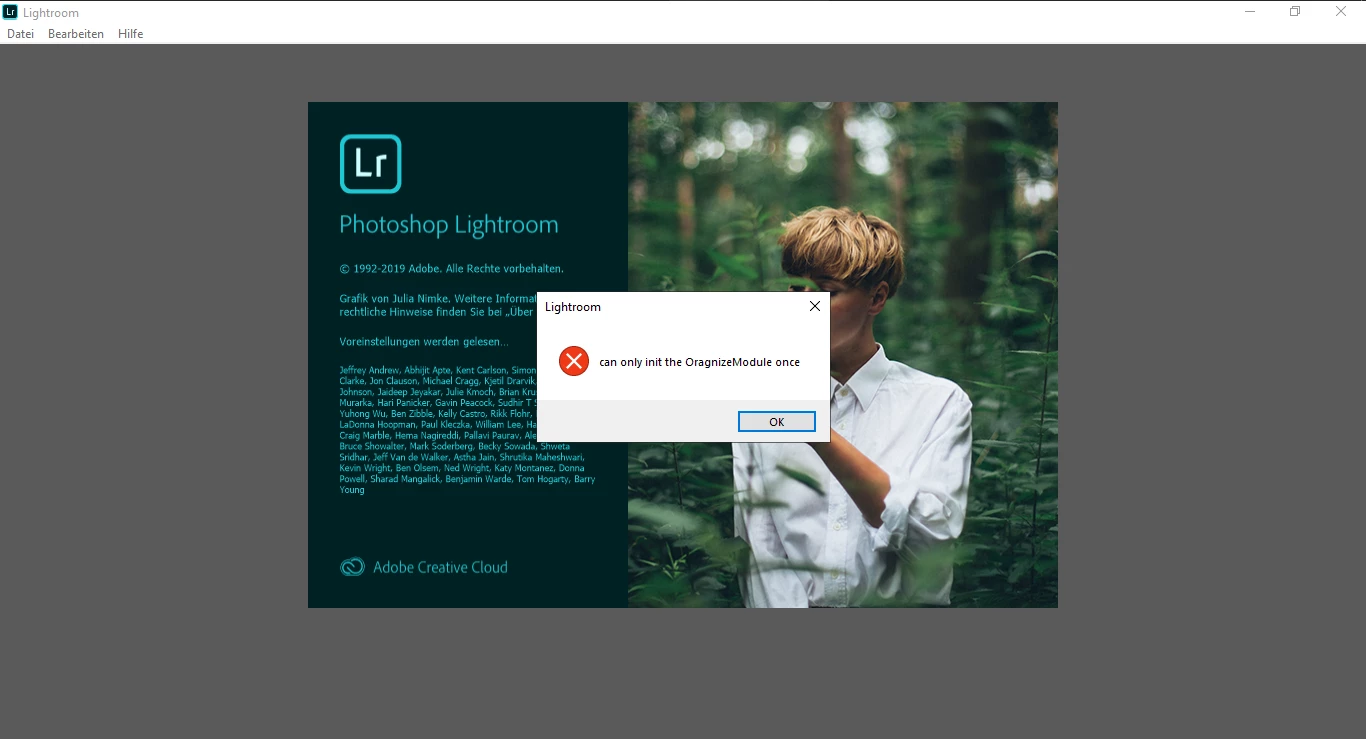
I have already re-installed Lightroom several times, also previous versions, but none of them work. As I tried to download the App today, I'm sure I downloaded the correct and latest version:

I am working on a Windows 10 computer, 64-Bit system, Intel i5-7200U, 8 GB RAM, if these information are of intereset.
So far I have not seen these errors in other threads or forums, so I hope someone can help me with this issue.
Best regards
Christian
{Thread renamed by moderator}
 AdChoices