
Participant
July 21, 2020
Question

Lightroom 3.3 on MacOS 10.15.5 constantly showing a blue spinning wheel while editing images

  • July 21, 2020
  • 3 replies
  • 650 views

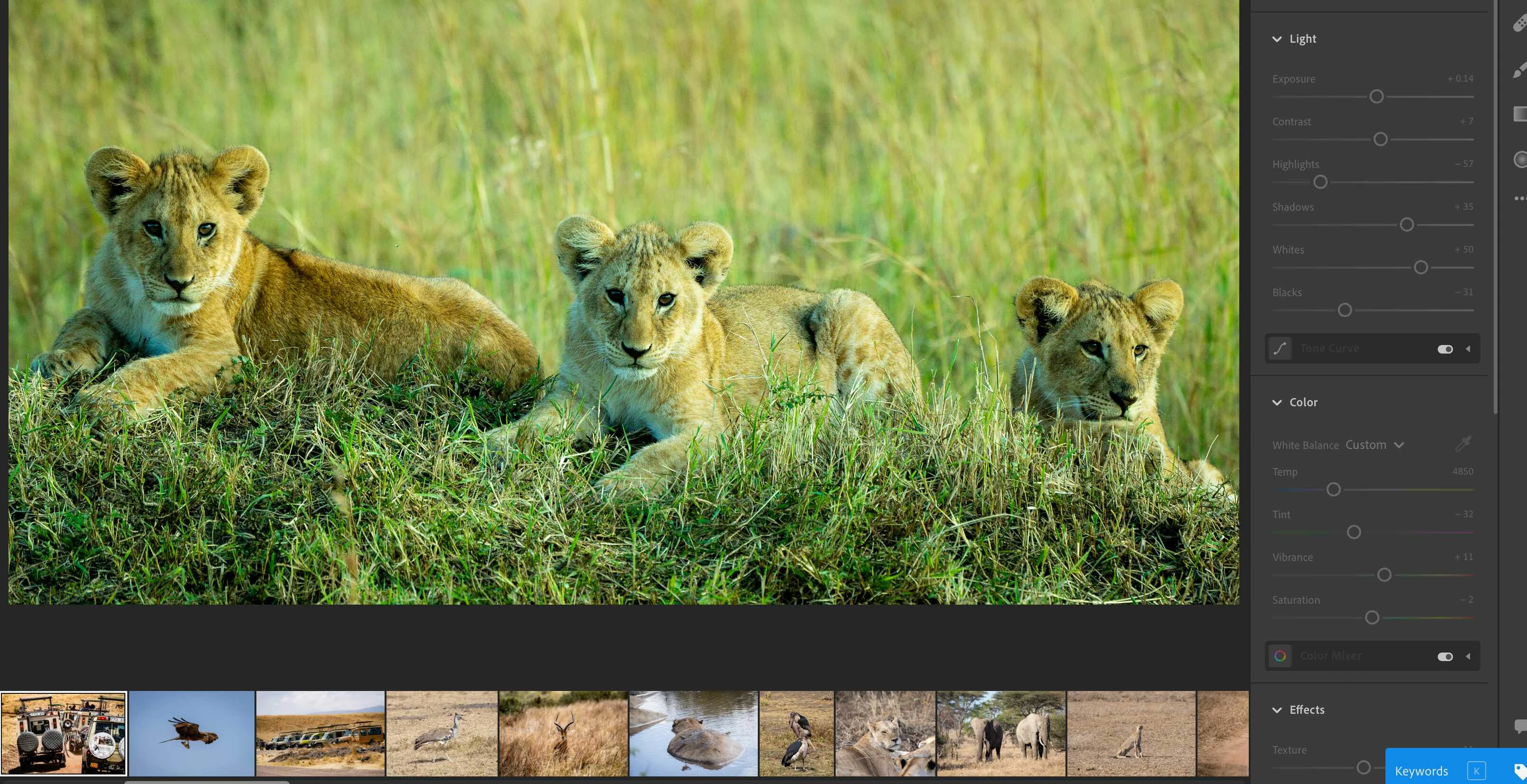
I've been having issues for the past few weeks since updating.  I'm running version LR 3.3 on MacOS catalina Version 10.15.5. when I got to select a different image, it doesn't move. I constantly get the blue spinning wheel of death.  Also, all my editing tools are grey'ed out. It's becoming a real pain.  I have to force quit etc.  it sometimes works and other times I get the problem I described above.  Any assistance would be appreciated.  
This topic has been closed for replies.

3 replies

Participant
August 4, 2020

Akash,

After unchecking the "use GPU for display", I am still having intermittent issues. Do you have any further troubleshooting steps that I can take? TIA

Akash Sharma
Legend
August 5, 2020

Would you mind resetting the Lightroom app preferences to default? Press and hold the Shift + Option + Delete keys.(Mac) or Press and hold the Shift + Alt keys while starting Lightroom. A dialog box should appear asking you restore the preferences.


Let us know the outcome.


Thanks,

Akash

Participant
July 27, 2020

Same problem here. Definitely started with upgrading to v3.3. Occurs almost every time I close my macbook when running Lightroom. Then later I open it to a forever spinning wheel.

Akash Sharma
Legend
July 28, 2020

Hi there


Sorry that Lightroom desktop 3.3 shows a blue spinning wheel every time you put your MacBook to sleep. 


Do you have any pending sync activity in Lightroom when you close your Mac? 


Thanks,

Akash

Participant
July 28, 2020
I often do have pending activity either sync or have an image that I am
editing in Photoshop (launched from LR via Cmd-E)
Akash Sharma
Legend
July 22, 2020

Hi there,


Sorry that Lightroom desktop 3.3 does not load images and keep showing a blue spinning wheel while editing images. 


Would you mind unchecking the option "Use GPU for display" under the Preferences> Performance menu in Lightroom? 


Let us know how it goes.


Thanks,

Akash

Participant
July 22, 2020

Akasha, 

Thanks for the reply however my Macbook pro is running Radeon Pro 460 4 GB . When I go to the performance GPU Section, it says " your system automatically supports full acceleration ".  I'm assuming I would not be levering my GPU to it's fullest if I deselect "use GPU for display"


Thanks

Akash Sharma
Legend
July 24, 2020

Unchecking the GPU is a way to test if the original problem is linked to the GPU or not. This way we can troubleshoot the GPU specific issue. Does unchecking it makes any difference to  the initial problem?


~Akash