


Lightroom 6.3.1 Local Storage transfer won't stop
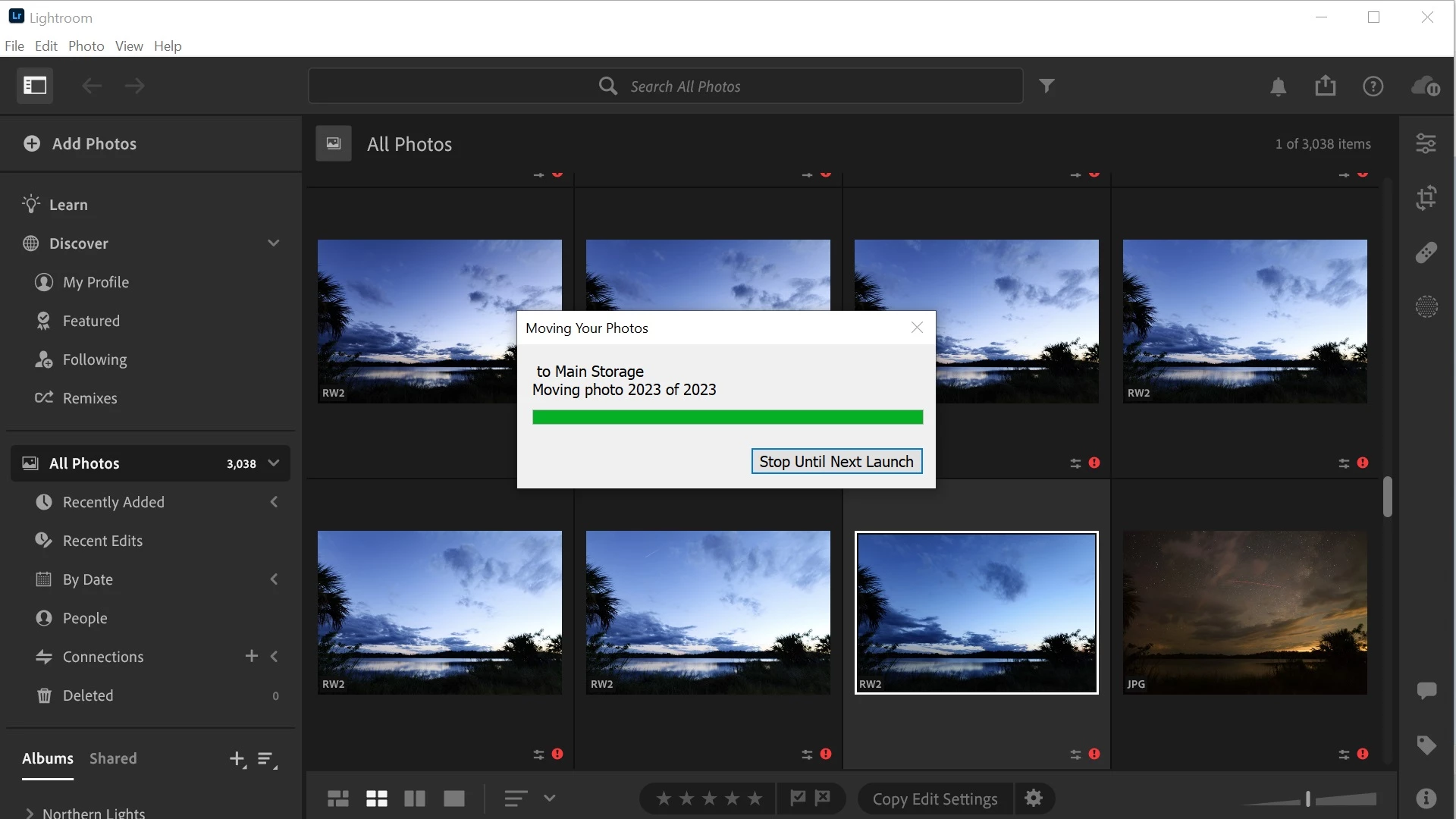
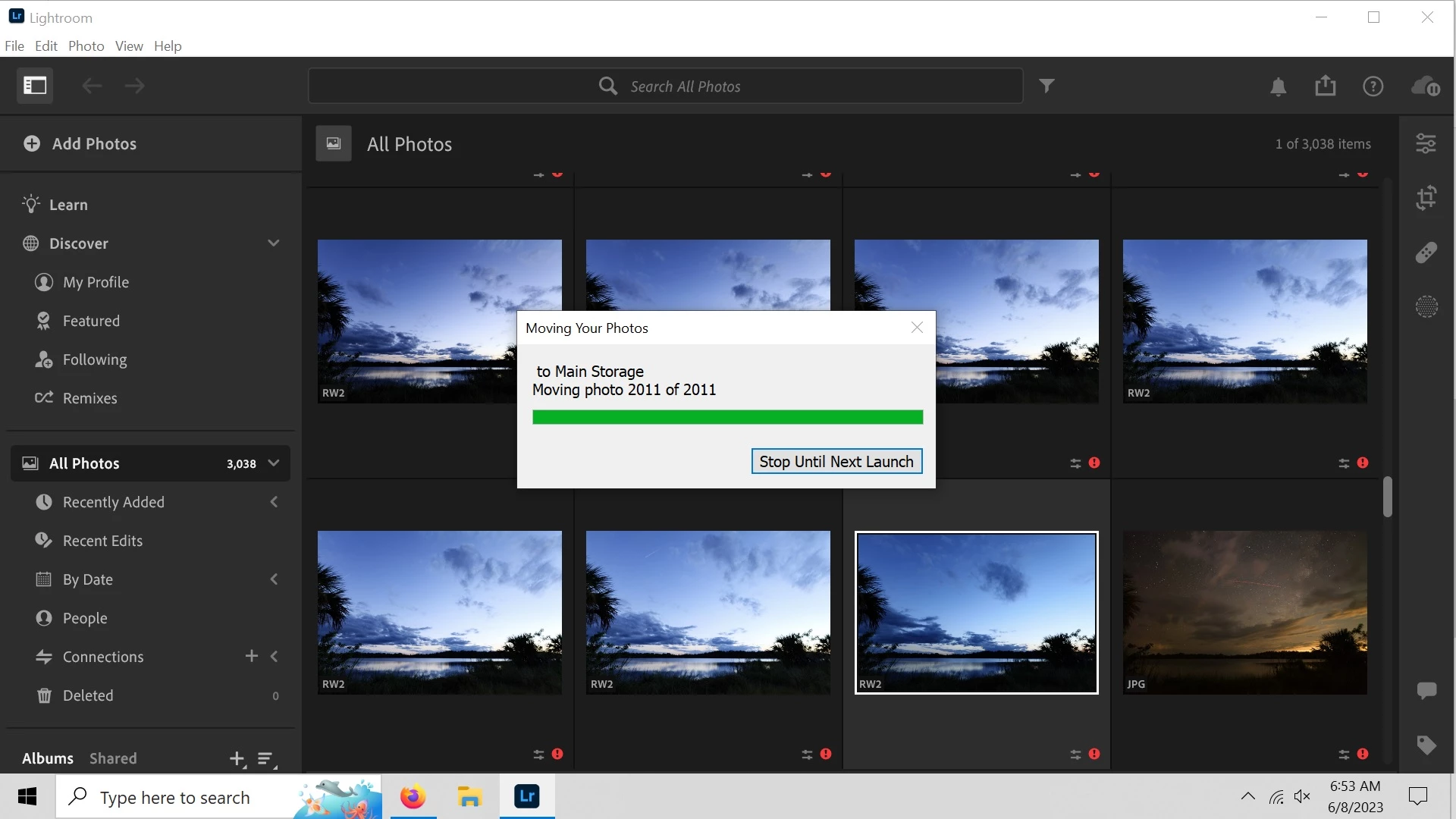
Hello I've been using lightroom for about a year now and during a move I started using it on a laptop but quickly ran out of storage space so I discovered how to change the local storage to an external drive and it worked perfectly. Well I finally got my desktop back up (Win10 Home 64Bit) and decided to do the same thing but after selecting the new drive and making a folder Lightroom will not transfer the photos. According to the menu I only have about ~3100 photos on the desktop in Lightroom and around ~16,000 total on the computer but after letting the Moving your Photos dialog box run for several days it ran up over 38,000 before my PC restarted at some point during the night, I tried to set the storage back to the default and it will open and transfer about ~1800 photos like it should but every time I try and use my other drive it will count up to the initial "XX of XXXX" photos and then when it reaches the expected number it will just continue to climb and won't stop as seen in the attached screenshots.
Anyone ever see this happen?
 AdChoices