

kristianh27059556
Participant
April 2, 2020
Question

Lightroom adding photos to cloud library without importing it to the drive

  • April 2, 2020
  • 1 reply
  • 316 views

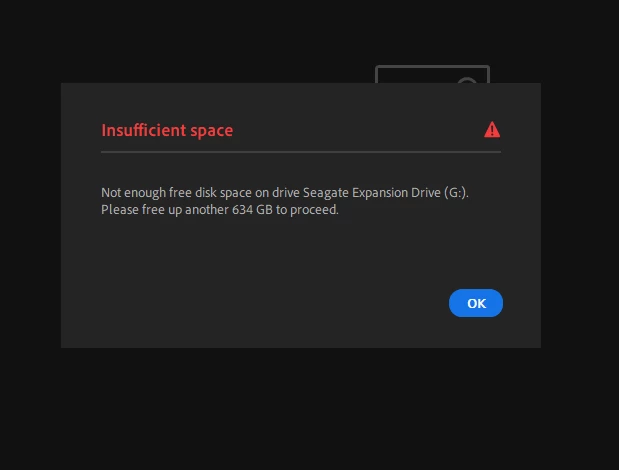
The photos is on an external hard drive. I want to open a folder with lightroom, but when i do the program want to import them. Not just adding them to the cloud.

I've tried to change the local file space to the external drive. Still the same results.

Does anybody know how I can add them without importing and duplicate them?
This topic has been closed for replies.

1 reply

selondon
Community Expert
Community Expert
April 2, 2020

Hi, 


I posted this on another thread, I don't know if it will help.


You can set your photo cache is the Preferences to a smaller amount (applied after app restart).

Also as Lightroom makes a copy on it's local disc before uploading to the Cloud, it is advisable to import and upload in batches (the next import should partially replace the older one in the cache).

Also as FYI, you can only store a copy of the originals on an external drive. The main library is located on the local disc, and that is where the app inports into.


Alternatively you could try uploading direct to http://lightroom.adobe.com/