
jamesking2108
Participant
August 25, 2018
Question

Lightroom CC 2018: I cant import photos.

  • August 25, 2018
  • 1 reply
  • 3191 views

Hello there,

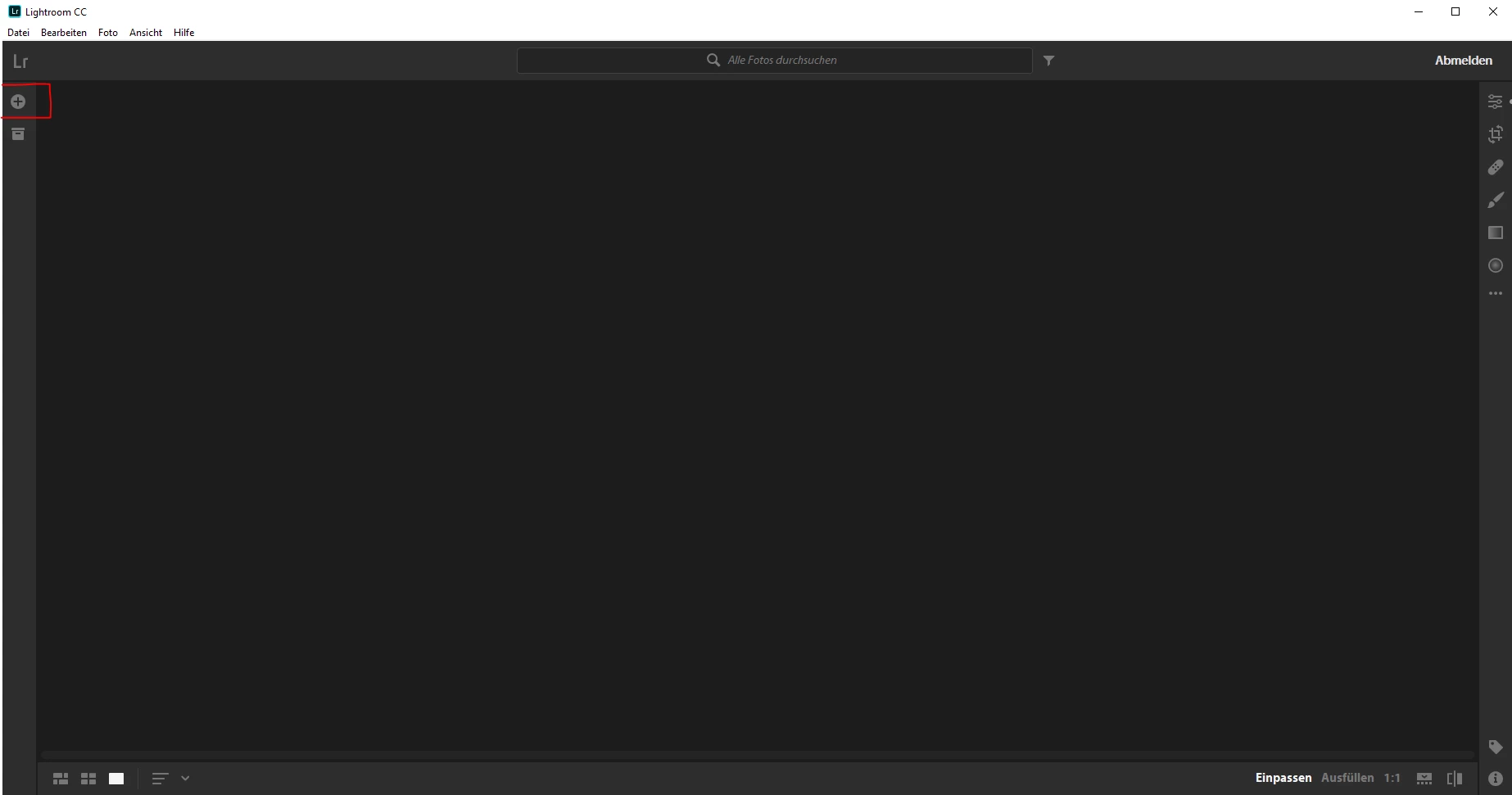
Yesterday I downloaded lightroom cc 2018 from the creative cloud and also today I installed the latest update when everything was ready to go I wanted to try it out directly and launched lightroom. then I wanted to import pictures but the button to import does not respond when I click on the small round plus nothing comes. I tried to reinstall it but the same error is still there. I hope you can help me.

-James
-

Moderator: Moved from Adobe Creative Cloud to Lightroom CC — The cloud-based photo service

This topic has been closed for replies.

1 reply

99jon
Legend
August 25, 2018

The image shows you are not connected. Try signing in from the Help menu or launch Creative Cloud and open from the Apps tab.

jamesking2108
Participant
August 25, 2018

Thanks for your fast anwser but I launched lightroom over creative cloud and its still not working...

99jon
Legend
August 25, 2018

Quit all applications

Re-start your computer

Launch Creative Cloud and go to the Apps tab.

Try a refresh by pressing Ctrl+Alt+R

Then install LRCC again.