
Participant
November 12, 2019
Question

Lightroom CC and Photoshop no longer allowing me to edit

  • November 12, 2019
  • 4 replies
  • 473 views

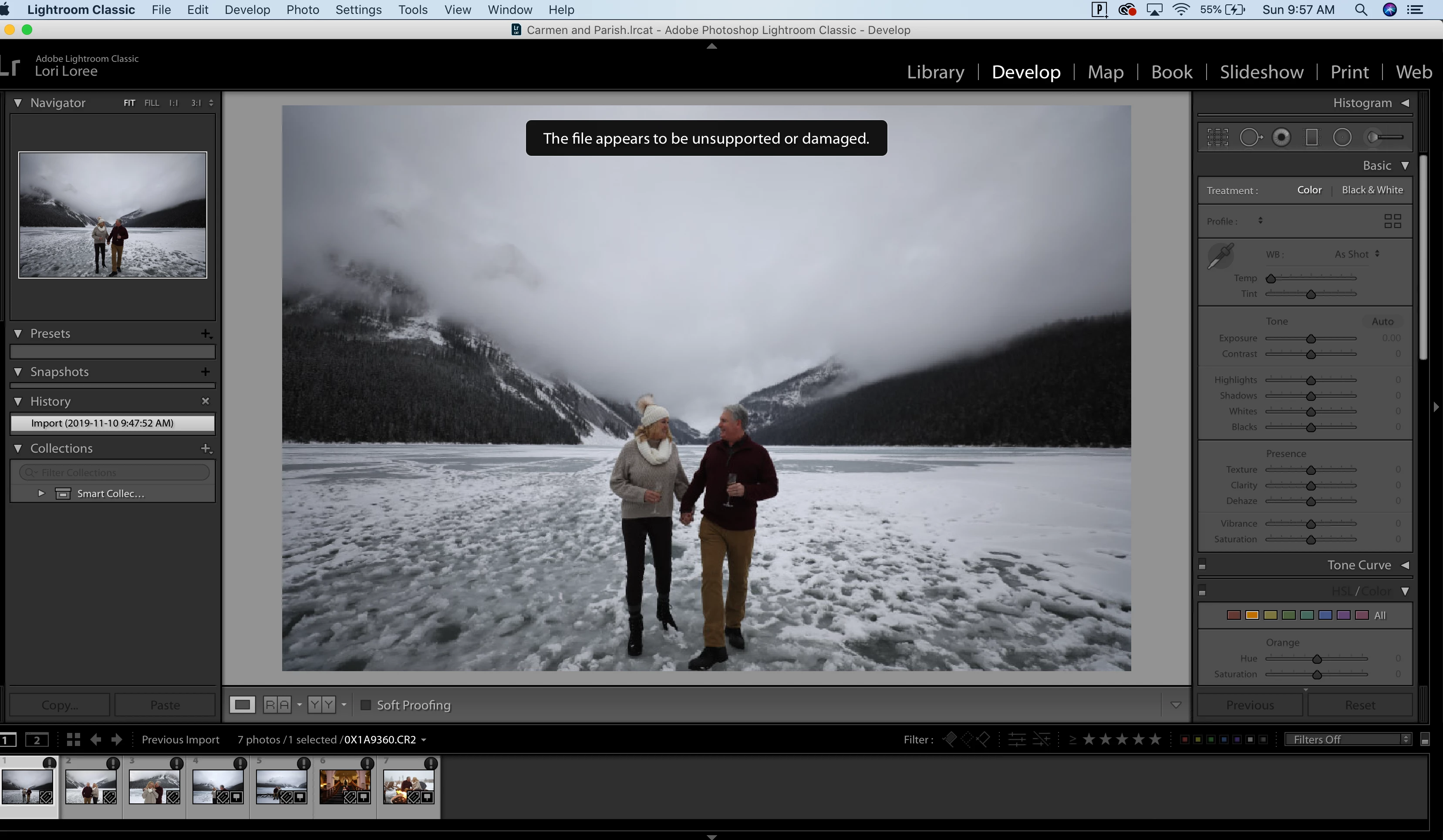
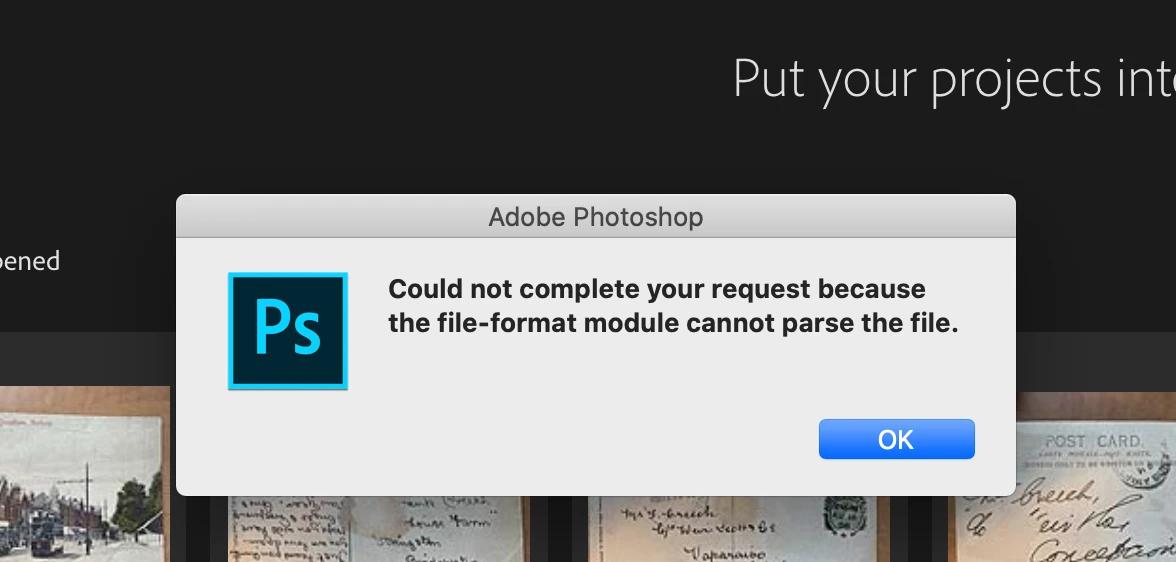
Hi guys! So I'm a pro photographer and I use Lightroom and PS daily. Satuday I went to upload a session as normal, and I get this. I CANNOT edit my RAW files. I sent some to a friend, and they worked for her, so it's not the camera, files or memory card. I can save them as JPEGs and then upload and edit, but I don't want to do that. Help!
 

This topic has been closed for replies.

4 replies

Rob_Cullen
Community Expert
Community Expert
November 14, 2019

Loril,

Are you possibly using a NAS?

See this forum thread on NAS topic-

https://community.adobe.com/t5/Lightroom-Classic/Lightroom-is-corrupting-the-original-jpeg-files-on-a-NAS-Backups/td-p/9523488


"A Brand new Macbook"- There have been reports of 'early' Mac drive failures! So do not discount a problem with the hard-drive without testing at a Mac store.


(Nikon software reply was directed to the 'AnselPixel' post)

Regards. My System: Windows-11, Lightroom-Classic 15.3, Photoshop 27.5, ACR 18.3, Lightroom 9.3, Lr-iOS 10.4.0, Bridge 16.0.3 .
Rob_Cullen
Community Expert
Community Expert
November 13, 2019

anselpixel..

Are you, by any chance, using Nikon software to 'import' or download your camera files?

A computer 'Crash' is more likely to be hardware or video-card related than Lightroom.

More exact details from you might also help with a diagnosis.

Regards. My System: Windows-11, Lightroom-Classic 15.3, Photoshop 27.5, ACR 18.3, Lightroom 9.3, Lr-iOS 10.4.0, Bridge 16.0.3 .
Participant
November 13, 2019

Nope. Canon. I've tried two ways. One just moving the files from the memory card to my computer and second, importing through Photo Mechanic....which is what I always do.

Rob_Cullen
Community Expert
Community Expert
November 13, 2019

Loril...

The Preview files in Lightroom indicate that the files are corrupt for some reason.

The black circle with an exclamation mark on the thumbnail border is an indicator of corrupted files.

The files you "sent to a friend"- did you copy them from your hard-drive location, or did you copy from the Camera card?

Investigation may reveal that there is a problem with a hard-drive reading your files. Do you still have them on the camera card to download again?

As Photoshop also has problems with the files it indicates damage to the files on the hard-drive.

And- How do you save them to JPGs, exactly?

Regards. My System: Windows-11, Lightroom-Classic 15.3, Photoshop 27.5, ACR 18.3, Lightroom 9.3, Lr-iOS 10.4.0, Bridge 16.0.3 .
Participant
November 13, 2019

I wish that was the case. It's not. I tried a totally different camera, with a different memory card and a different card reader. Same result. My friend can edit the photos on her computer. It's something with the computer/software. I also run a brand new Macbook....so there is also that. To convert to JPEG, I did that in Photomechanic. I've also tried uninstalling Lightroom and putting it back on....no luck. Also, I've even tried importing directly to Lightoom, old RAW files that I've previously edited editing in LR and they are saying the same thing. So to me, this is a LR issue.

Participant
November 13, 2019

After the last updates, NEF files crash PS on both my machines. I followed the convert to DNG advice, and can open the files in the LR editor, but the speed loss is tremendous.