

Lightroom crashing whole operating system (Mac OS 10.15.5)
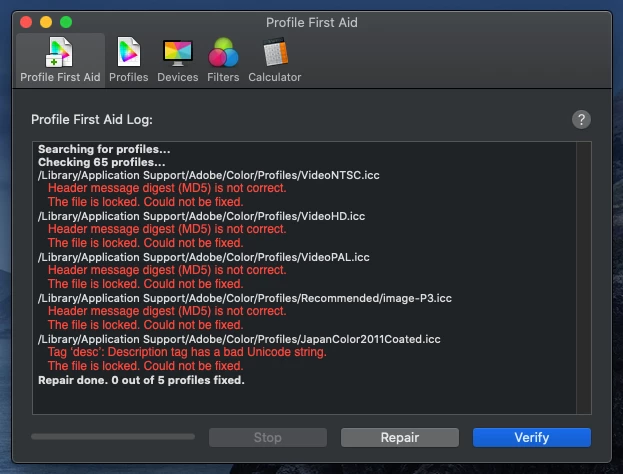
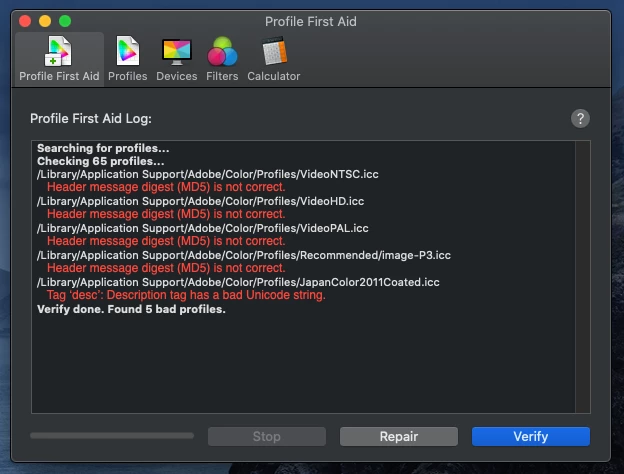
I updated Lightroom to 3.3 and also recently got a monitor (Dell S2719DC). I'm using Mac OS 10.15.5. Lightroom has been causing my entire OS to crash. It happened while editing photos after about 5 mins of having the application open. I couldn't discern what triggered it. Then I wanted to just get two photos exported, and that seemed to trigger it -- not exporting one at a time, but selecting both and exporting together. On restard, my Mac was also bringing up the ColorSync utility. When I clicked verify, it gave 5 errors, and when I tried to repair, it couldn't repair them. I'm not sure if this is related to the crashing or not. Lastly, I have the issue of 3 photos stuck in eternal sync in Lightroom. I've selected "All Photos" and filtered by sync status -- none show up. No idea what 3 photos are the issue. I've attached 4 crash reports (in one txt file) -- I have no idea what they mean (why I'm here asking).
 AdChoices