
Participant
July 21, 2022
Question

Lightroom deskop Importing error with ARW RAW Files on macOS

  • July 21, 2022
  • 1 reply
  • 111 views

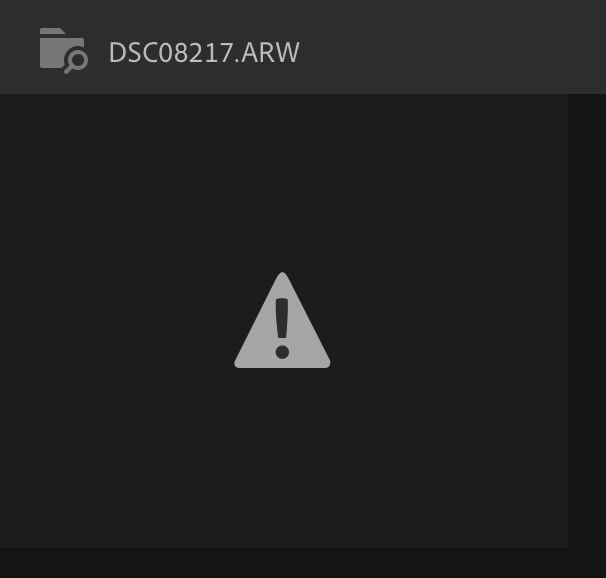
 When importing my raw files to lightroom cc, the first few were transferred without a problem, but at some point, all files showed the following symbol instead of the usual picture preview. I could not find any  import duplicate threshold  as there is in lightroom classic.

I read other threads but could not find any answer. Any help would be highly appreciated. 


{Thread title updated by moderator}

This topic has been closed for replies.

1 reply

Sameer K
Community Manager
Community Manager
July 21, 2022

Hi there,


Thanks for reaching out. We're sorry for the trouble with Lightroom. I'd love to help you figure this out.


Could you please share the version of Lightroom & the operating system you are working on? Has this started to happen recently? Have you newly imported a large batch of images in Lightroom? Where are the original photos stored on an internal or external drive?

Does this happen with ARW RAW images only, or does JPEG behave similarly, too? How many photos are you importing at once?


Could you please share some sample ARW images? Upload to Creative Cloud files (https://assets.adobe.com/files) and share with us here or via the DM.


Could you also share a screenshot of this screen in Preferences > Local Storage?


On this page, please also try using 'Clear Caches' & restart Lightroom.


Let us know how it goes.

Thanks!

Sameer K