Answered
Lightroom Desktop 2.3.1 on MacBook Pro: Error while checking disk space
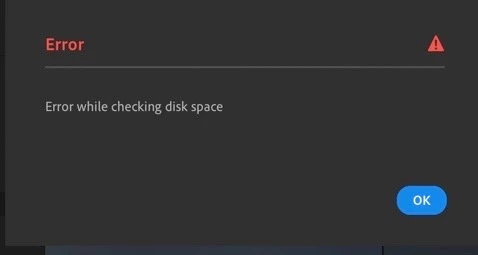
This is the error message I get when try to import photos onto Lightroom on my MacBookPro.
Please advise.
This is the error message I get when try to import photos onto Lightroom on my MacBookPro.
Please advise.
Hi there,
Sorry that you're getting an error message that says "error while checking free disk space" while importing in Lightroom desktop 2.3.1
Please update to the latest version of Lightroom Desktop 4.1 to see if the issue still persists. See: https://helpx.adobe.com/lightroom-classic/kb/keeping-lightroom-up-to-date.html
Would you mind checking out the suggestions offered in this conversation https://feedback.photoshop.com/photoshop_family/topics/import-stuck-on-checking-free-space-on-disk and let us know if that helps?
Thanks,
Akash
Already have an account? Login
Enter your E-mail address. We'll send you an e-mail with instructions to reset your password.
 AdChoices