
Question
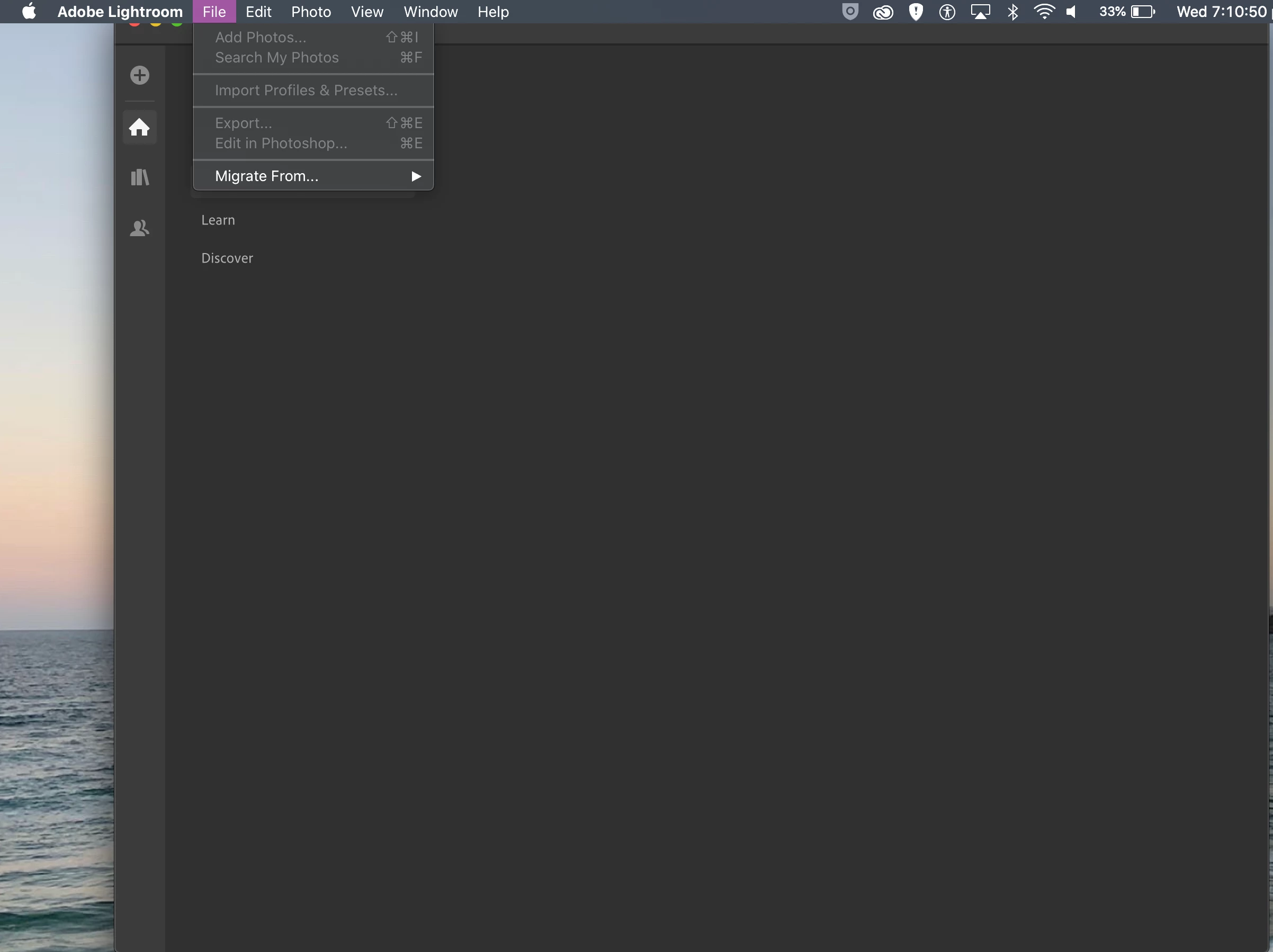
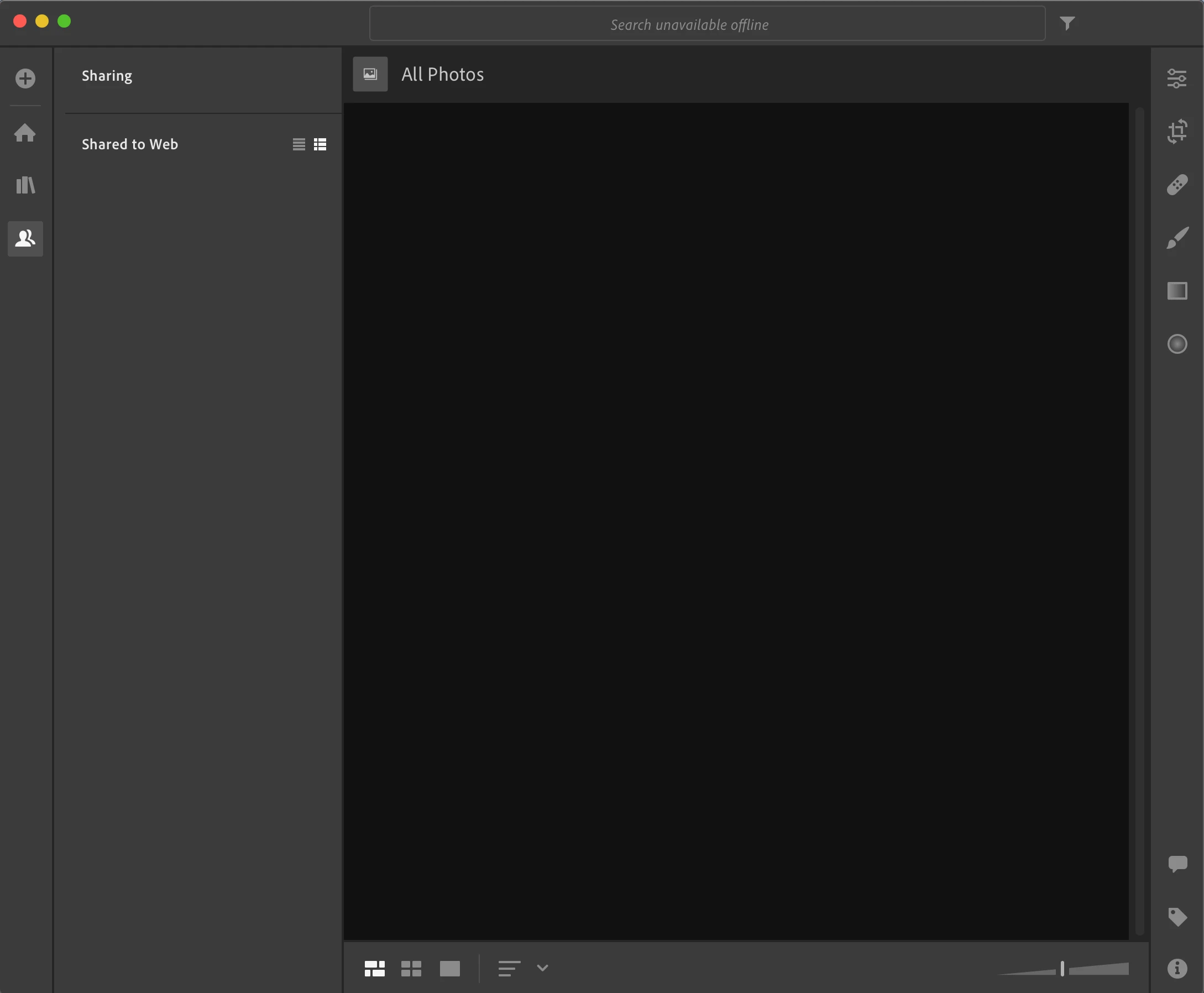
Lightroom Desktop homescreen stays blank and does not connect to the internet
I have the newest version of Lightroom (cloud) but it will not connect to the internet so therefore I cannot import or edit photos because when I try to press the add. button nothing happens. I am on a Macbook Air 2018 and have tried updating my laptop, deleting and reinstalling the application as well as restarting the app but nothing is making a difference. I am on an all-access creative cloud membership and all other applications are working perfectly.
 AdChoices