
Lightroom details darker then filmstrip, Lightroom web and exported picture.
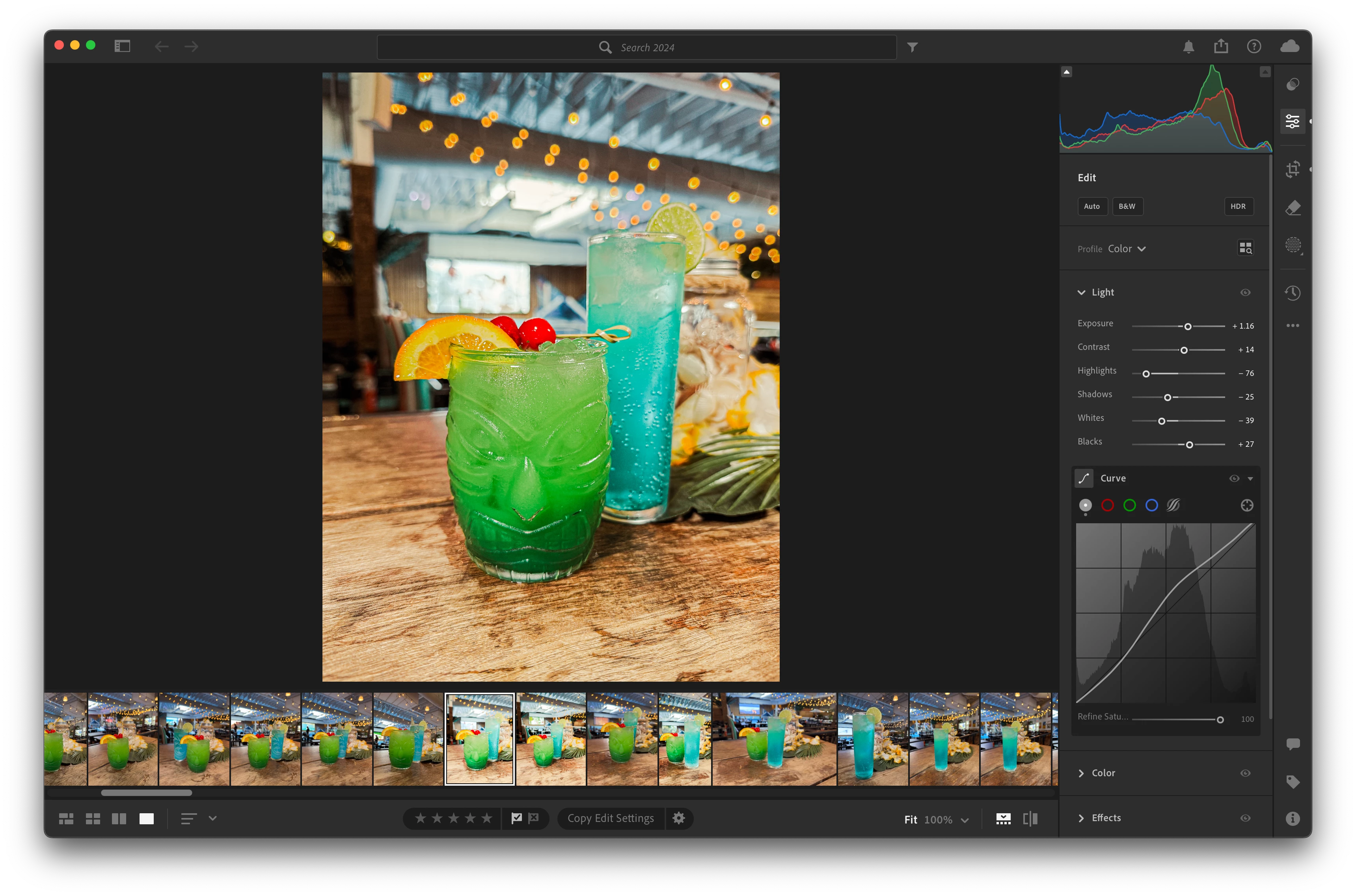
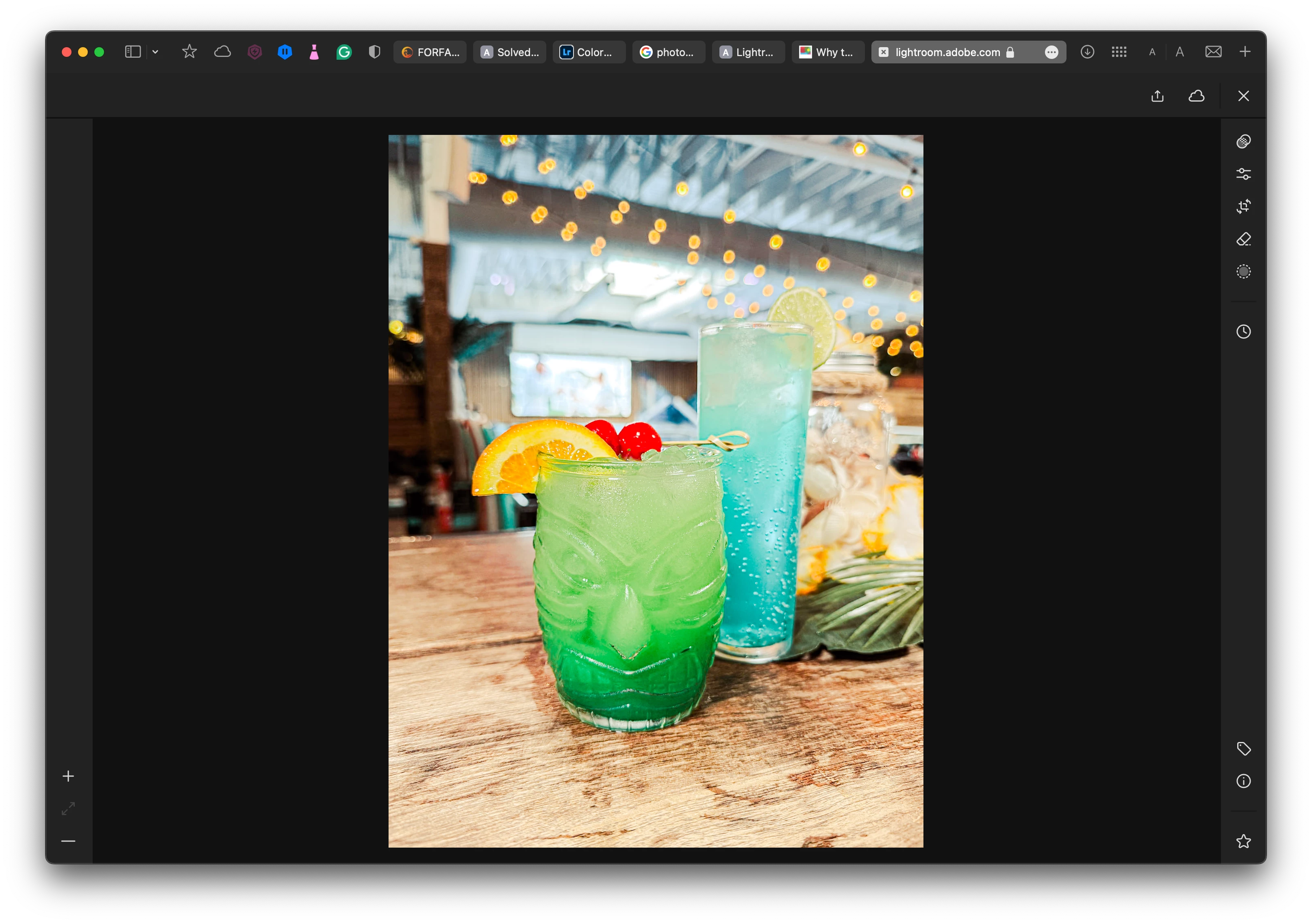
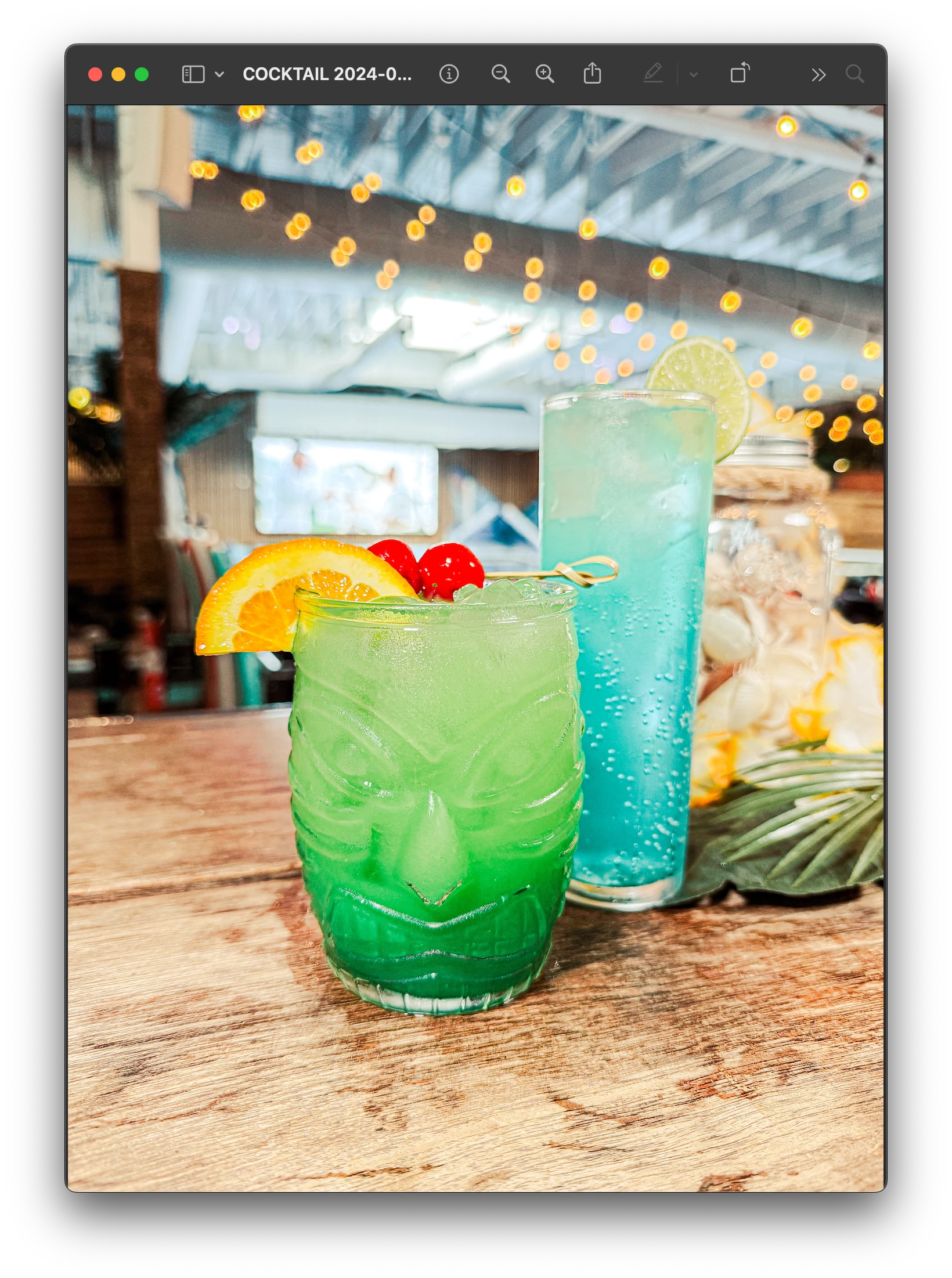
So I've been using Lightroom for many years and never encountered any issues like this but I've been having this issue lately and it's driving me nuts! I have looked for an answer on this community and Google but to no avail after trying many things... So what is happening is I edit my pictures how I like but then the picture becomes over exposed in the filmstrip and when I export the picture, in detail mode the picture is the way I want it. I made a test and opened the file from my cloud account into Lightroom on the web and the pictures is also overexposed on the web in detail mode, so I'm able to fix the over exposure on the web, which is giving an extra step for no reason as I should be able to do it all in the app. Attached are printscreen showing what I mean one for the app, one for preview and one for Lightroom web. So my question is how would I go about fixing this? Would uninstalling Lightroom fix the issue? The weirdest part is when I come back to the edited picture in the flimstrip and select it will show the overexposed version for a few seconds before it becomes darker but none of the edits and setting change, histogram stays the same too.
I have the latest update of the app on a macbook pro intel(last one made) with Sonoma 14.5.


 AdChoices