Participant
June 26, 2022
Answered

Lightroom doesn't open the catalog from the cloud

  • June 26, 2022
  • 1 reply
  • 778 views

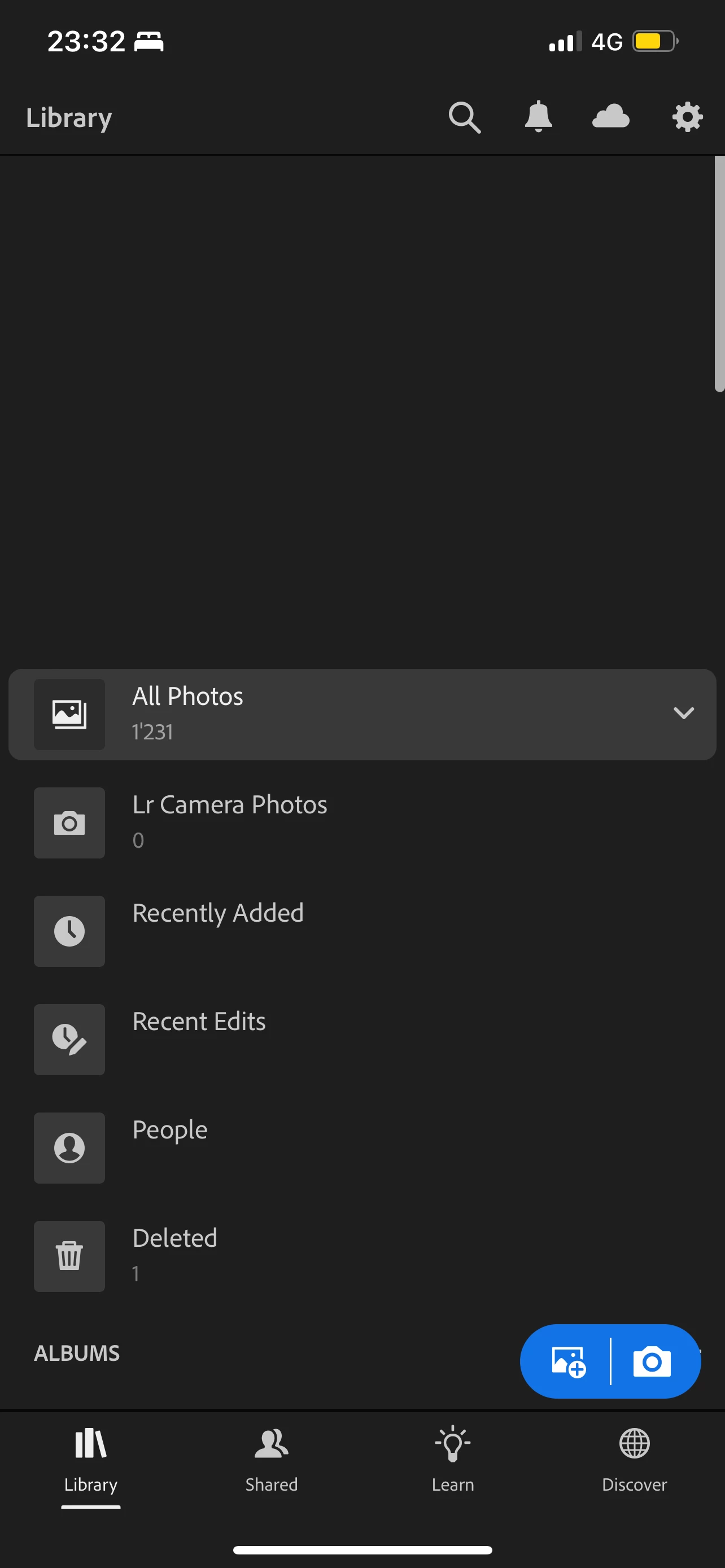
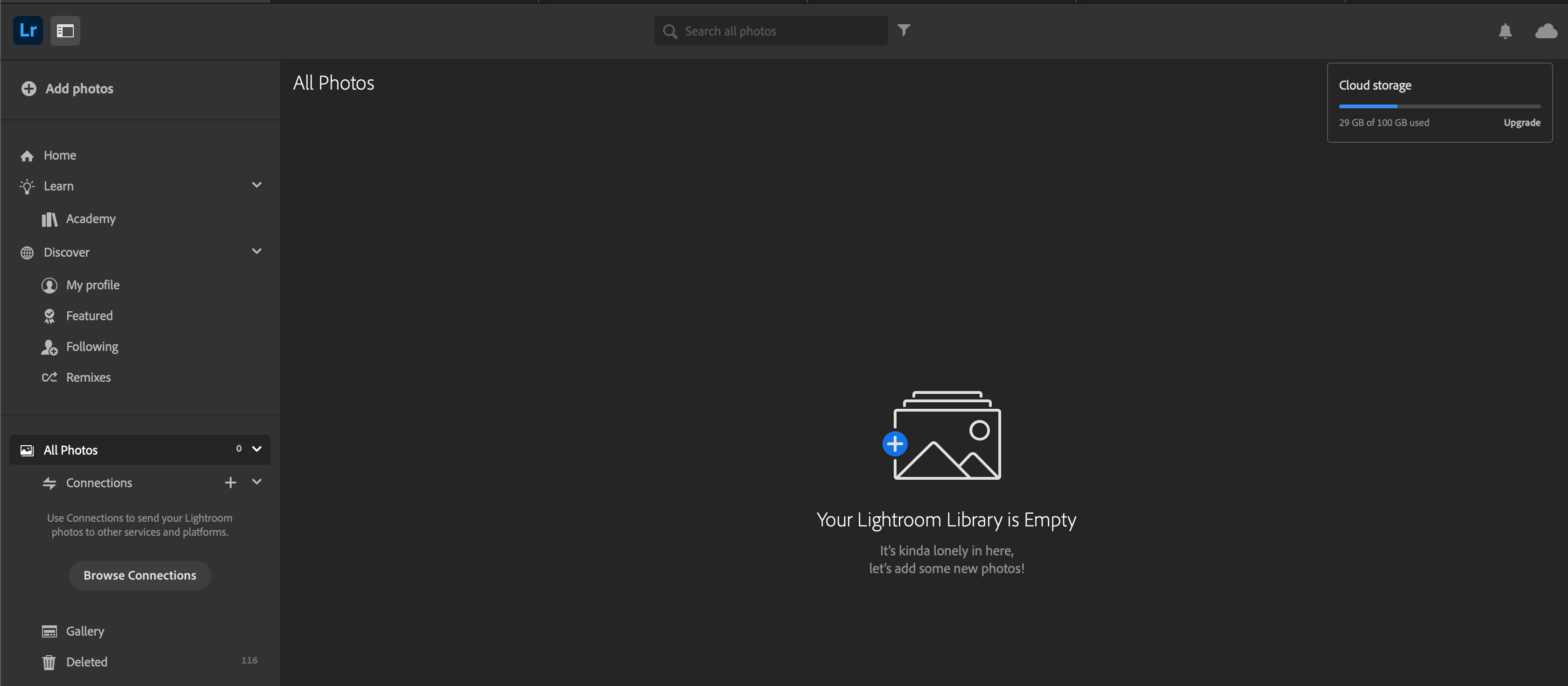
If I open Lightroom in my Browser it has a different catalog than on my mobile device. Also it says, that some pictures are using storage of my account. Sadly I can't access them from my Mac, the cloud or elsewhere except for my mobile phone. 

Is there a chance to open this catalog in Lightroom on my Mac? 


I'm using the newest version of Lightroom Cloud on my Mac with the M1 processor and macOS Monterey. 


This topic has been closed for replies.
Correct answer peter-b8062983

Apologies that you are running in this issue.  It looks like there are somehow 2 catalogs in the cloud associated with your account, which is a (rare) error situation.  Please make sure any sync in progress has completed, and then close your apps.   Once that is done, let us know, and we can fix things in the cloud.


-Peter

1 reply

Jim Wilde
Community Expert
Community Expert
June 27, 2022

Are you using the same Adobe account details when logging into Lightroom on the phone and the browser? If you are, can you tap on the cloud icon at the top right of the Lightroom screen on your phone to see what syncing status is reported? The implication from your screenshots is either that you are using two diferent accounts, OR that Lightroom on your phone is stuck trying to sync with the cloud.

YanicnoelAuthor
Participant
June 27, 2022

Hey Jim

Thanks for the fast response! 
Yes, I am using the same details. But my account is a student account and I have to log in with the login form of my school (email is the domain of the school). 
The sync-status is synced.

peter-b8062983
Adobe Employee
peter-b8062983Correct answer
Adobe Employee
June 27, 2022

Apologies that you are running in this issue.  It looks like there are somehow 2 catalogs in the cloud associated with your account, which is a (rare) error situation.  Please make sure any sync in progress has completed, and then close your apps.   Once that is done, let us know, and we can fix things in the cloud.


-Peter