
Inspiring
May 27, 2024
Question

"Lightroom encountered folder permissions issues"

  • May 27, 2024
  • 4 replies
  • 672 views

I just upgraded to Lightroom 7.3. When I open the app, I get the following error message:
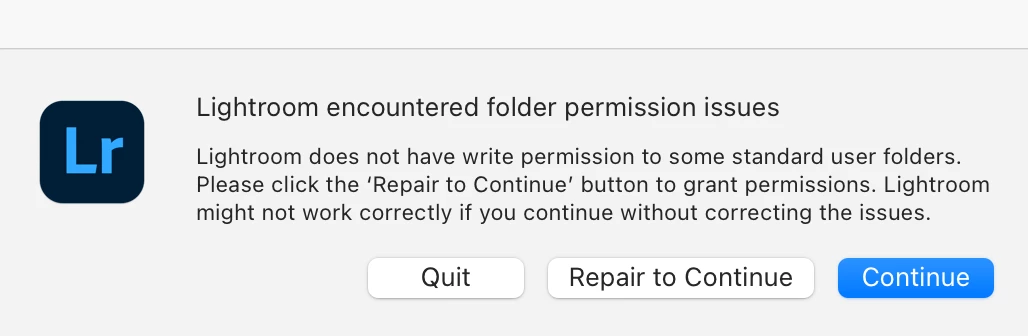
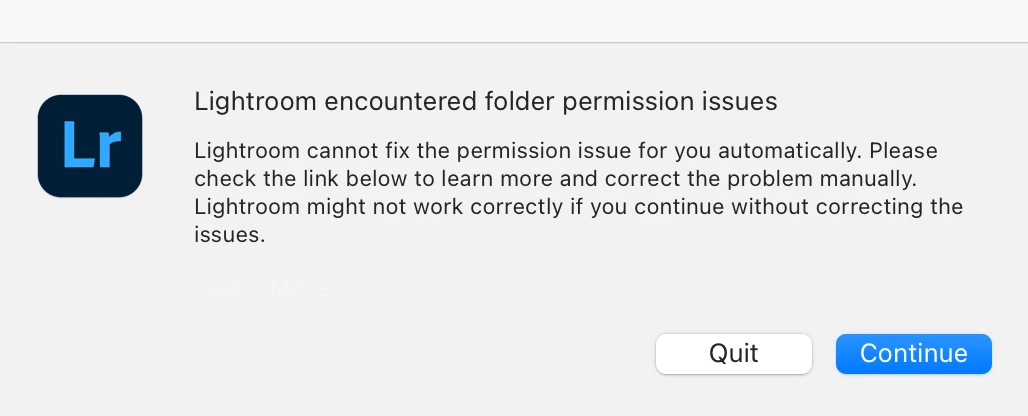
When I click "Repair to Continue," I see this:


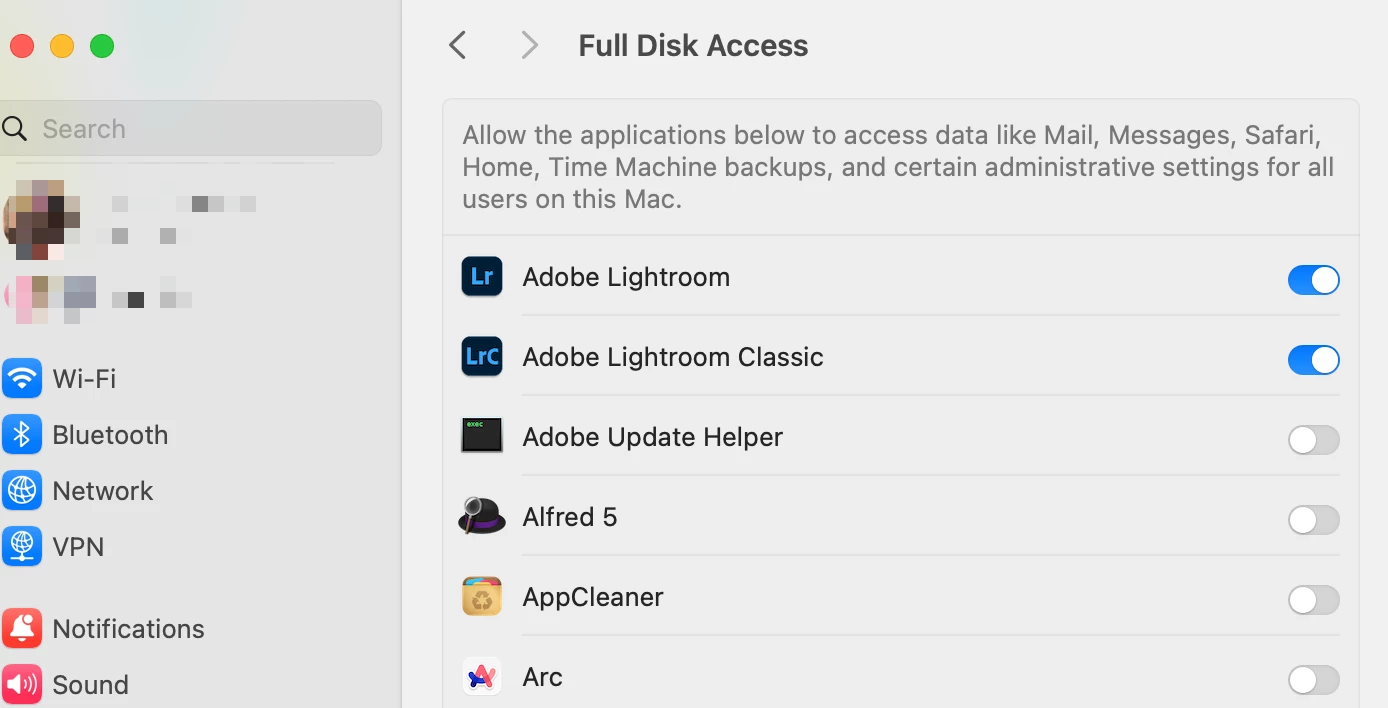
I have enabled Full Disk Access for both Lightroom CC and Lightroom Classic:
But this still didn't solve the problem. 
What can I try now? 

This topic has been closed for replies.

4 replies

Participant
August 18, 2024

Same problem here. I managed to find this guide for lightroom classic: https://helpx.adobe.com/lightroom-classic/help/allow-permissions.html


I did run the script from that page but this did not resolve the alert.

Participant
August 18, 2024

Update: I found a different command to try:

diskutil resetUserPermissions / `id -u`

 Found in this thread https://community.adobe.com/t5/lightroom-ecosystem-cloud-based-discussions/p-lightroom-7-3-permissions-issues/m-p/14631500#M91238

Participant
August 17, 2024

Same issue. I don't use Lightroom often, but wish I knew a fix for this.

Participant
July 26, 2024

I'm also having this same issue. I cannot seem to resolve it with the given instructions. 

JohanElzenga
Community Expert
Community Expert
May 27, 2024

Not sure if that's the issue, but 'Adobe Update Helper' seems a logical app to give full disk access too.


-- Johan W. Elzenga
Participant
June 5, 2024

I have the full disk access for 'Adobe Update Helper'. It didn't help. Also checked folder permission in Library/Application Support/Adobe. All the ones that I thought LR will access - everything fine with R+W access and not locked.


Participant
June 29, 2024

Would me useful if the LR message include the folder that it encountered a access problem.