One thing to be aware of is that a specific unnamed face will only appear in the People view if there are at least 5 instances of that face in the catalog.
To test that the People analysis is working, find a photo that has a face or faces that are clearly identifiable, then click on the Keyword (Tag) icon at the bottom of the right-hand vertical toolbar. If the analysis has worked you should see a "People" section at the top of the Keyword panel, like this:
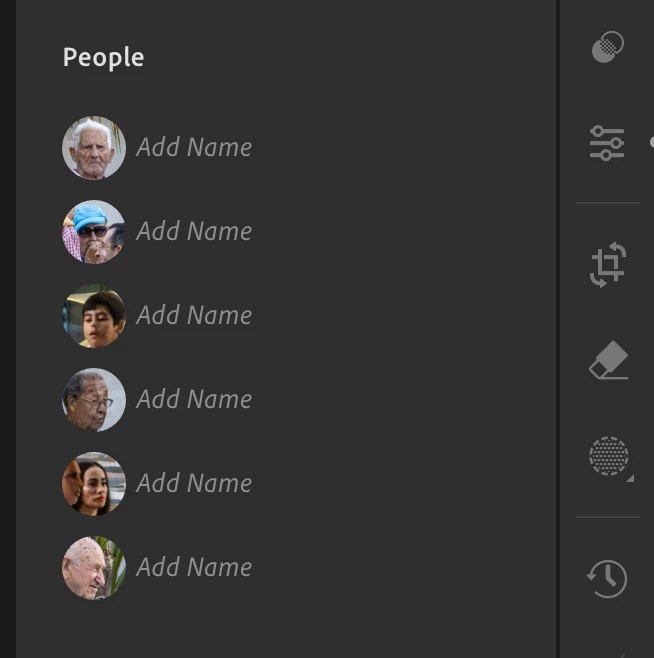
If you do see unnamed faces you can add the name in that panel, after which that named face should then appear the next time you invoke the People view.



 AdChoices