Lightroom Import from drive issue
I just got a new G Technologies SSD, as my hard drive which I stored my photos on is extremely old and miraculously has not failed. In the past, I could open up a lightroom catalog, press import and then it would show under sources my computers hard drive and whatever external drives or SD cards I had connected. However, this one does not show up. Nothing. It is my only other 1TB drive, which meant I had to split it up onto 2 500GB drives, so I could reformat it. I formatted it into NTFS or whatever it is called. Nothing. I then realized my old drive was exFAT. So I painfully clicked reformat praying my photos were safe on my other drives. Then came the painstaking import. After I verified everything was on, I excidedly opened lightroom and disappointingly saw it was still missing from it. The strange thing is that I keep the lightroom catalog and all associated files on the drive too, so it definitely knows the drive exists. I searched for hours for answers and found nothing. I am running a PC with Windows 10, using Lightroom CC.
To sum it up:
In the past, I could open up a lightroom catalog, press import and then it would show under sources my computers hard drive and whatever external drives or SD cards I had connected, but my new drive wont show up. However oddly enough I keep the lightroom catalog and all associated files on the new drive and any catalogs with existing photos (also on the drive) open up and work fine. I just cant import NEW photos.
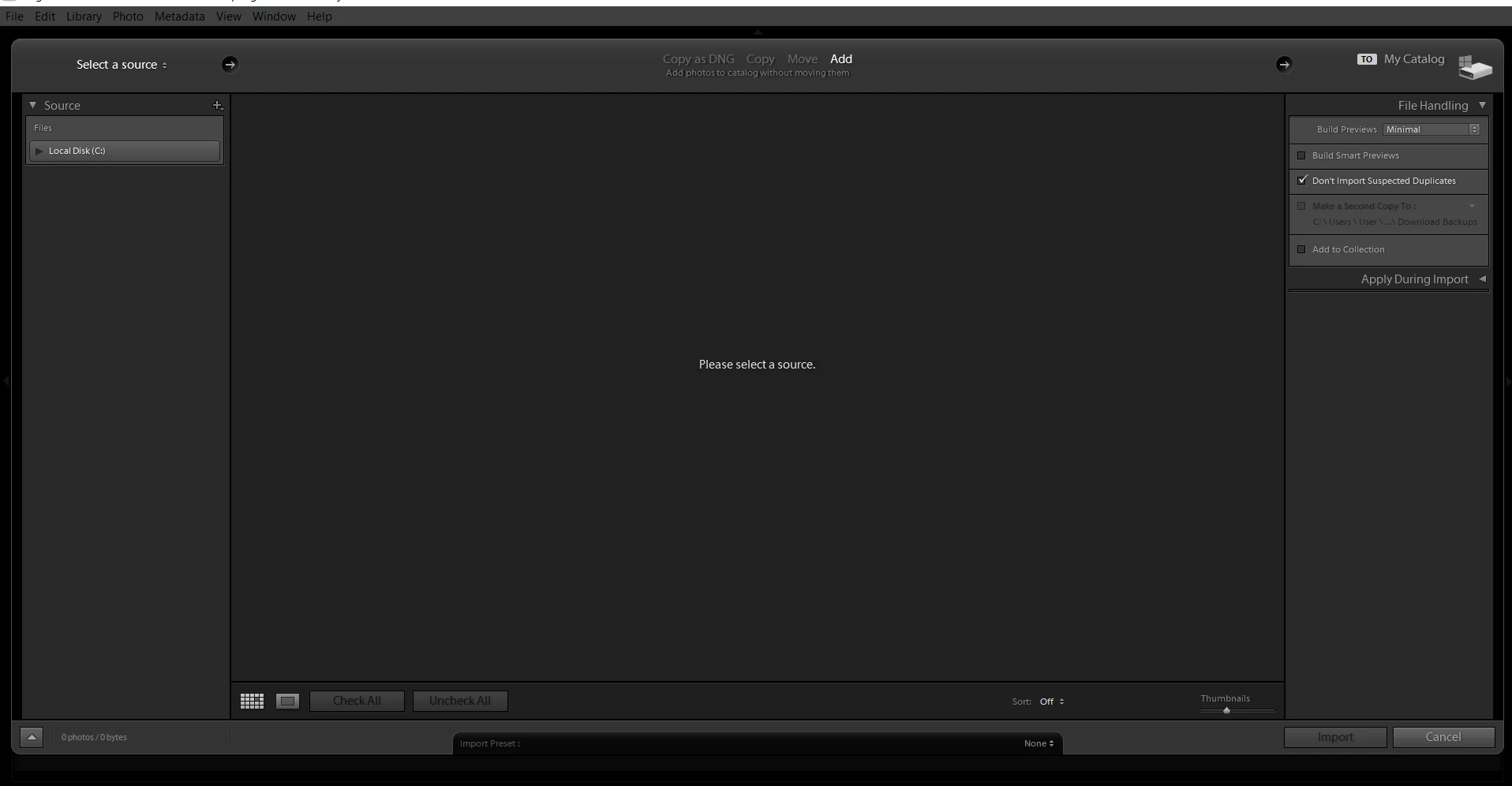
New disk wont show up
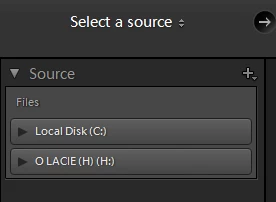
Old disk shows up
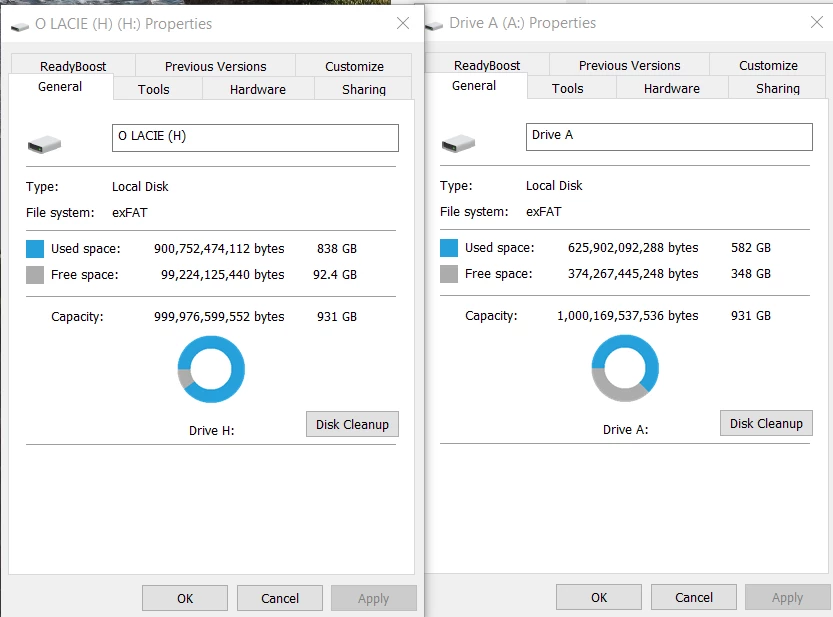
Both disks compared side to side (Old left, new right)
I hope someone will be able to help me so I can get back to editing my photos! Thanks in advance!
 AdChoices