
Question
Lightroom import to dark, export to light
Since I am new to Lightroom I hope someone can help.
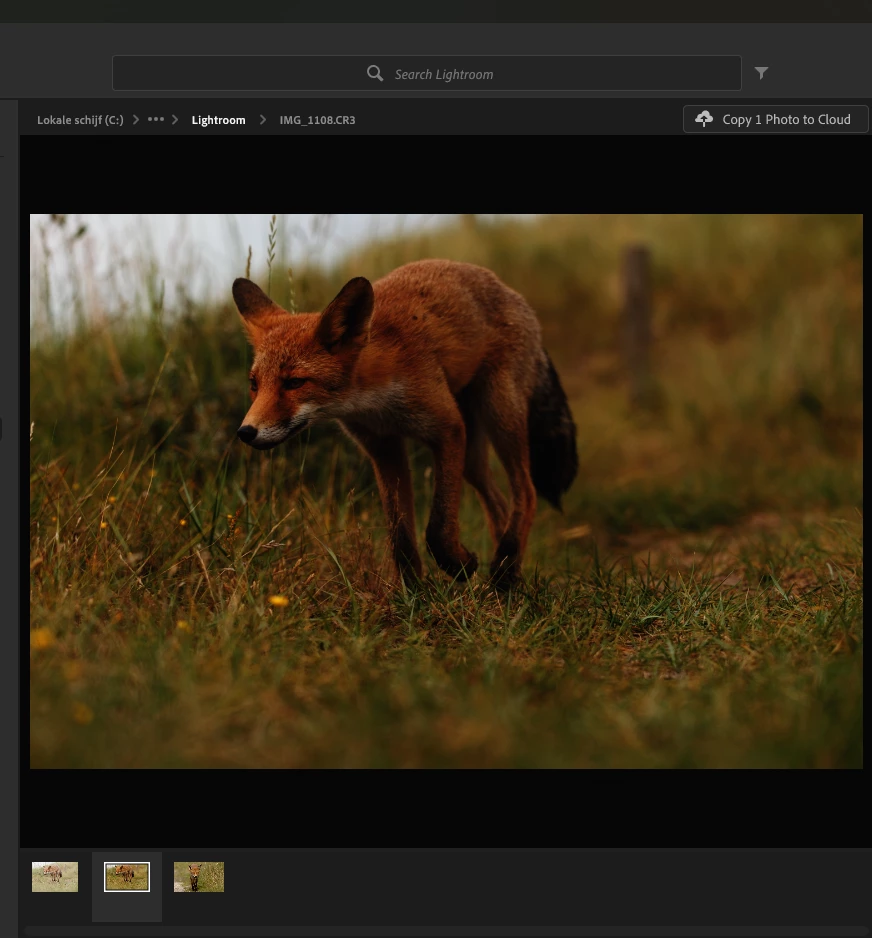
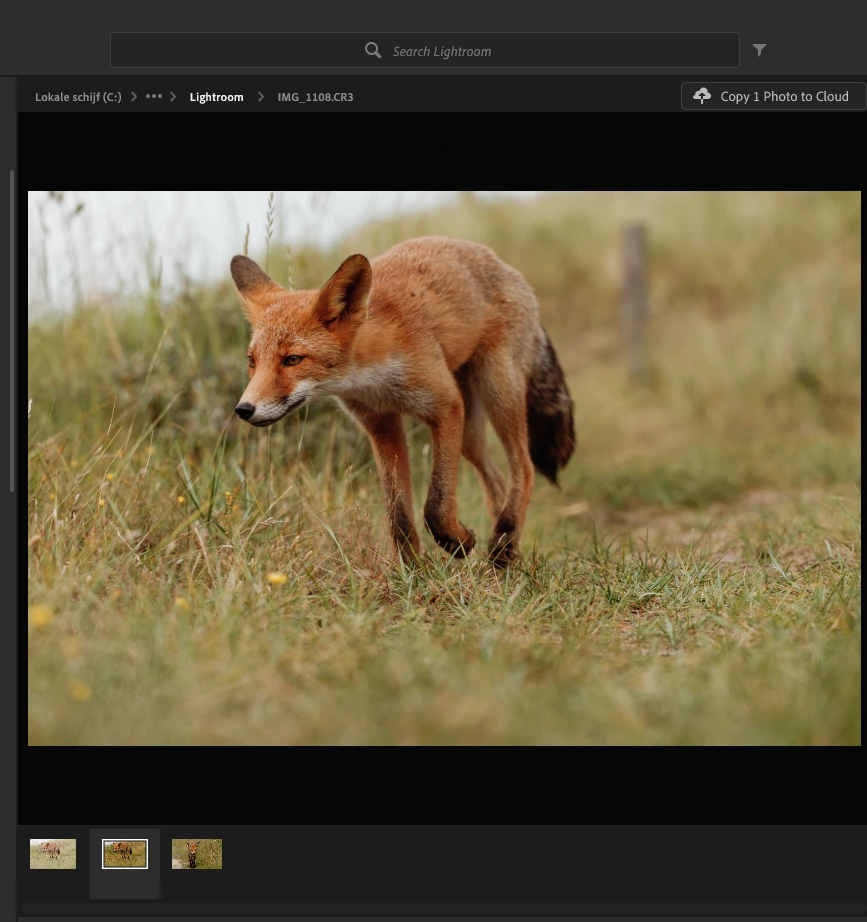
Images imported images into Lightroom appear very dark and overly saturated. This goe for RAW aswell as for JPG files. If I ignore this and edit the file so it looks the way I want it and export is to a JPG the image appears way to light, washed out and very flat.
If I view the same file in Windows (11) , Darktables or the Gimp it appeart just fine. Photoprints edited in Darktables look great.
So the problem appears only in Lightroom; surely it must be a setting or something do not know yet. Has anyone experienced this, and found a sollution?
The images below show: Raw file from camera, import into Lightroom, Edited in Lightroom, Export edited file on Windows.



 AdChoices