

Answered
Lightroom iPad: Export Settings for Share “File type” and “Dimensions” options greyed out
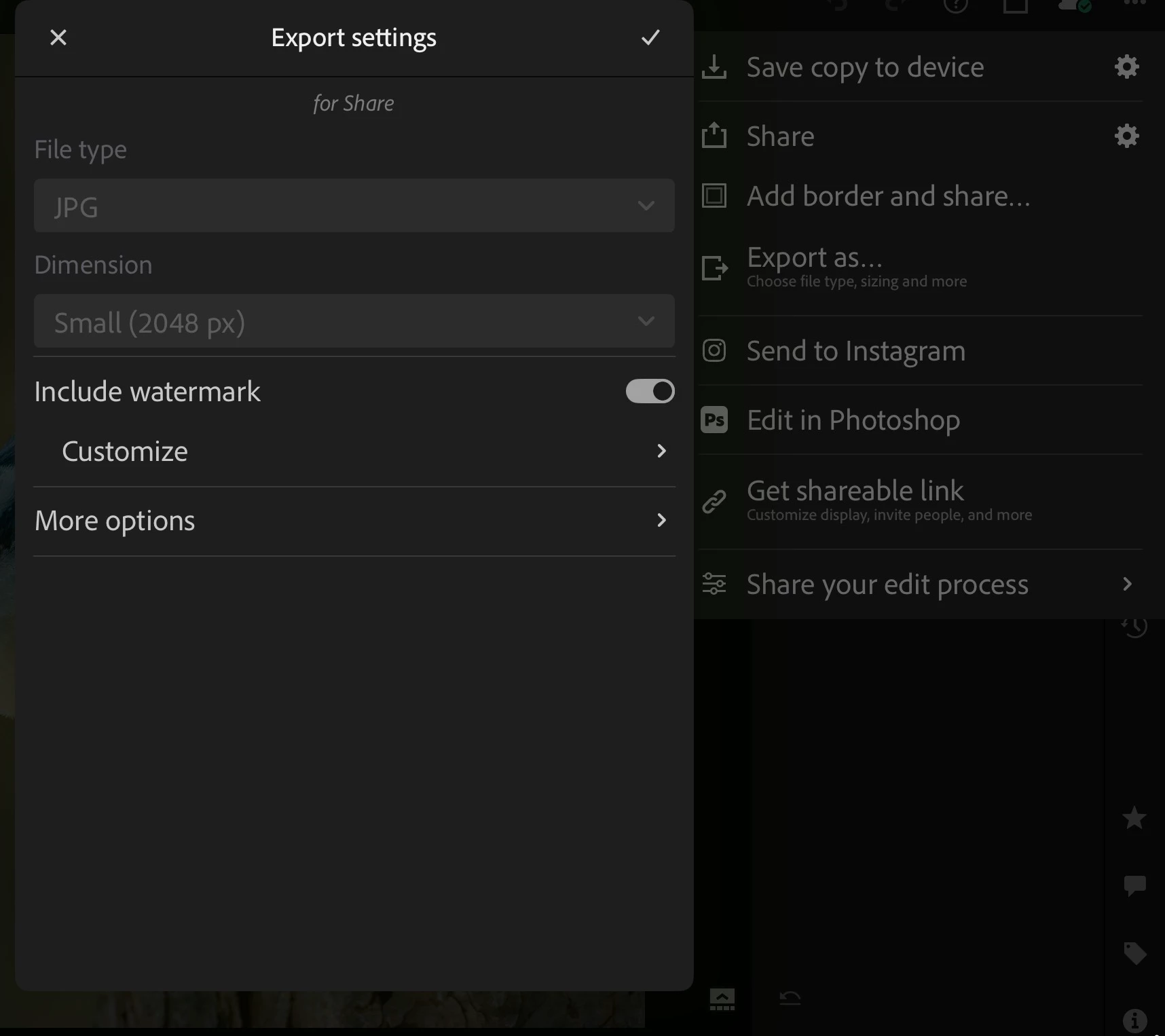
When I select the “Share” icon in the upper right of the UI, Export settings for Share opens. The top two options, “File type” and “Dimension” are greyed out, though I can still “Include watermark” and go to “More options”.
Previously, this was not the case. I could select both Fiel type and Dimension.
I realize I can set File type and Dimension in “Export as . . . “, but then why show greyed-out selection menus in Export Settings for Share?
Lightroom for iPad: 11.2.1 F2F354/231 ACR 18.2 (2482) • WF: 8.2 • VF: 1.0.165 • CSDK: 10.9.2426
Apple IPad Pro: 11” M1 4th generation; iPadOS 26.3


 AdChoices