


Participant
November 2, 2022
Question

Lightroom mobil offline iPad space issue

  • November 2, 2022
  • 1 reply
  • 100 views

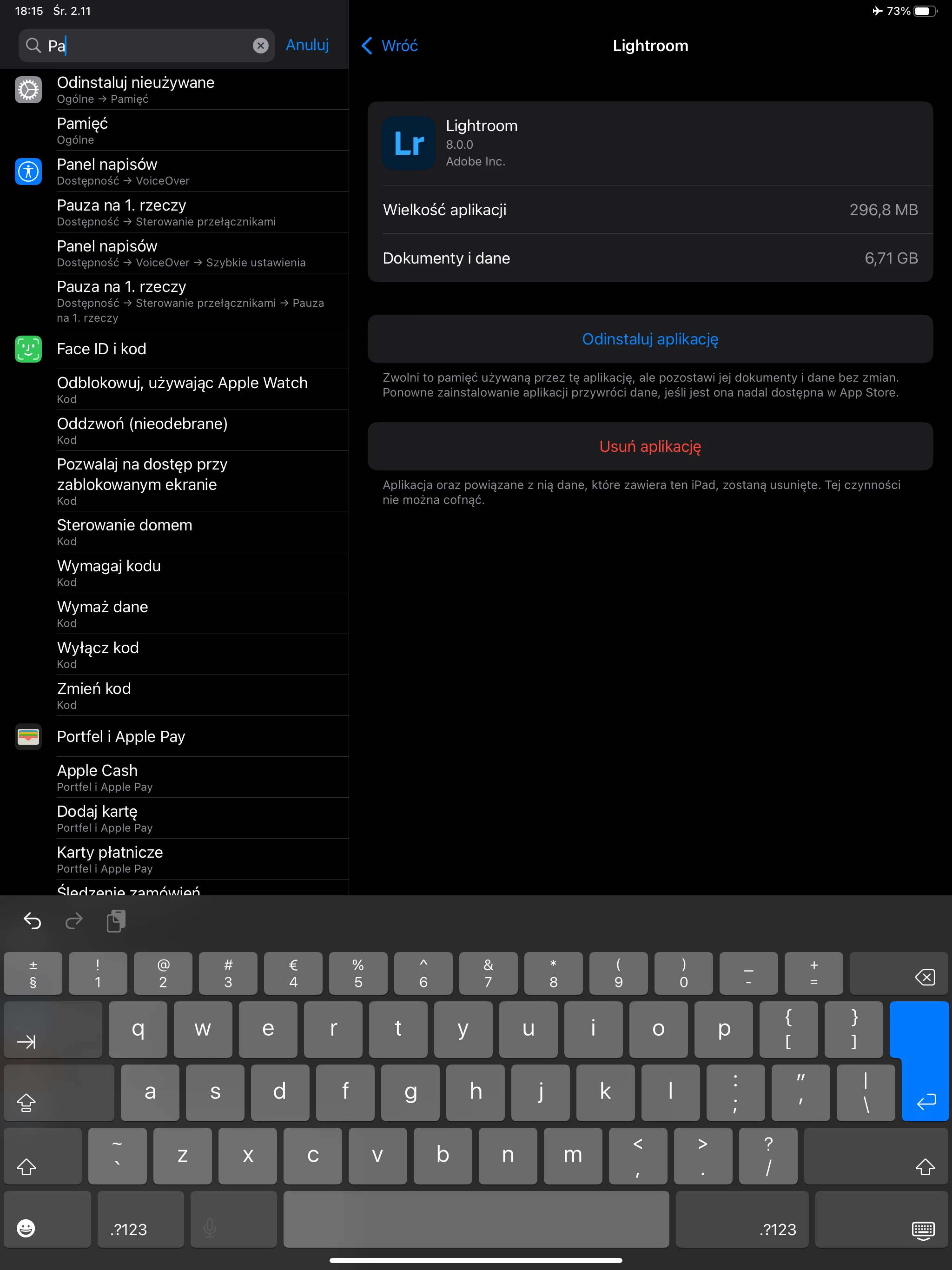
The problem is while I work offline for weeks being in places without intenret access. I used to download my raw pictures to ipad and then convert  into DNG because it safes a disc space. After converting files and moving them to the disc I delete pictures and empty trash. The problem is still occupyed space even when on disc I have approximately 30 pictures only. I've no idea how to release the space?

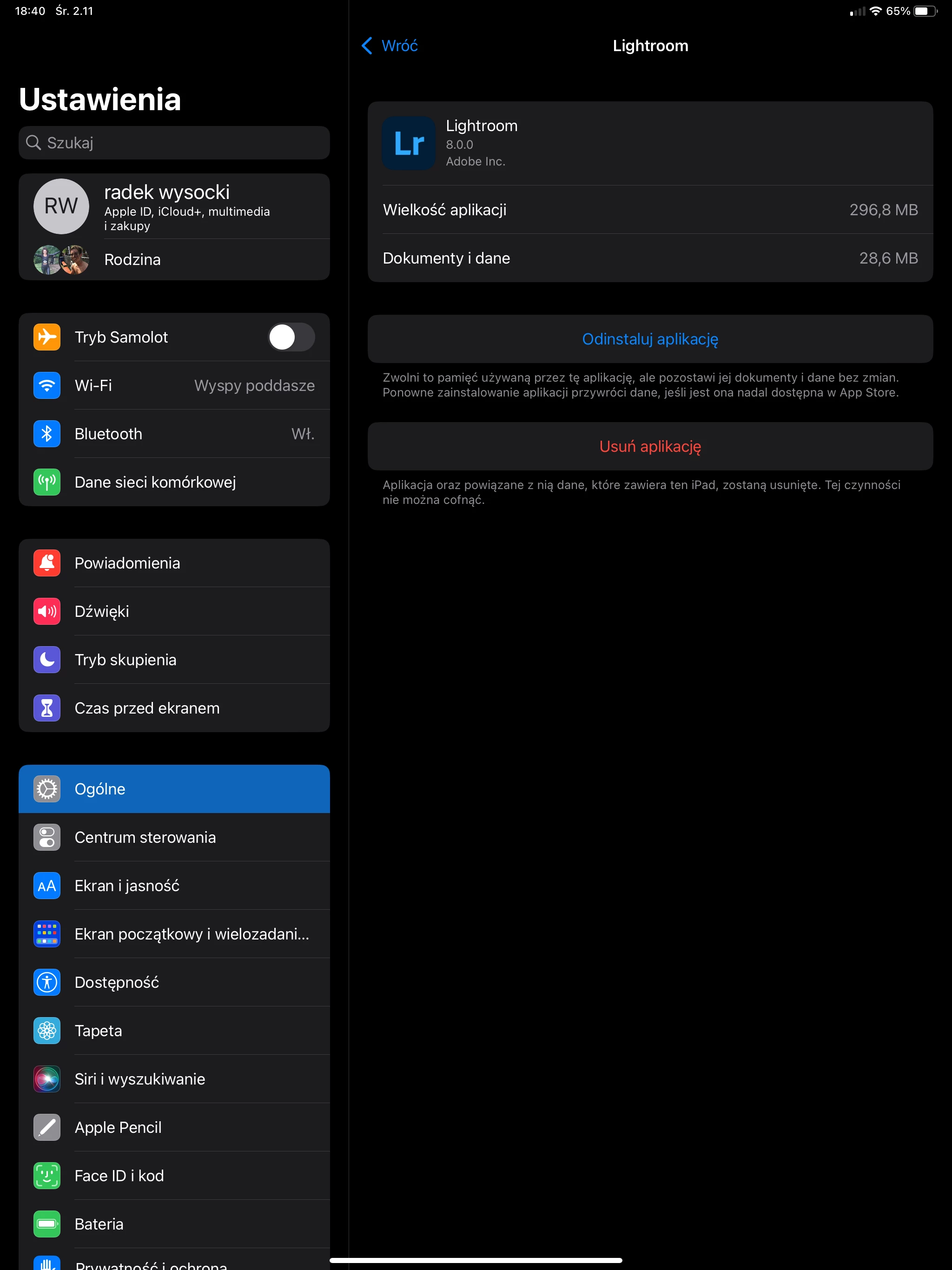
Before the "operation" the space looks like this
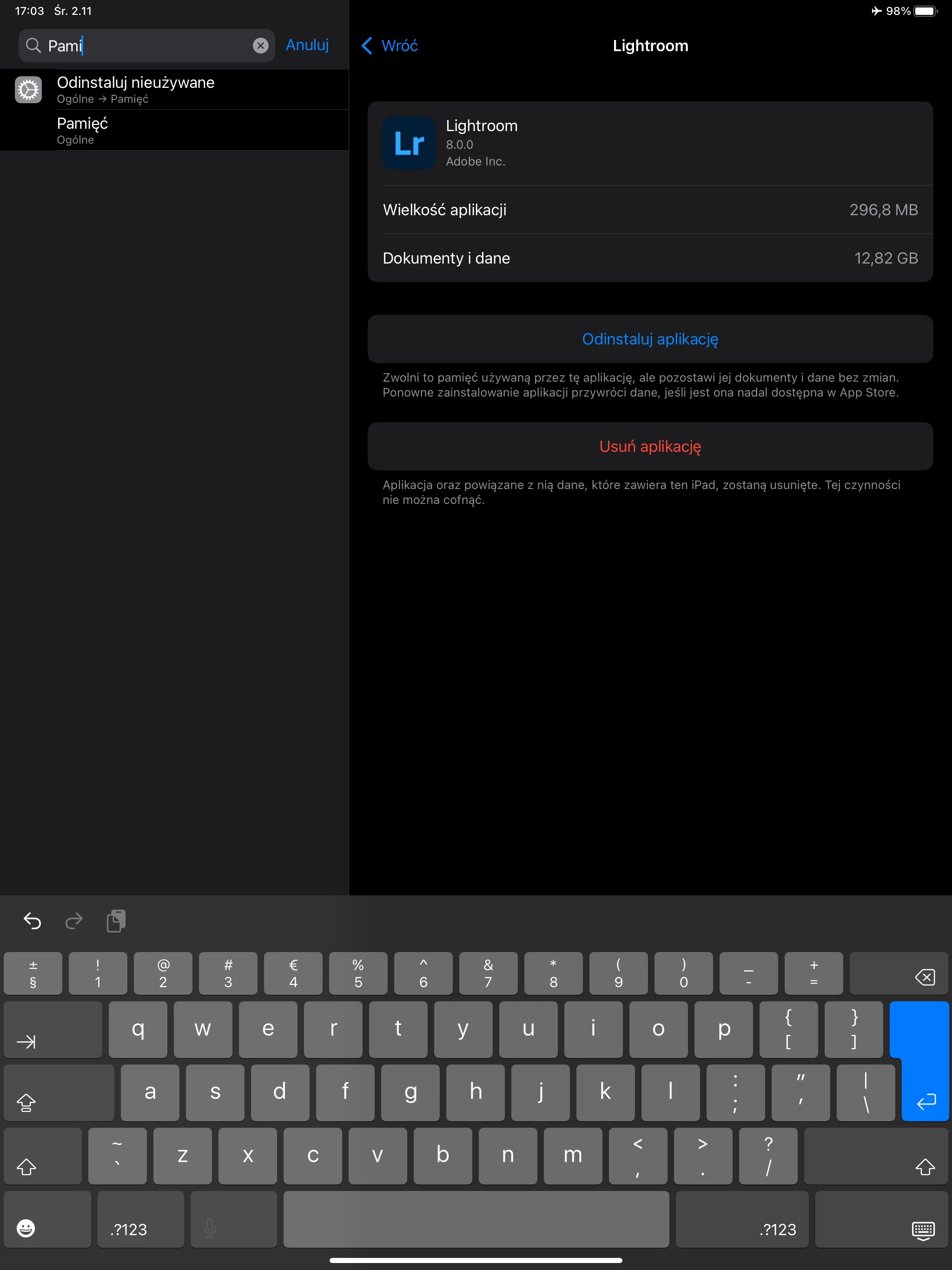
After downloading pictures the space looks like this
 

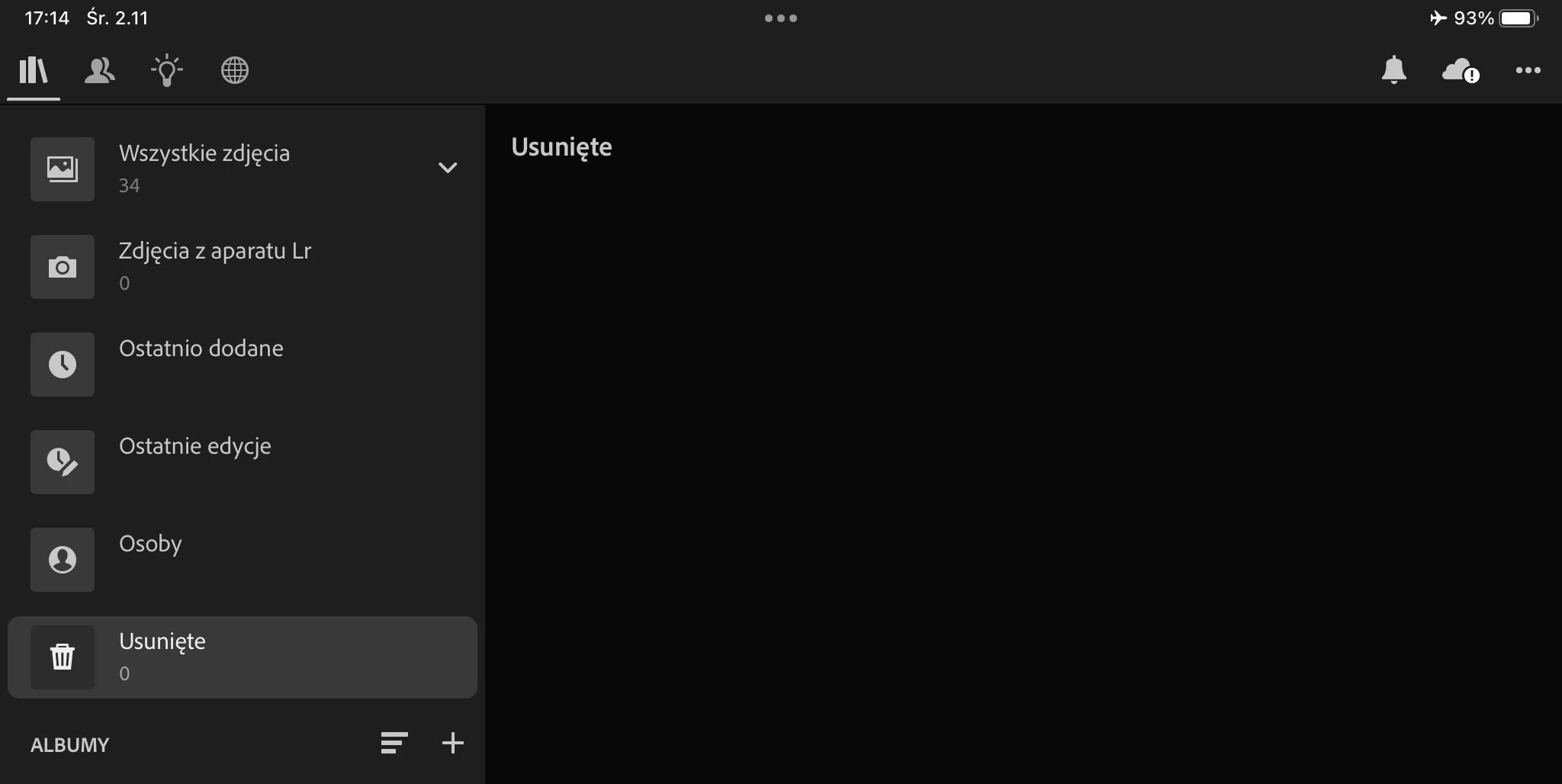
total number of pictures on my iPad LR
A minute after removing converted pictures and emptying trash it looks like this
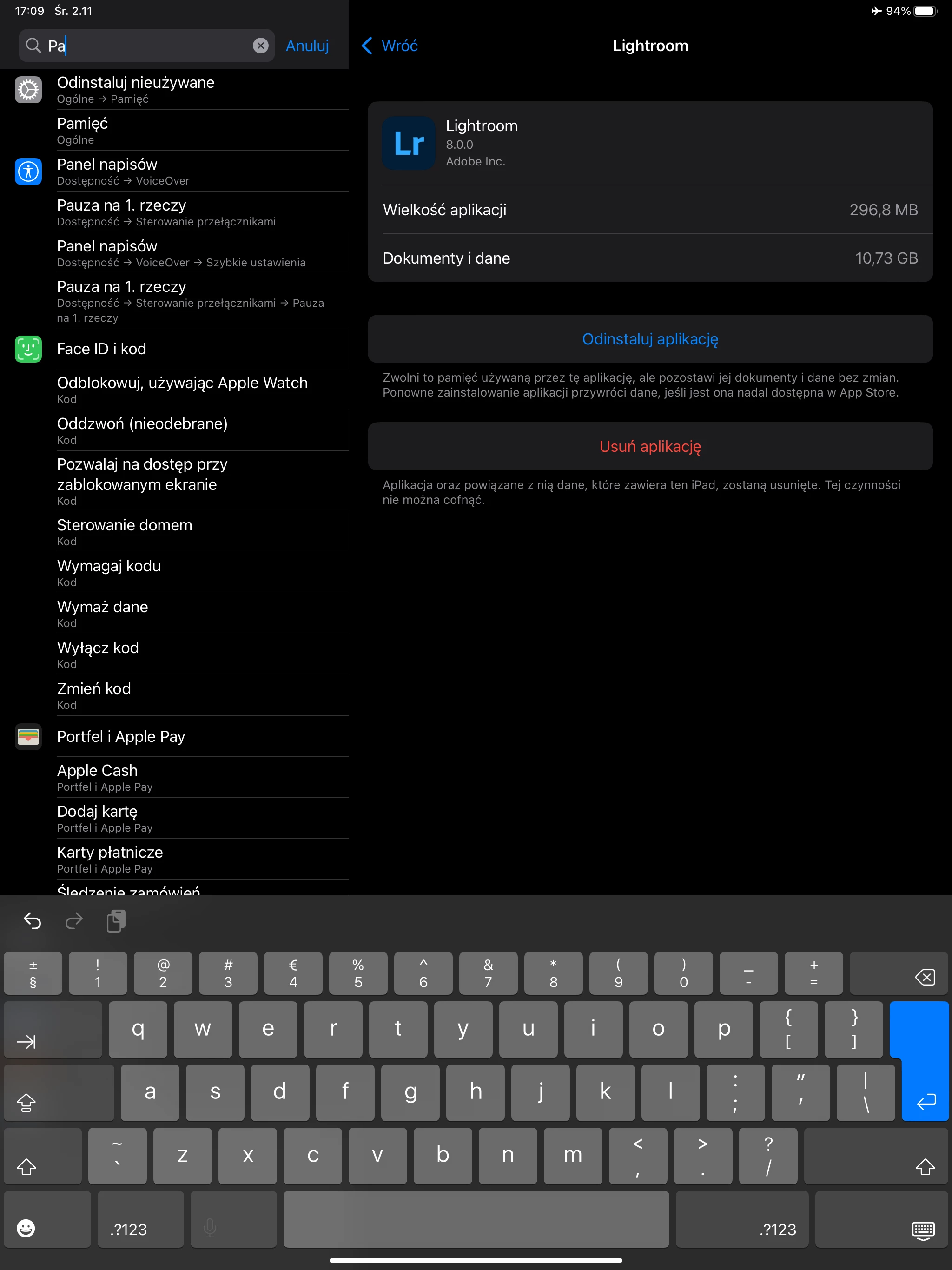
10 minutes later some how there was more free space, but how it happened?


This topic has been closed for replies.

1 reply

Inspiring
November 2, 2022

It is only possible to purge original images from Lightroom on iPad after the app has had a chance to sync those originals to LR Cloud storage.  Until then, the app will always want to keep originals as this is what allows Lightroom to work as expected, non-destructive editing et all.

Participant
November 2, 2022

Thank you very much for you answer Charlie.D. It's pitty because it means the only way to collect large number of pictures is to copy then to external disc. Using LR always will collect them till first oportunity to sync with the cloud. Is it correct?

Inspiring
November 2, 2022

Yes, LR iOS will always want to keep original images on the device at least until they are synced to cloud storage for backup.