Question
Lightroom Mobile Android: Where did the undo/redo button go?
Latest mobile app update has removed the editing undo/redo button from it's normal place in the upper toolbar. Where did it go? And if it was removed purposely... Why??
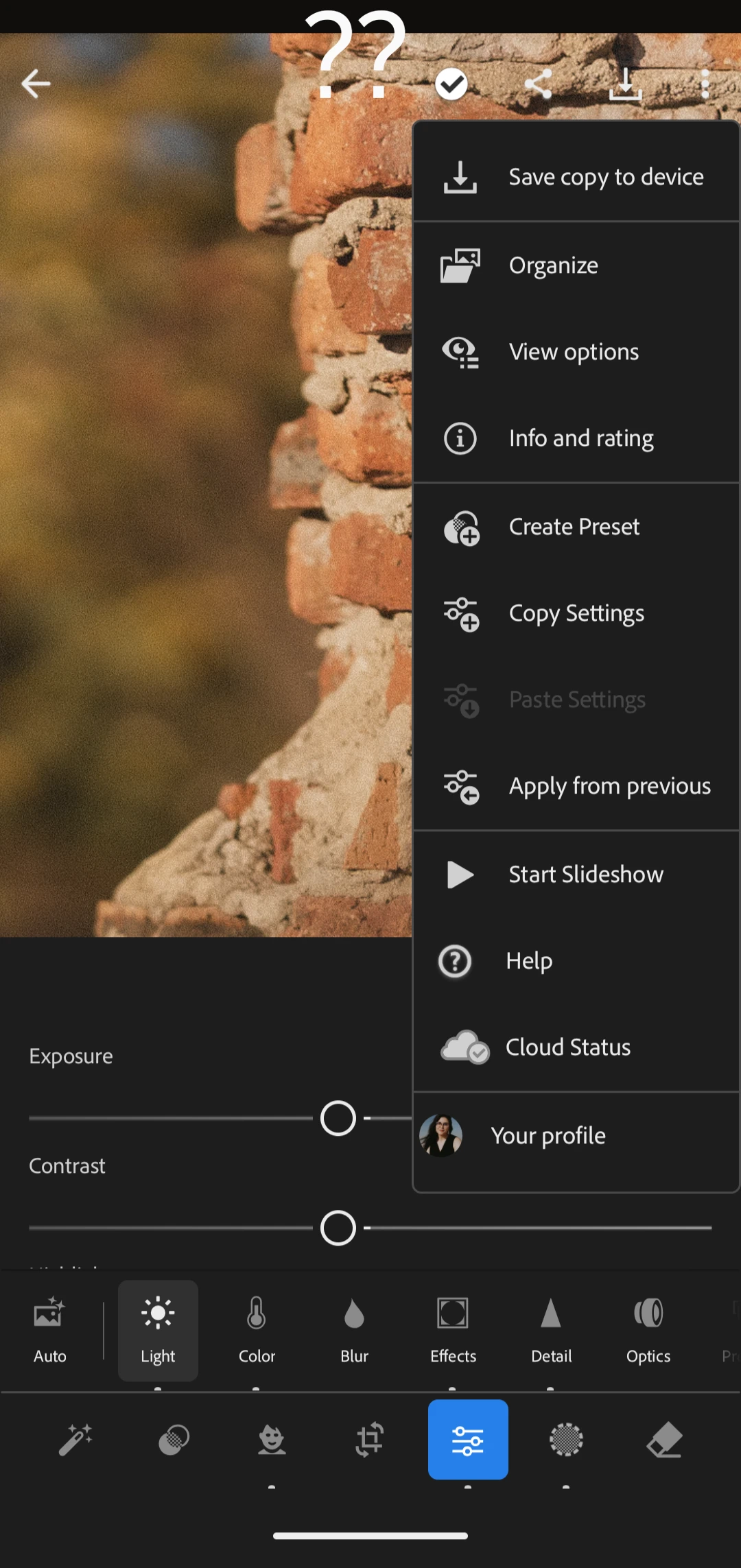

Latest mobile app update has removed the editing undo/redo button from it's normal place in the upper toolbar. Where did it go? And if it was removed purposely... Why??
Already have an account? Login
Enter your E-mail address. We'll send you an e-mail with instructions to reset your password.
 AdChoices