
Lightroom mobile app not opening on new phone even with subscription
Hi,
I have just upgraded my phone from an 11pro to a 13 pro, all my apps transferred over fine but Lightroom is not letting me log in to my account.
I open up the app and I'm taken to a page where it asks how I'd like to log in. I click "via Apple". I'm then taken to an Adobe page and asked to sign in or make an account. I sign up using my Apple account, get sent a varification code, put it in where prompted and it comes up with "something went wrong" and I can't get past it.
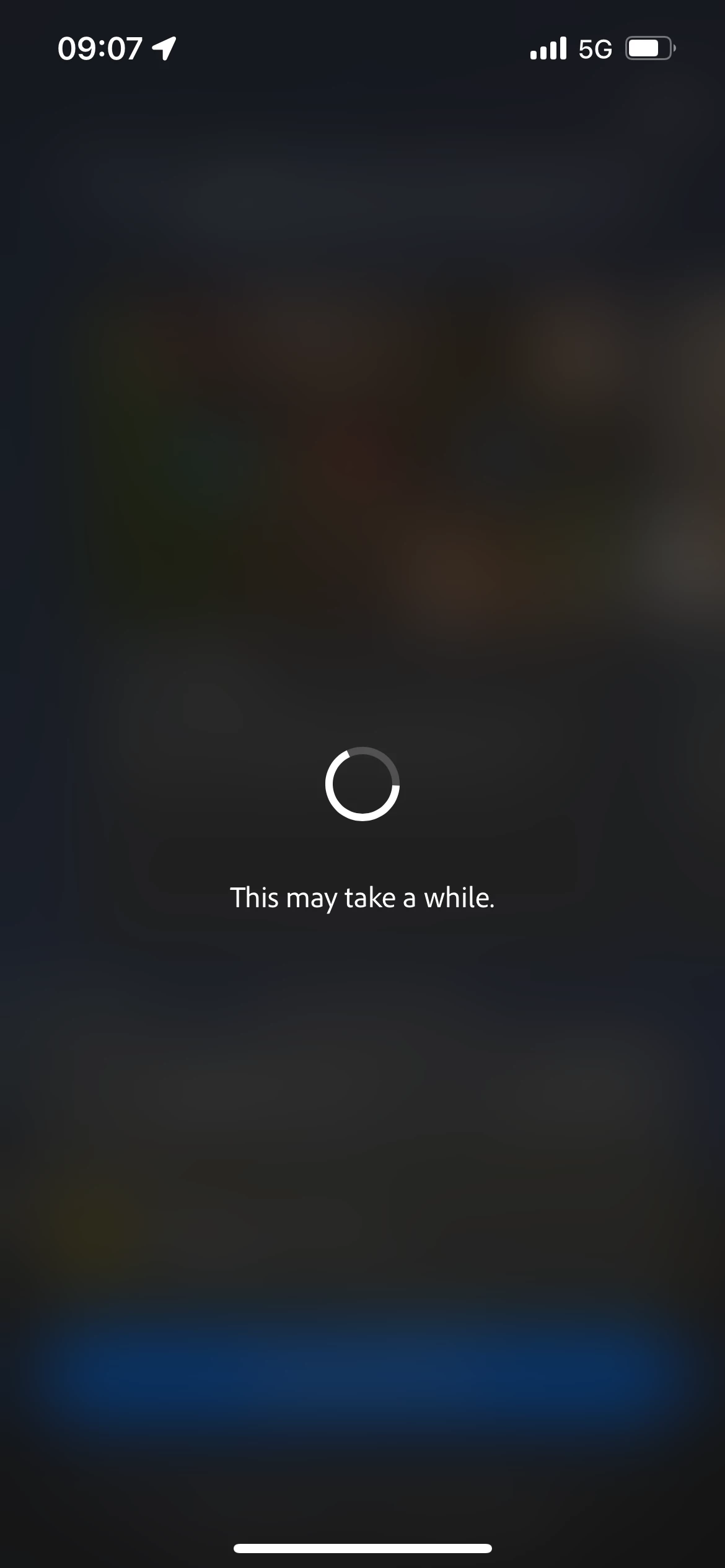
I then try signing up to Lightroom using my Google account. I manage to get in the app and it comes up saying I have an existing Adobe account (with a very old email that I can't access any more). I click "continue" to keep my Google account as the new registered account. I manage to get to the page where it asks for a subscription, I click on the monthly sub which it allows me to double click to add it to my Apple subscriptions, then I get a wheel of doom (attached photo). I've waited for hours and it's just stuck....so I now pay a sub with no working app.
I've tried everything, uninstalling, reinstalling, switching phone off, using a different account, nothing works.
Please help
many thanks
RP
 AdChoices