Participant
February 3, 2022
Question

Lightroom mobile camera DNG issue

  • February 3, 2022
  • 2 replies
  • 406 views

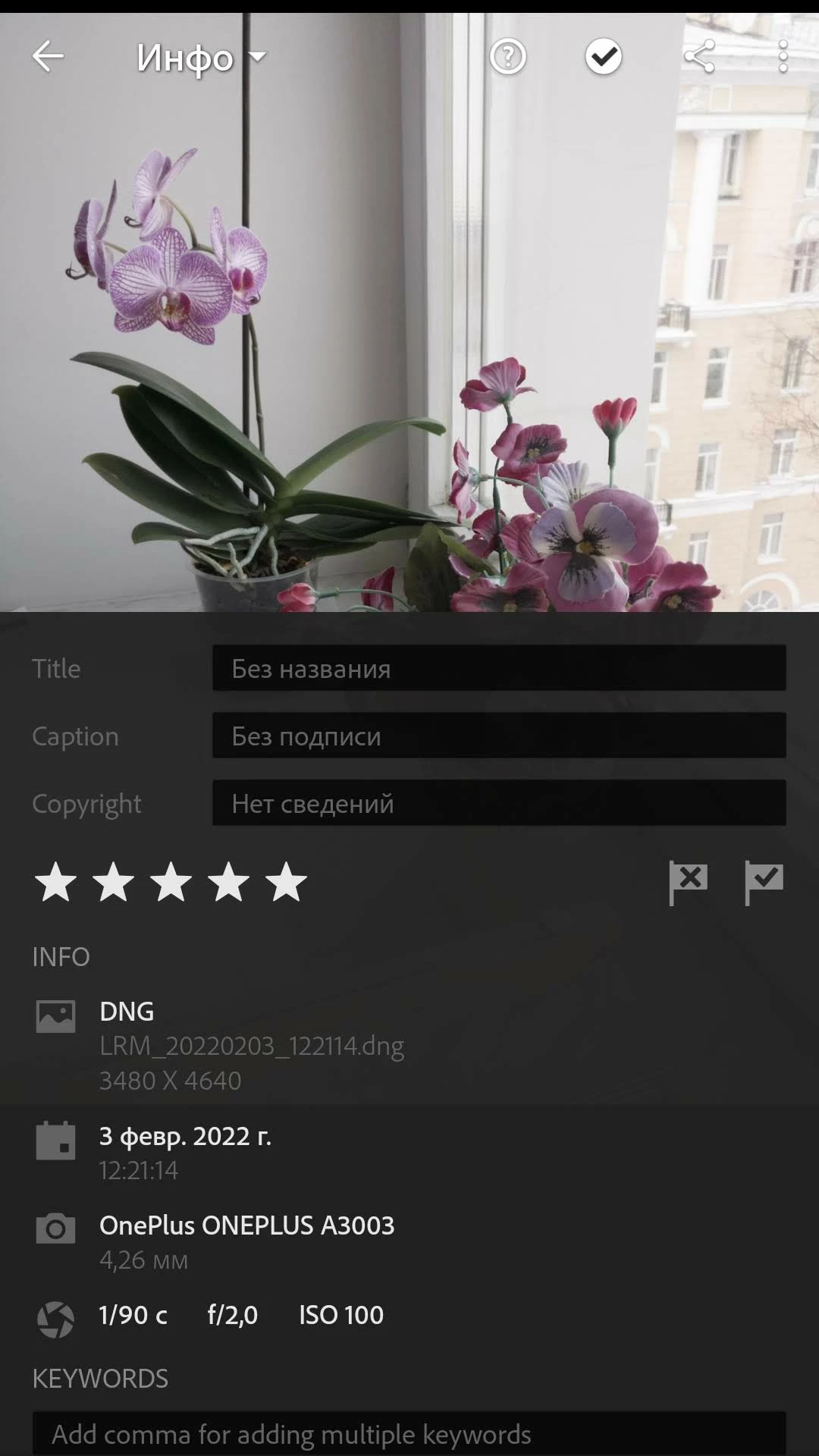
I have a problem with lightroom mobile camera. Raw files look overexposed and desaturated while jpegs are totally fine.


Here are some screenshots showing this issue.


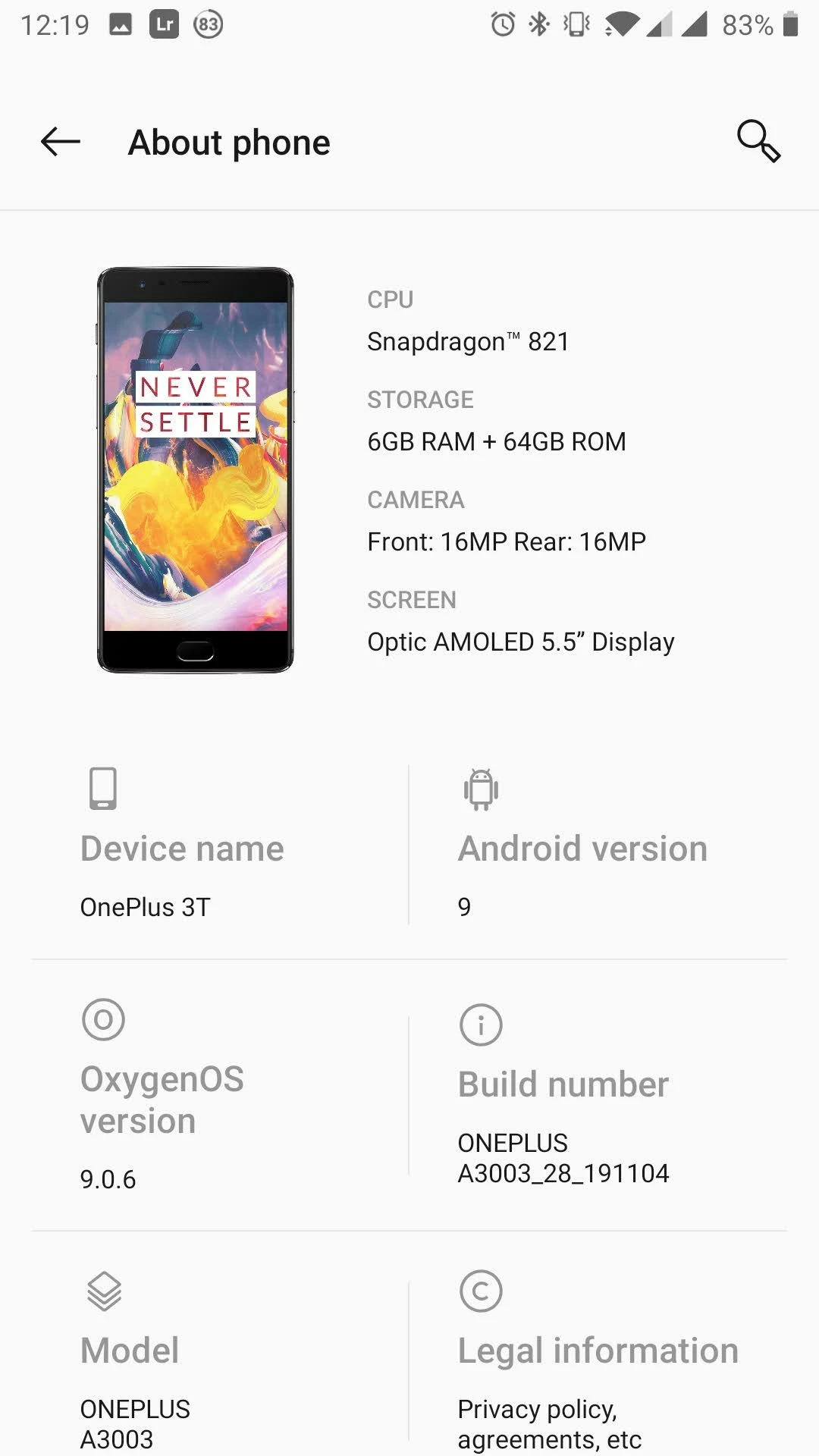
Lightroom Mobile version 7.1.1
 

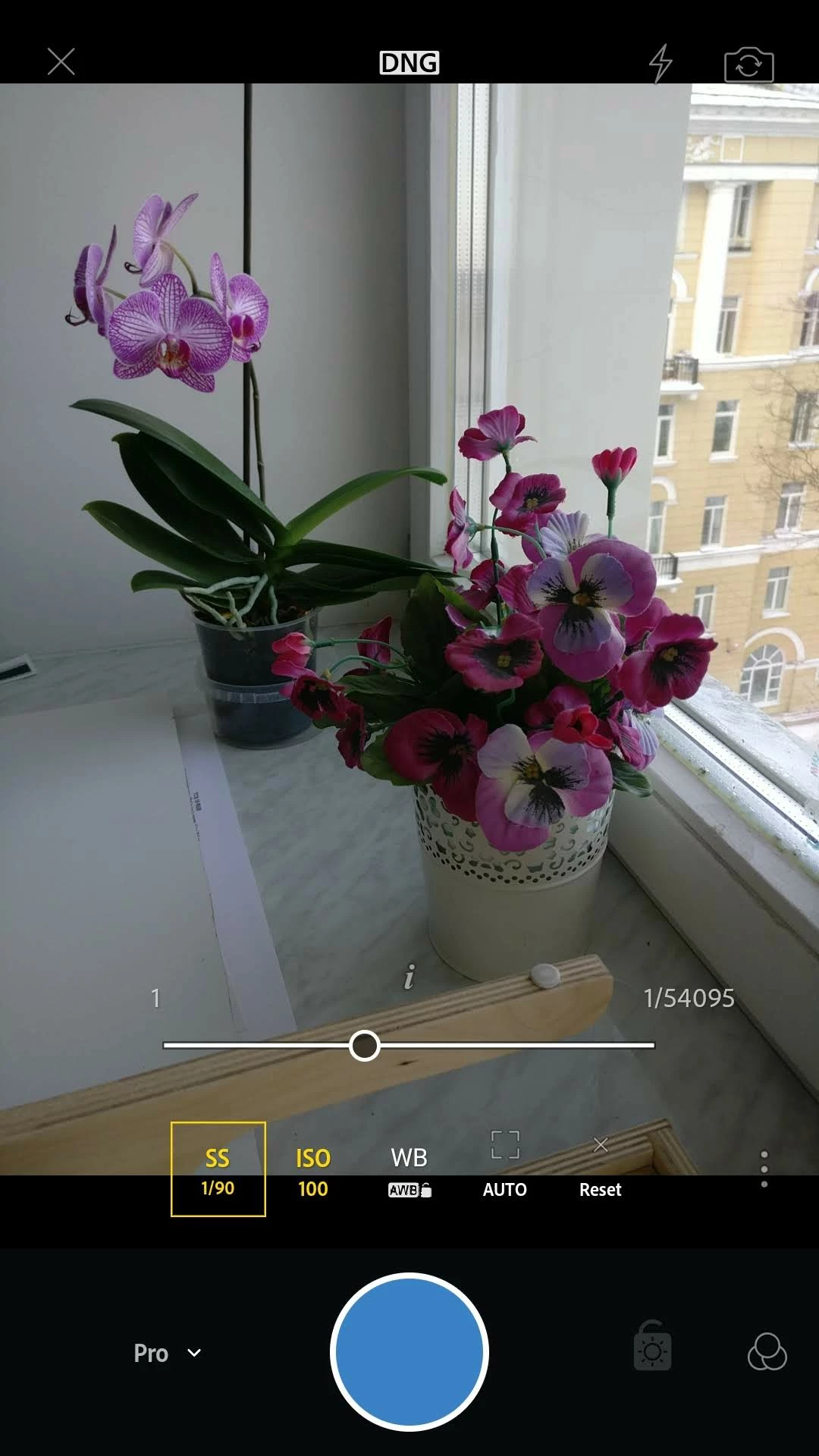
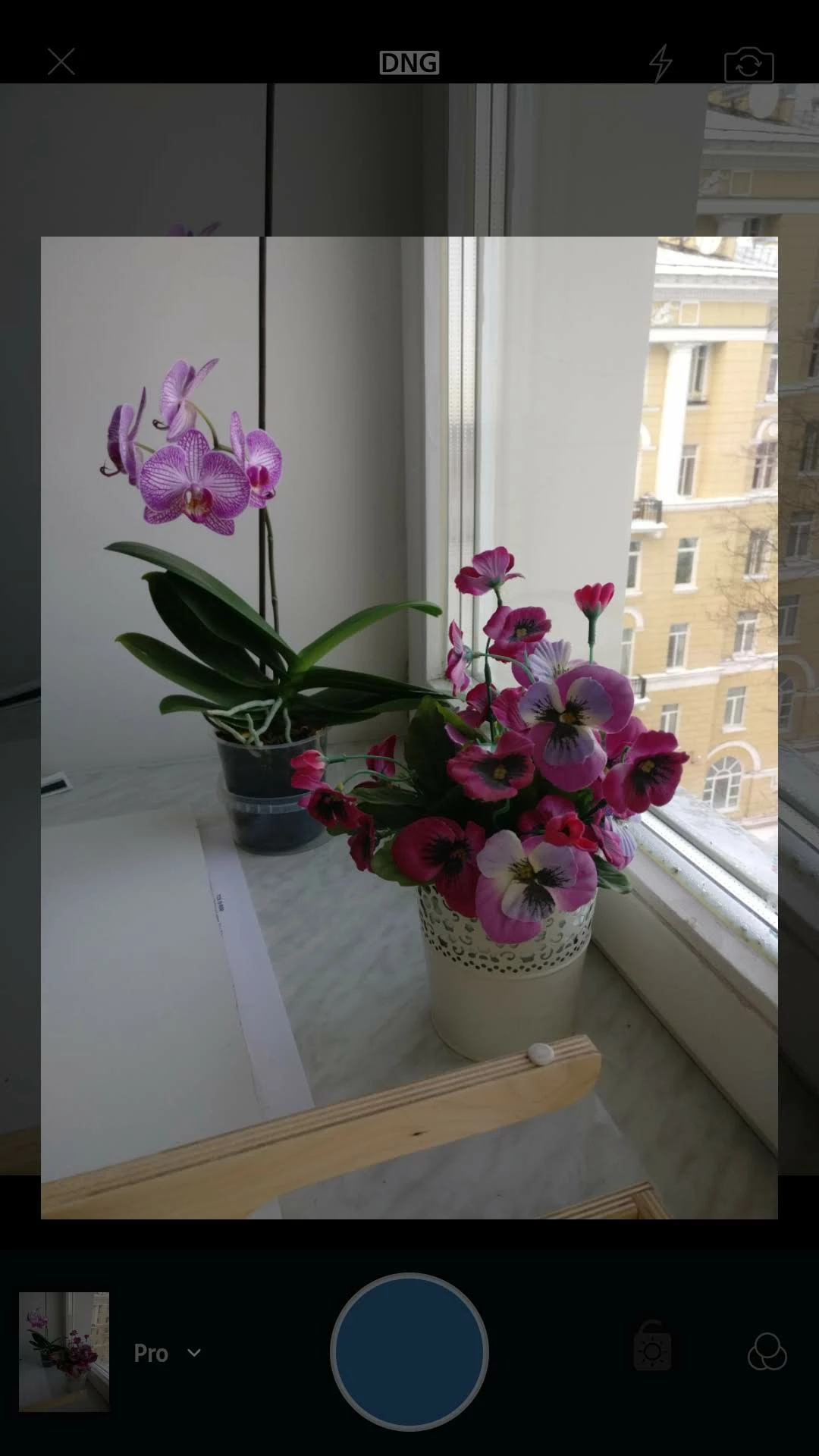
Let's shoot in manual mode at 1/90 ISO100 AWB
 

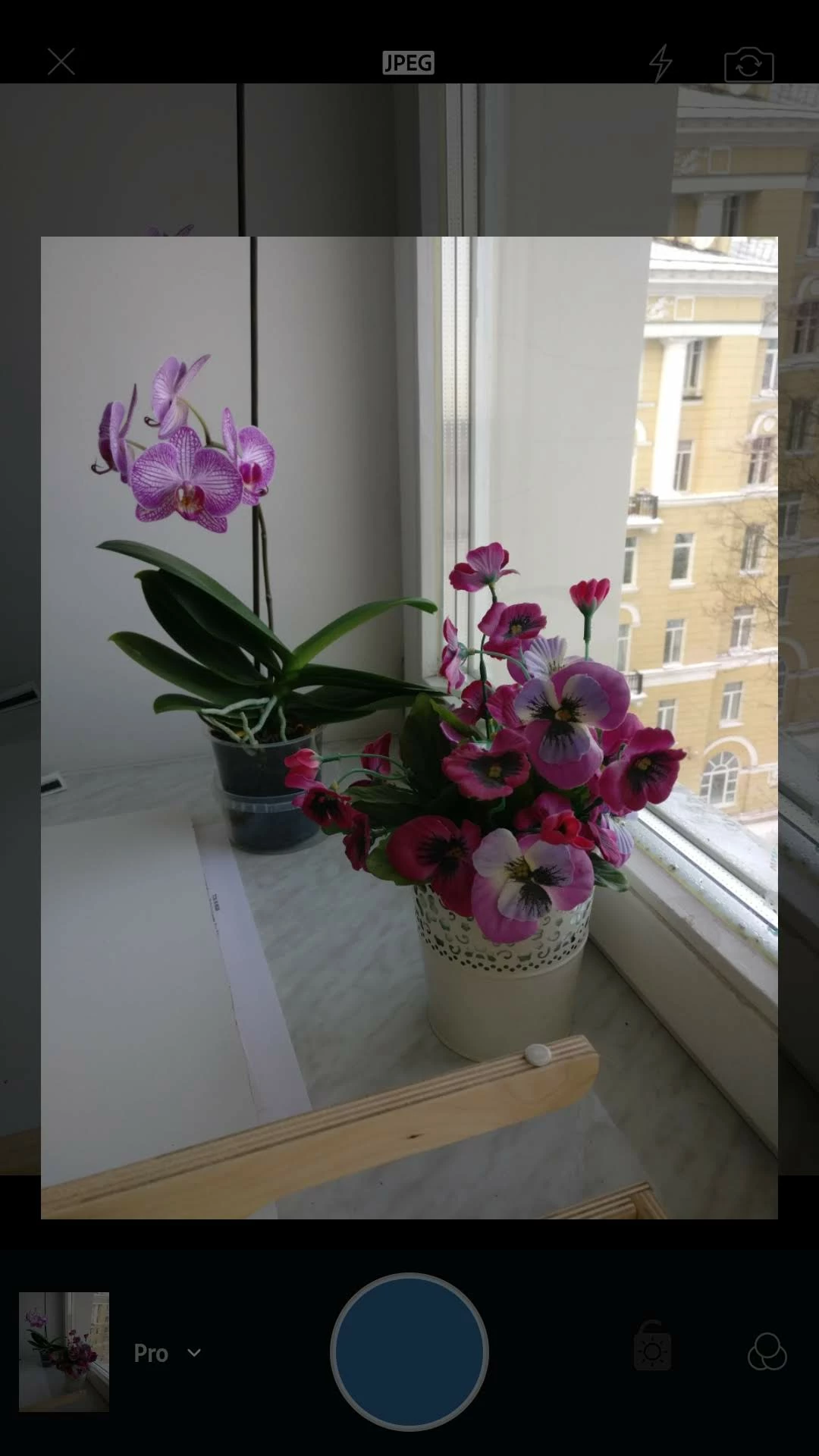
Quick preview of jpeg looks exactly the same as picture in camera window
 

Quick preview of DNG looks the same, no problem here
 

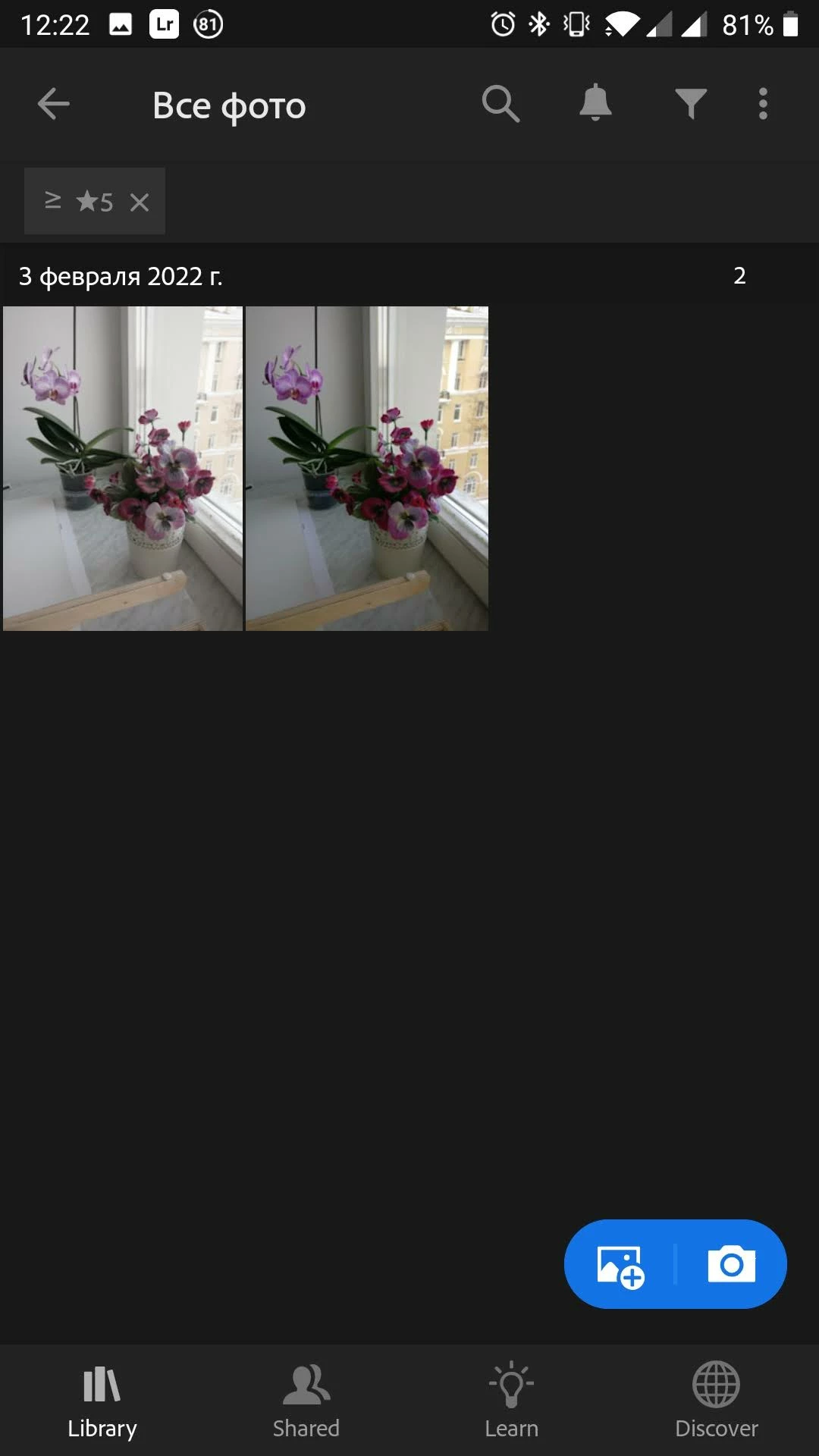
But after import in main lightroom window DNG file looks different. DNG is on the left. There's no adjustment made.
 

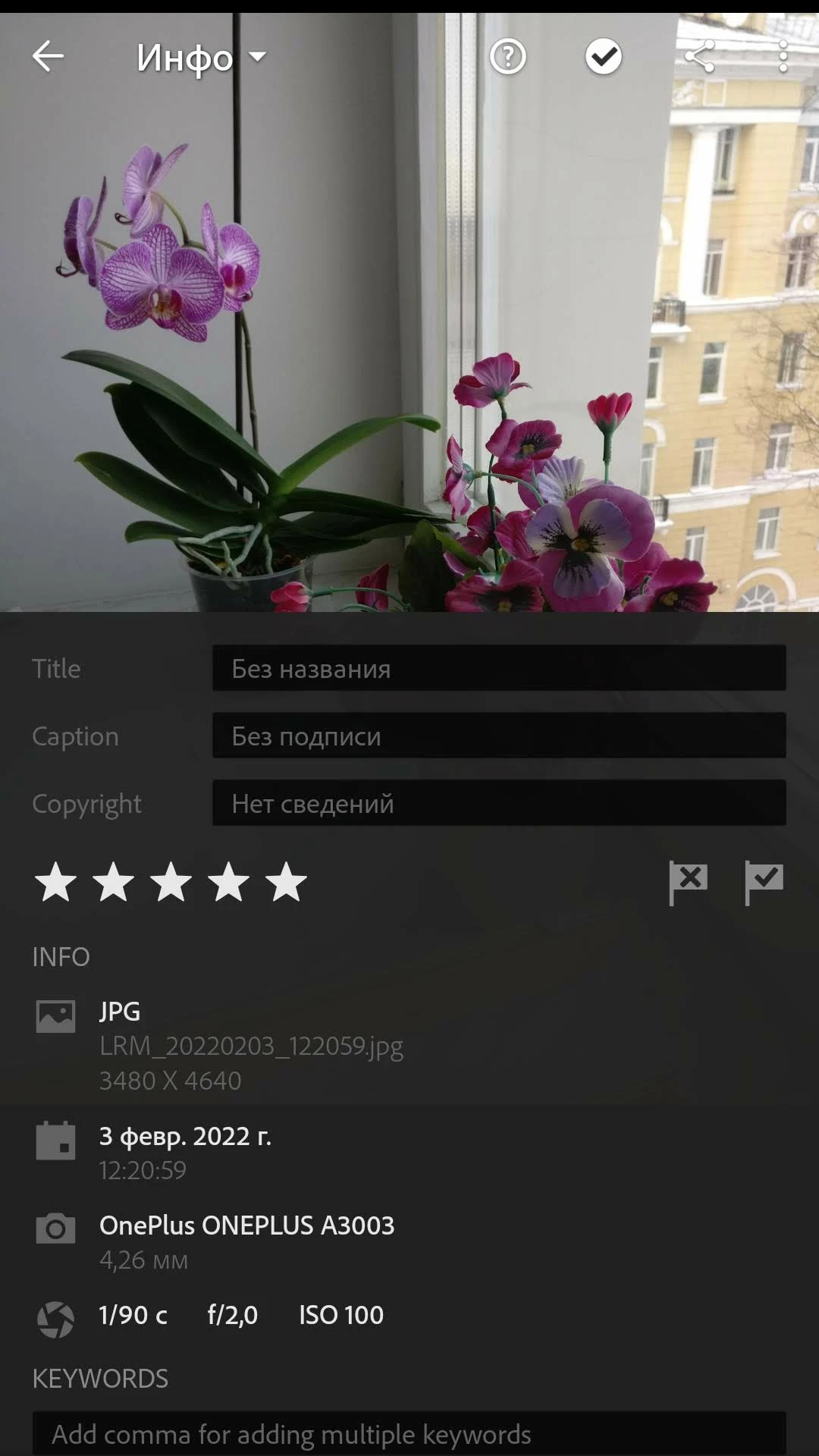
And larger view of both files
This topic is closed to new replies. Start a new post to keep the conversation going.

2 replies

Ranjisha Sengupta
Legend
February 3, 2022

Hi there,


Thanks for reaching out. 

JPEG images are compressed and limited color gamut images, while DNG has all the RAW information about color values intact. As you are experiencing, RAW or DNG files appear a bit different because it has more information. If we edit them, it becomes better than the JPEG.
That's the reason professional photographer uses RAW and not JPEG. DNG files or RAW images have more colors and information to edit from scratch and have all the creative freedom, but in JPEG files, there are fewer options as it has more periodic data and is a compressed version.


Regards,

Ranjisha

Participant
February 5, 2022

Thak you for your answer. But extra information contained in raw file does not make color loose saturation, add color shifts (as your can see in green leaves on the photo above) and affect image contrast at all. I know what raw file is )


For me it looks like Lightroom for some reason doesn't apply camera profile to DNG files, it applies profile to jpegs only.