
Lightroom mobile export color square pixel issue
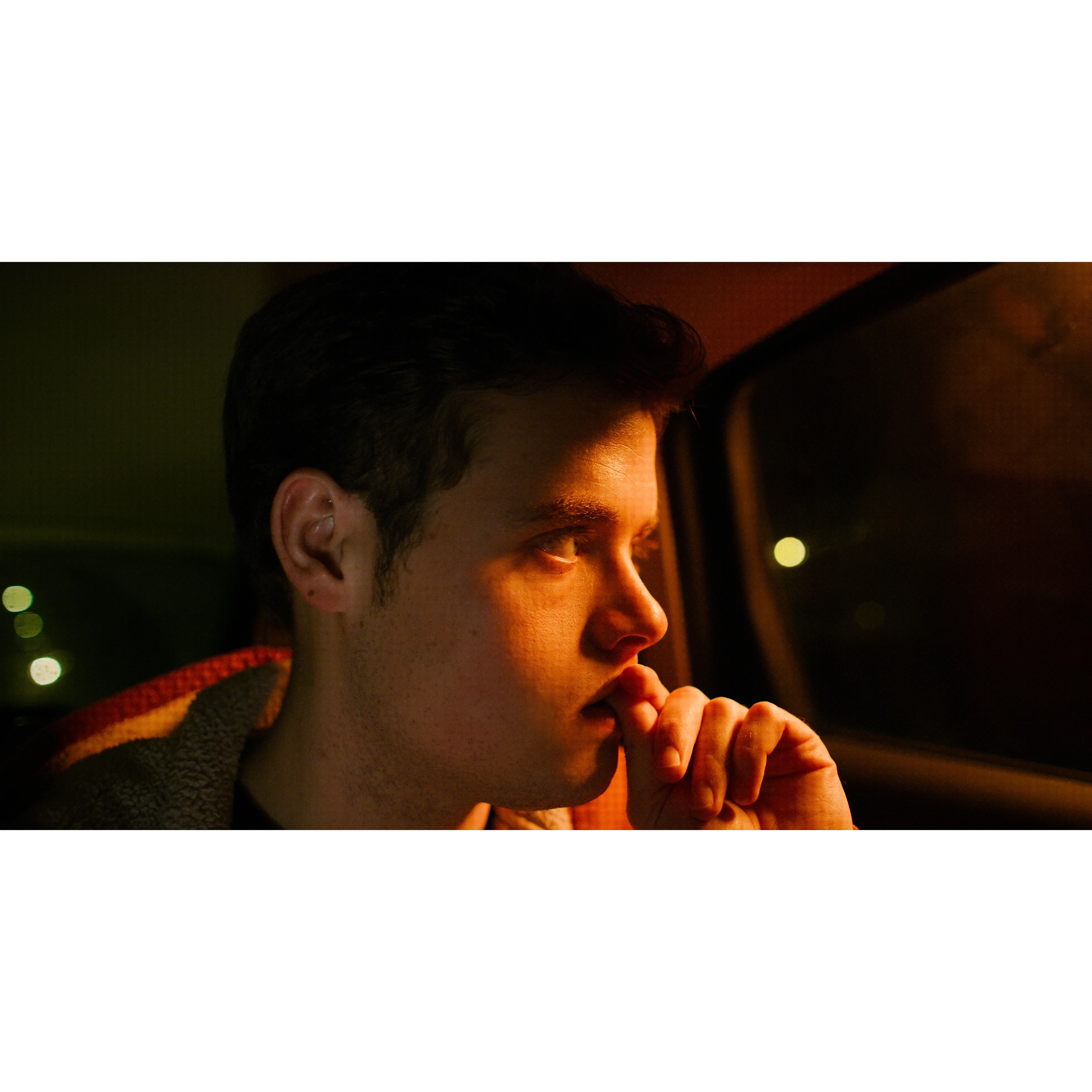
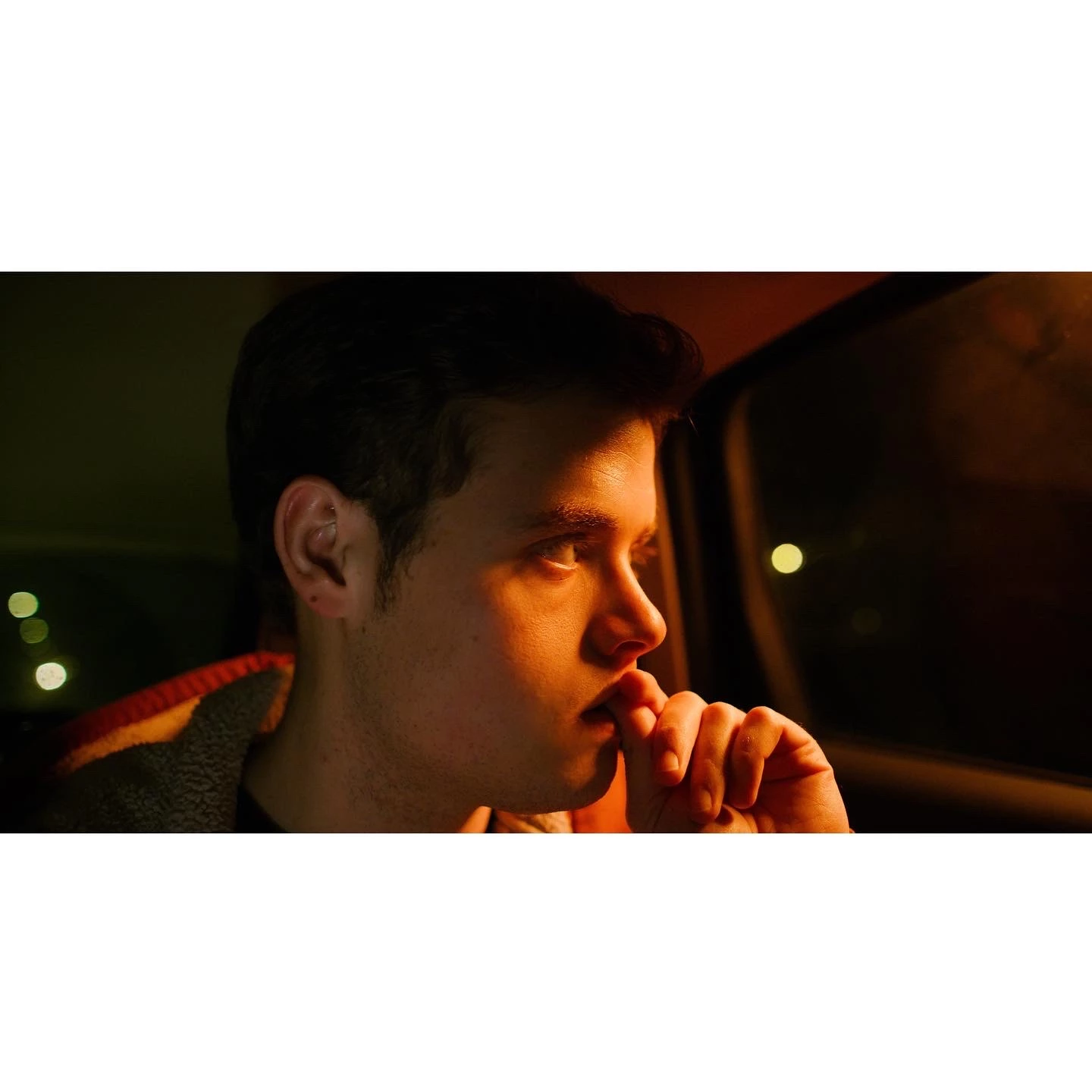
been getting into using the LR mobile app recently on my ipad pro with no issues until today. getting color artifact like square pixel banding issues when trying to export. tested it out on a third party app w the same photo and it works fine.
Heres the process I went through:
- import 6k jpeg still
- crop to a 1x1 frame for IG
- scale down that image to fit the frame
when exporting the color issues are present only in LR as Ive tested it out on Diptic and its fine (its actually worked on other photos in LR fine in the past- its just this time all the photos in this series come out like this).
Ive tried to also export with/without sharpening to no difference. Another note of interest is that when cropping to a 4:3 frame instead of a 1x1 frame - its fine. it has to be something with the program as ive done this with different shots from the same RED camera, same specs, and no issue.
Attached you will see the raw image: LR 1x1 export: issues, Diptic 1x1 export: fine
 AdChoices