
Question
Lightroom Mobile on iOS - missing colour profiles
Hi folks.
When use LR mobile to access files which have originally been uploaded to the Adobe cloud after import on my PC, I can choose Adobe Landscape, Adobe Vivid and so on from the profiles option.
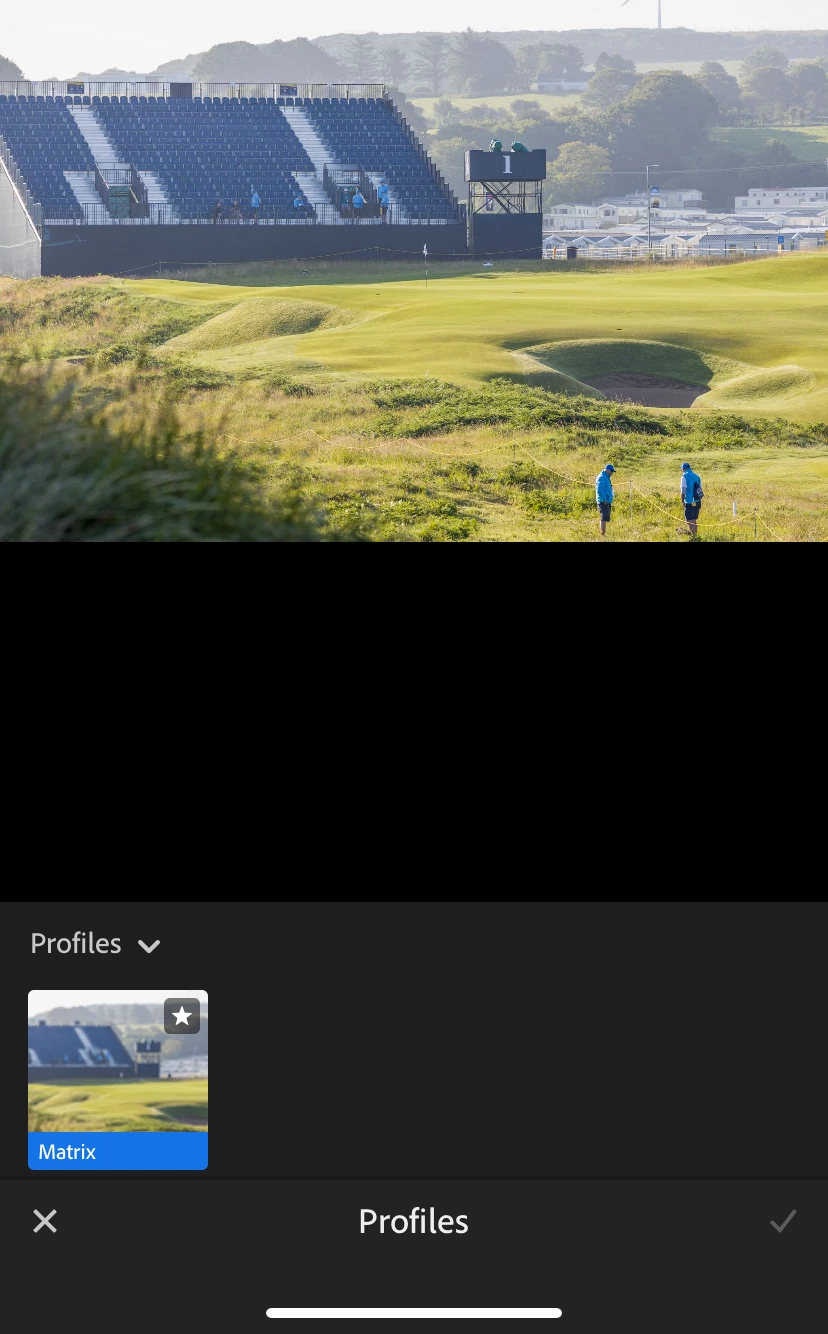
However, files imported in any other way to LR (e.g. downloading a RAW file from OneDrive and importing to LR from my iOS device) only allow me to choose a Matrix profile. Why is this and what is the solution?
I am going on holiday soon and want to import photos to LR via an iOS compatible SD card reader. However, if I can't choose colour profiles then I will stick to editing on the desktop PC when I get back.
Thank you.


 AdChoices