
Question
Lightroom mobile photos and Presets not appearing
I recently got the iPhone 11 Pro. At first the lightroom app was opening and showing all my photos and presets but wouldn't load. Just had the loading circle icon in center. I deleted and reinstalled / logged into app and now none of my images or presets are showing up. I've tried once again logging in and out and also deleting / reinstalling app and still have no photos or my purchased presets in Lightroom mobile. Please help!
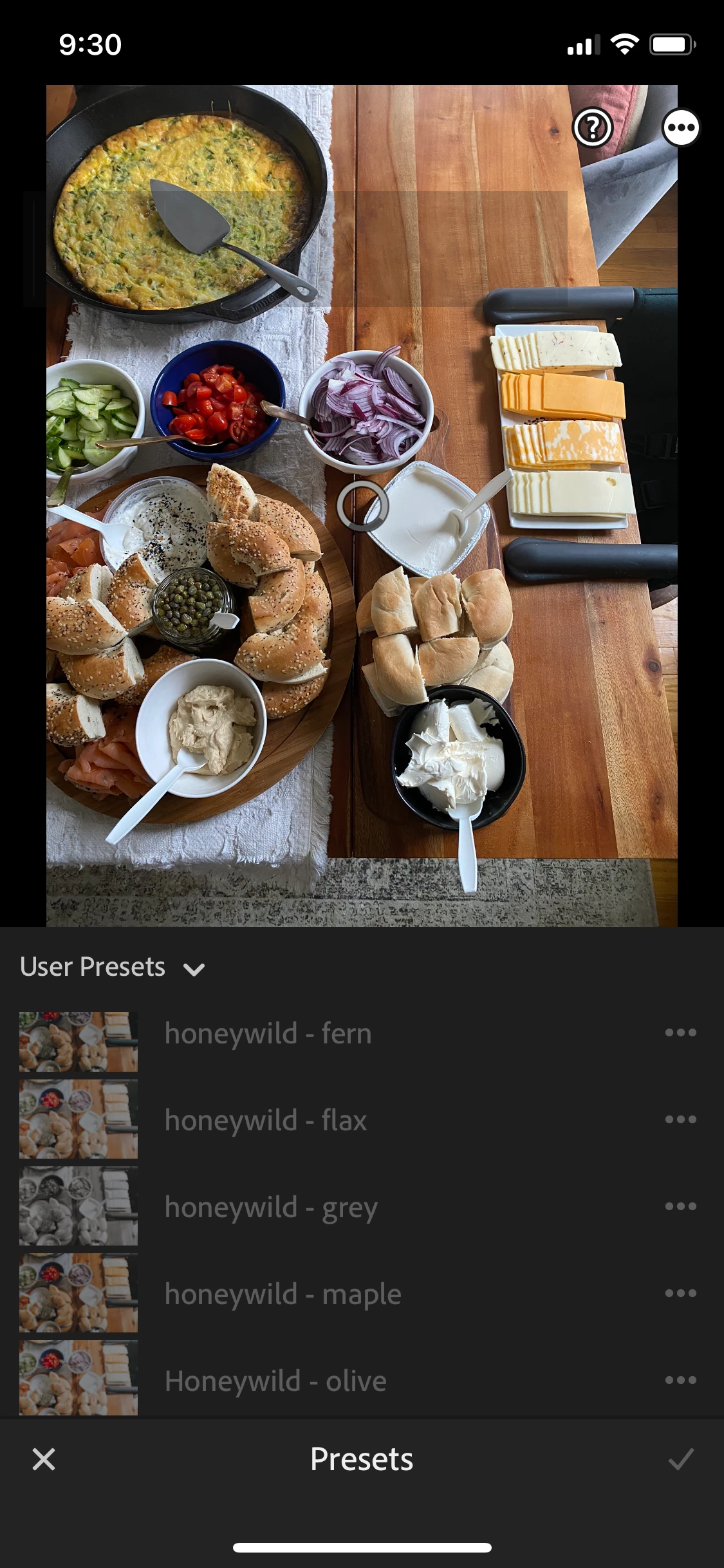
first photo shows original problem - photos and presets in lightroom mobile but not loading
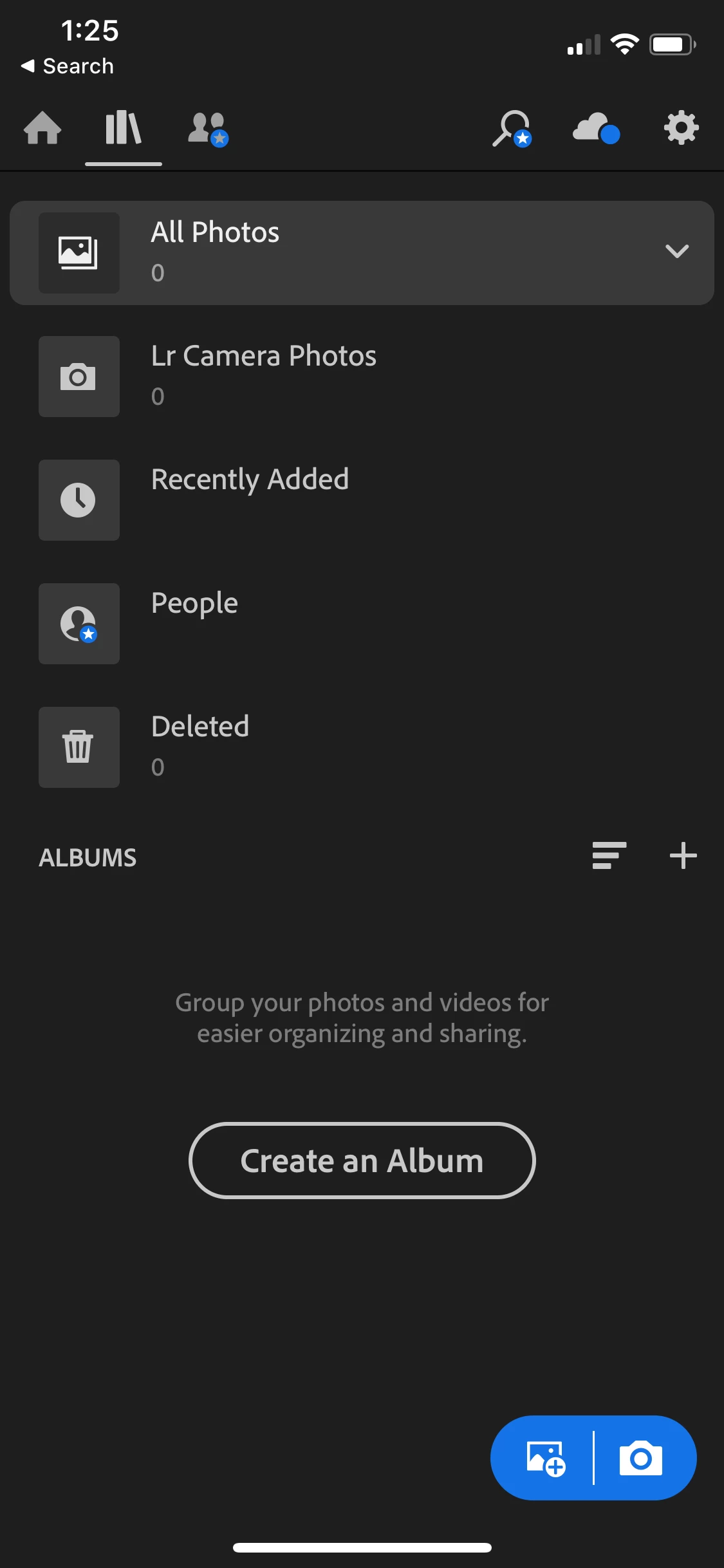
second photo shows current problem - no photos and presets appearing in my LR account


 AdChoices