Participant
June 16, 2022
Question

Lightroom Mobile v7.3.3 (iPad) JPGs Exports Get Strange Lines

  • June 16, 2022
  • 1 reply
  • 665 views

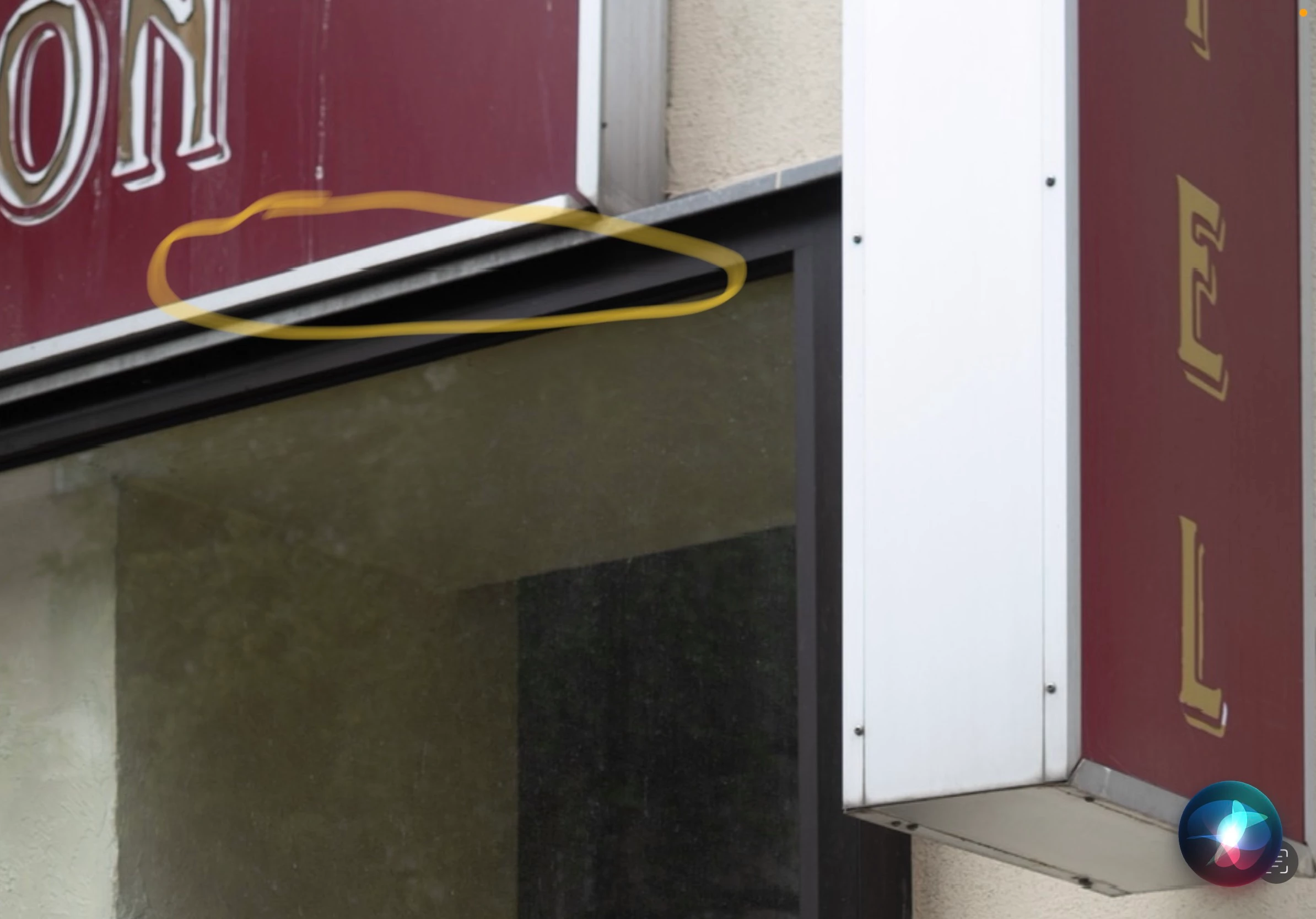
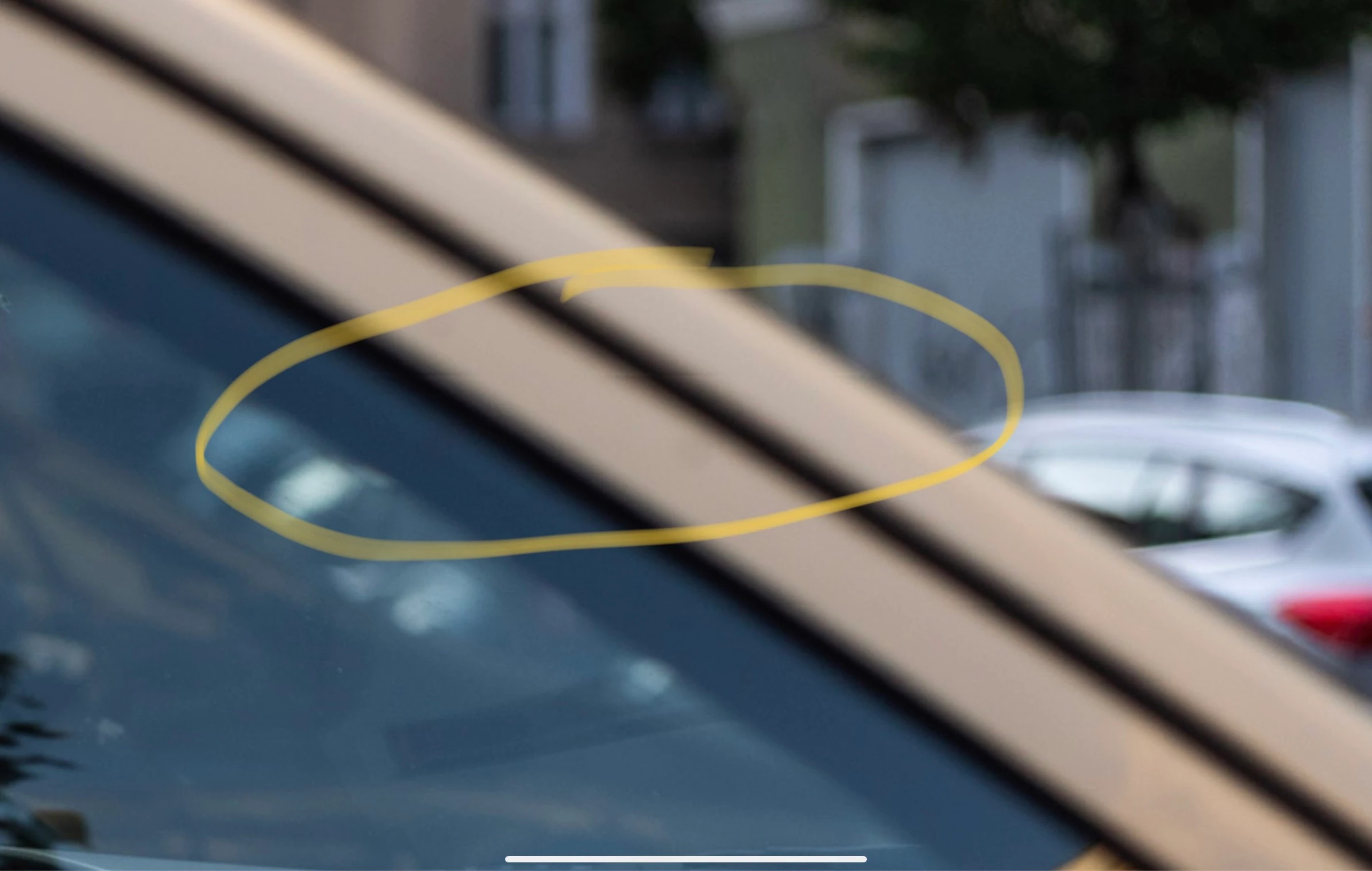
When I export JPGs in Lightroom on my iPad Pro they get ugly little lines. My DNGs look fine (Leica SL2s).

Lightroom V 7.3.3 (iPad 2021 pro)



{Thread title updated by moderator}

This topic has been closed for replies.

1 reply

Sameer K
Community Manager
Community Manager
June 17, 2022

Hi Lars,


Thanks for reaching out. We are sorry for the trouble with Lightroom. We are here to help.


Could you please confirm the version of the iPad OS you are working? Does the issue appear with JPEG copies of the Leica SL2s, or do all exports behave similarly?

Could you please share a screenshot of the options you used during the export?


Lightroom Mobile (iOS) 7.4.1 is available for devices running on iOS 14 & later. Please check & update Lightroom from the Appstore.


Let us know if the issue persists after updating too.

Thanks!
Sameer K

Participant
June 18, 2022

Hi thanks for your answer. I updated Lightroom and it still happens also with files from other cameras.

Community Manager
June 20, 2022

Hi,

do you see this only on images that you have edited or does it also include unedited images?
When you mention "other cameras", does it mean that these images are also raw images?
Btw how does your More options look like?

One more question, when you export the images, are you using Smart Preview or Original?
You can see this by tapping on the cloud icon when in Loupe.

Thanks,
Ignacio