

🗞️ Lightroom Newsletter - November 2023

Lightroom Ecosystem Update - November 2023
Hi! A lot has happened since our last newsletter, not the least of which was Adobe MAX 2023! We announced some fantastic new features, including HDR editing, Local Storage in Lightroom, a new edit UI in Lightroom Mobile, and more! The most popular feature, however, is the new Lens Blur tool. The announcement post in our support community has received over 51k views, 995 replies, and 80 upvotes! We've included a video below from Julieanne Kost showing how it works in Lightroom Classic since there isn't one for Lightroom, but don't worry. The principles are the same, and we think you'll enjoy it! Also, don't miss Julieanne's video explaining Point Color. It's super cool!
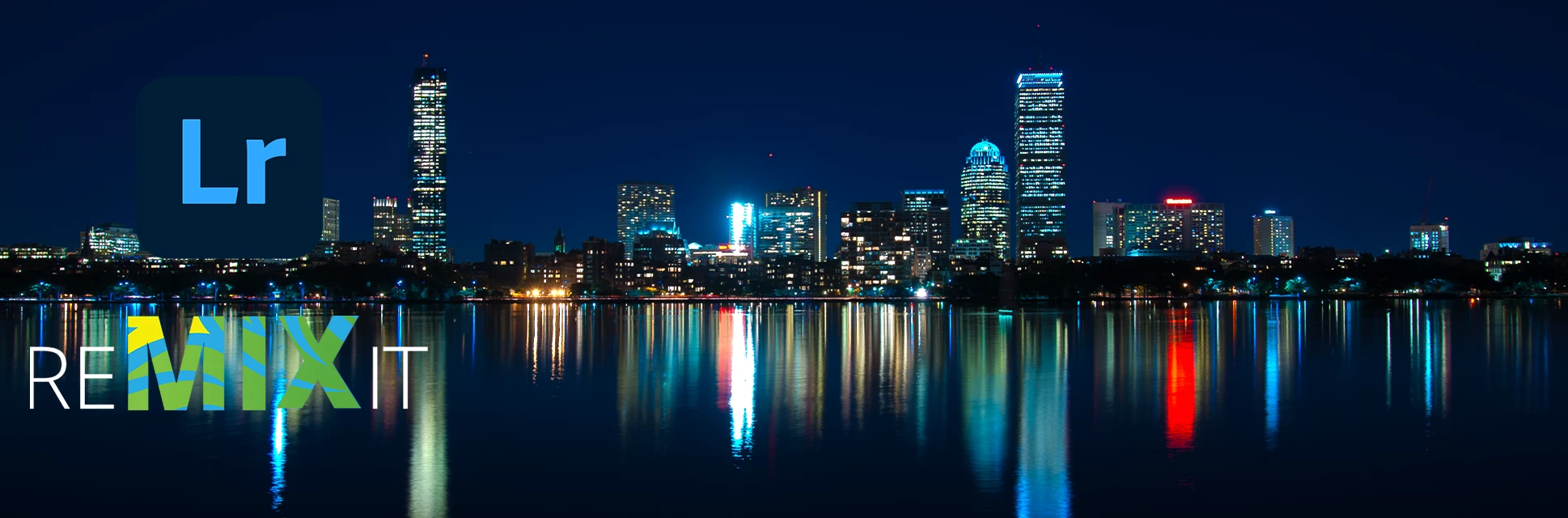
November '23 Remix It!
For the November Lightroom Remix It! challenge, let's travel to the north bank of the Charles River in Cambridge, Massachusetts to see this stunning view of the Boston skyline captured by the always amazing Celeste Guidice. Join in the fun and show us your interpretation. Can't wait to see what you create!
New Features
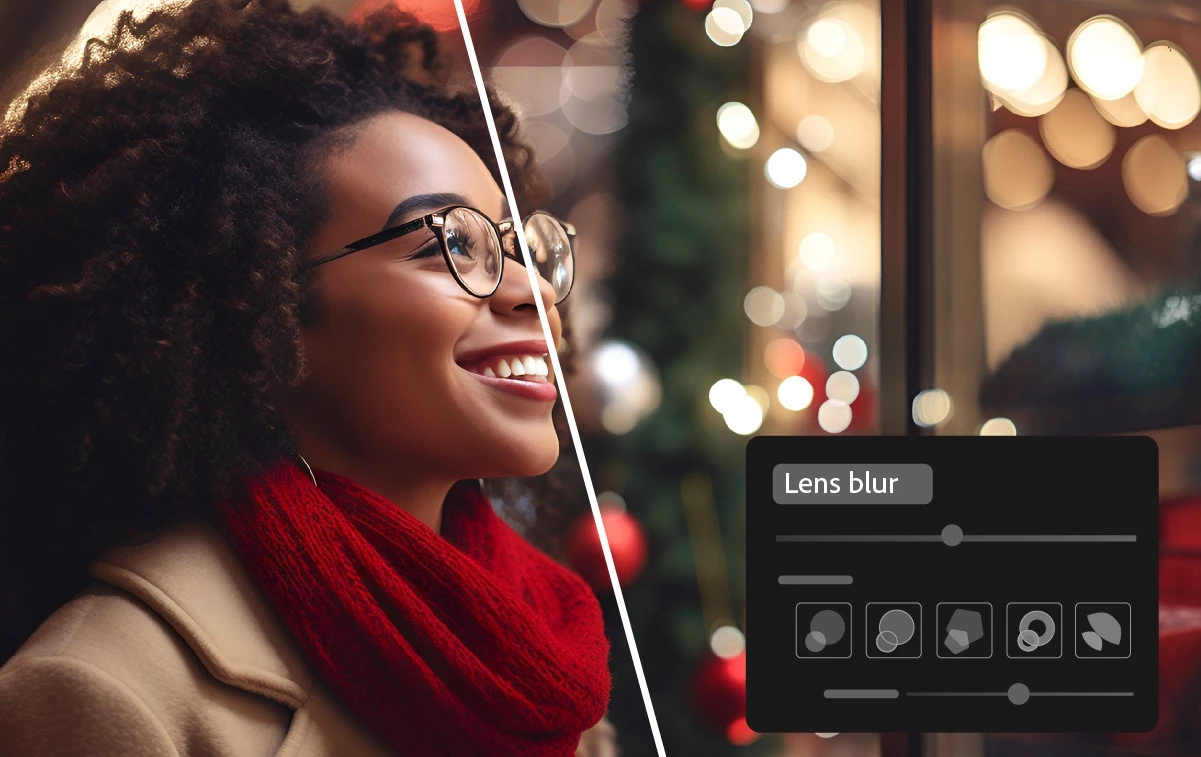
Add blur using the Lens Blur tool (desktop & mobile)
Add an aesthetic blur effect to any part of a photo through AI-powered Lens Blur. Easily achieve the popular Bokeh effect without using an expensive camera lens.
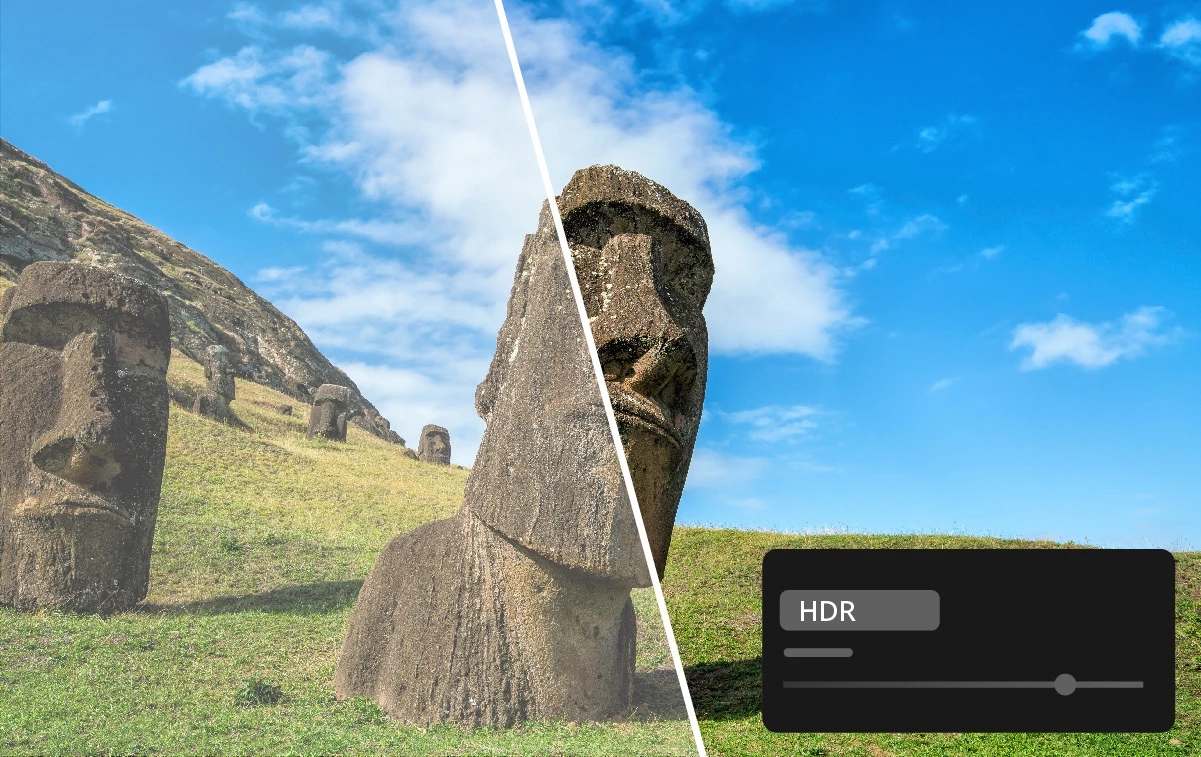
Edit and export HDR photos in Lightroom (desktop & mobile)
Edit and save HDR photos in new industry-standard formats like AVIF and JPEG XL, which offer higher quality at smaller file sizes. You can also capture and edit HDR photos directly on Lightroom for mobile.
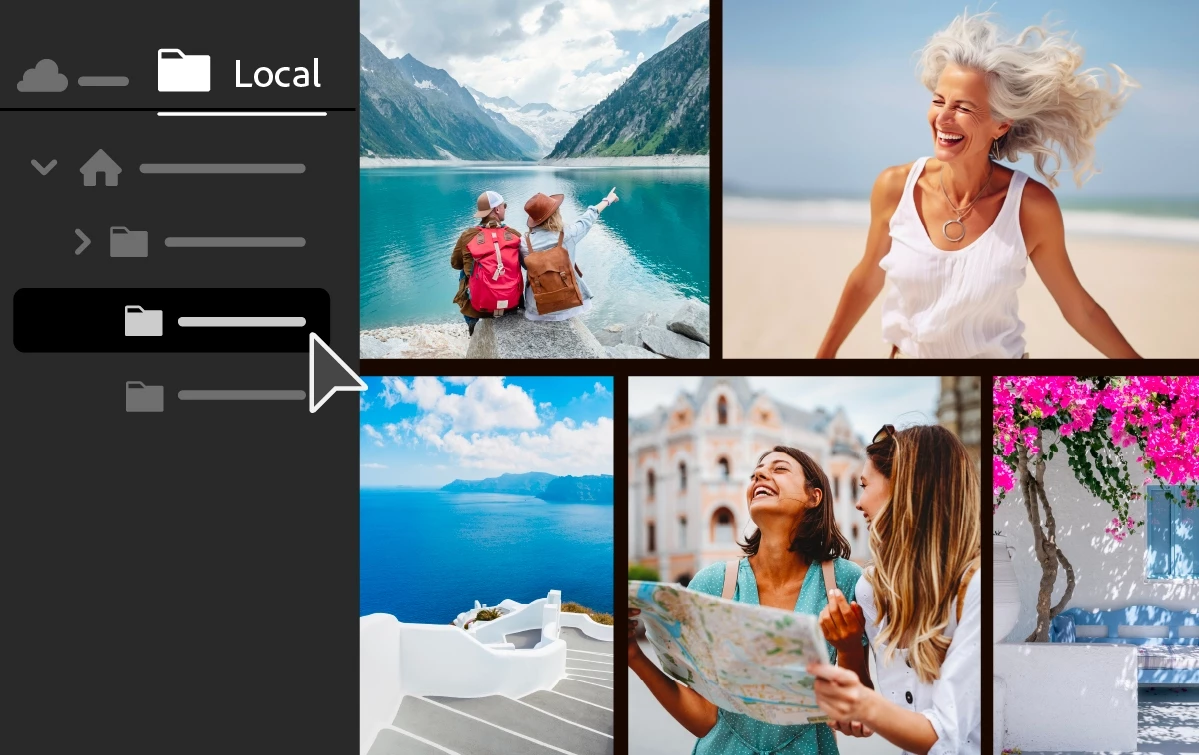
Edit locally stored photos in Lightroom (desktop only)
Access, edit, and organize locally stored photos in Lightroom without importing them. Bookmark your favorite folders and selectively copy images to the Lightroom cloud.

New editing experience in Lightroom (mobile only)
Easily edit your photos in Lightroom for mobile with a streamlined and more intuitive editing experience.

Support for new cameras and lenses
Find newly added cameras and lenses in the full list of supported profiles.
See the latest Fixed Issues in Lightroom
See a list of the lateest Fixed Issues in Lightroom Desktop and Mobile
See all the latest features here: What's new in Lightroom
Learn Something New
|
Lens Blur (Early Access) in Lightroom Classic
|
Create and Save Custom Presets in Lightroom
|
Dramatize Exposure and Color in Lightroom
|
How to Make a Colorized Preset in Lightroom
|
News and Blog Posts
Adobe MAX Sneaks Get a sneak peek of what were brewing up!
Adobe MAX 2023: Introducing the next generation of creativity, powered by AIEverything You Need to Know About Point Color in Adobe Camera Raw
Did you know you can find expert help in the Lightroom Support Community? Give it a try!
Helpful Links
Learn more about what's in each Release: What's New
See the list of fixed issues: Fixed issues in Lightroom
See the list of known issues: Known issues in Lightroom
Learn more about Lightroom: Quick Tips and Lightroom User Guide
Make sure you have the latest version: Lightroom Desktop, iOS, Android
Read helpful articles about troubleshooting, and more: Handy Lightroom Links
Compare Lightroom Classic and Lightroom features here
Follow Lightroom on: Twitter, Instagram, YouTube, and Facebook
Are you curious what's going on with our other apps? Check out their Newsletters, too:
Photoshop | Lightroom | Lightroom Classic | Illustrator | InDesign | Premiere Pro | After Effects


 AdChoices