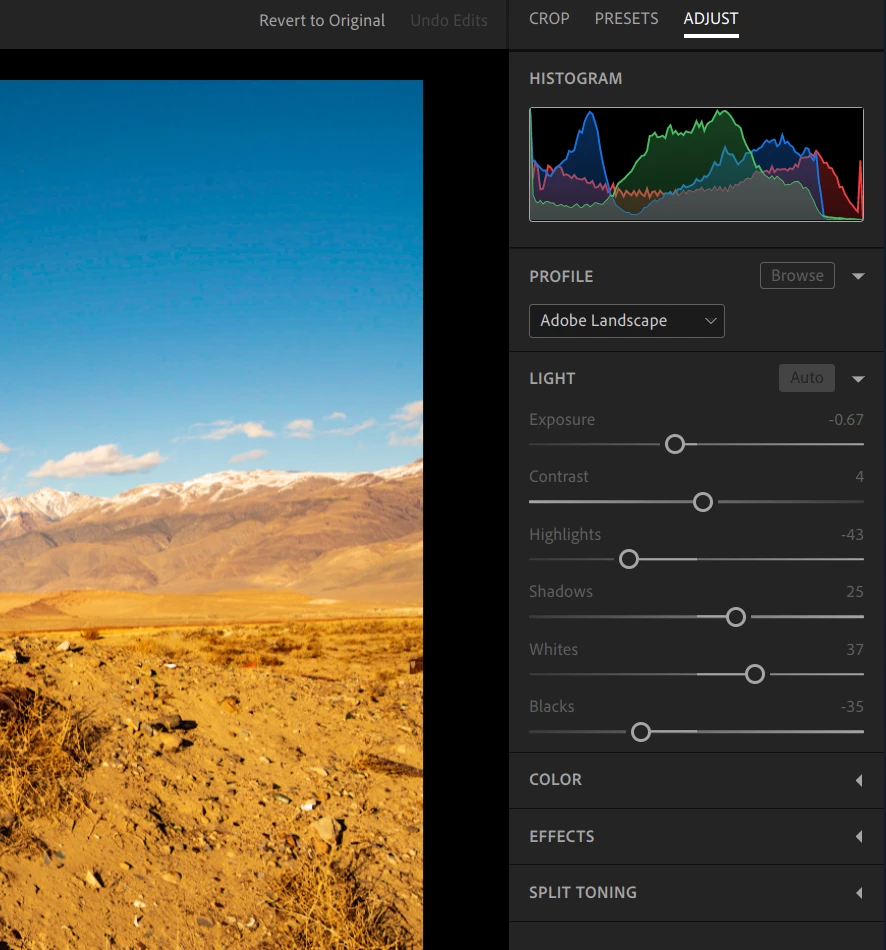
Check the apps on you Chromebook and see if there is an update for the Lightroom app. After making sure you have installed the latest version, open the Lightroom app and look for the spot healing tool along the right edge. Make sure you open the Lightroom app. If you can't find it, share a screen capture of the entire screen with Lightroom open.
To be clear, I believe that the Lightroom desktop app is only available on Mac or Windows, thus not on a Chromebook. However, as ChromeOS now supports Android, I also believe that it's now possible to run the Lr Mobilefor Android app on a Chromebook (and some other Adobe apps as well, including the Creative Cloud app), plus the Lr Web app through a browser. The mobile app does have the Healing Brush and Selective tools, though the Web app does not.
Would you mind confirming if the screenshot you have shared is for Lightroom mobile that you have installed on the Chromebook through the Google play store or are you editing the images by going to Lightroom.adobe.com?
The web client does not have the healing brush or the gradients.

 AdChoices