



QE3
Participant
July 21, 2026
Question

Lightroom on iPad: Weird outlining with the masking features

  • July 21, 2026
  • 3 replies
  • 30 views

Whatever was done in the masking with the last update you need to revert it. Masking was fine but now all my photos have this horrible gray outlining around the subject. All you have to do to reproduce this is take a picture load it in Lightroom add a subject or background mask edit it slightly and there you go. Previously no matter how bad you edited a photo it would never look like this. 
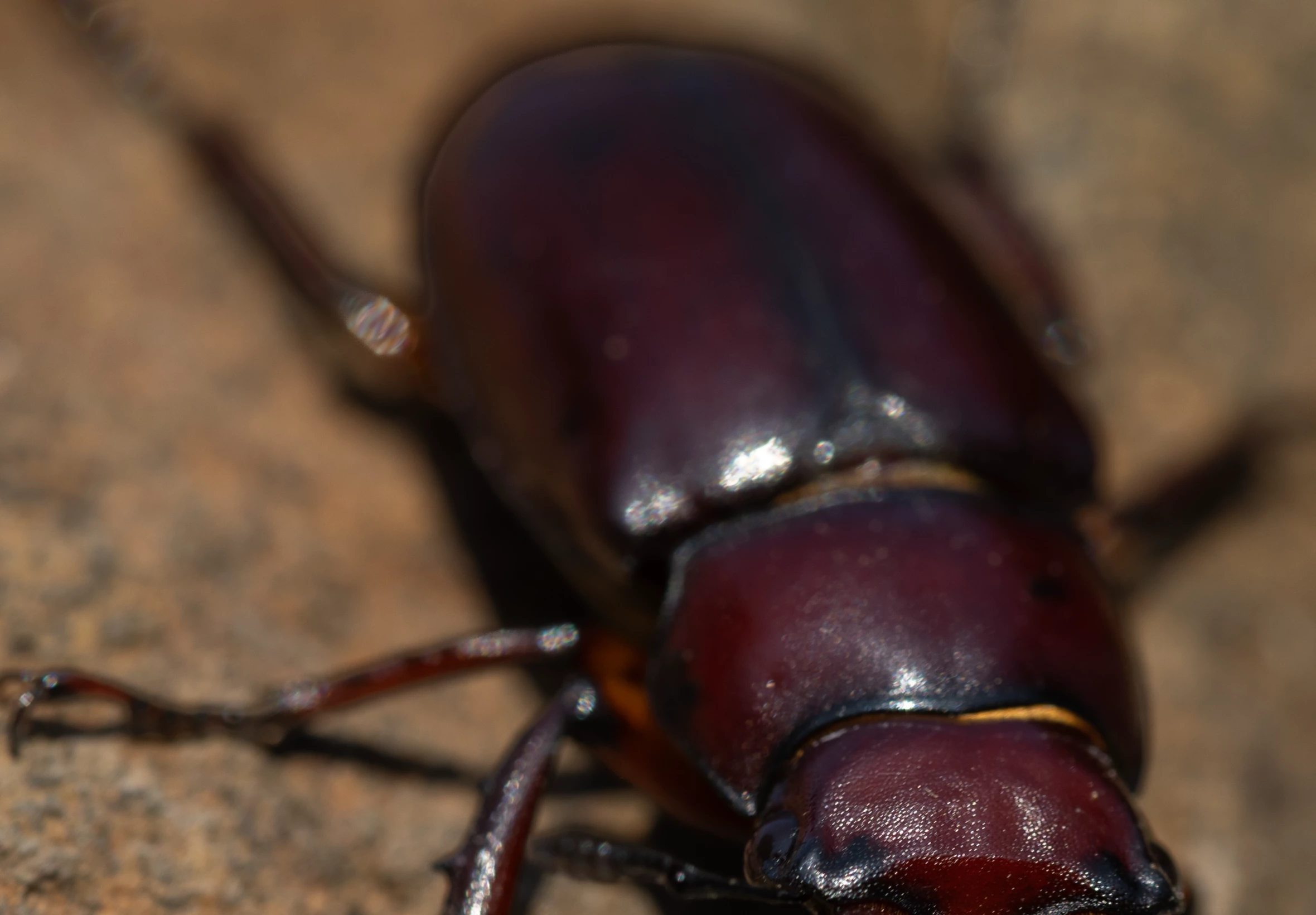
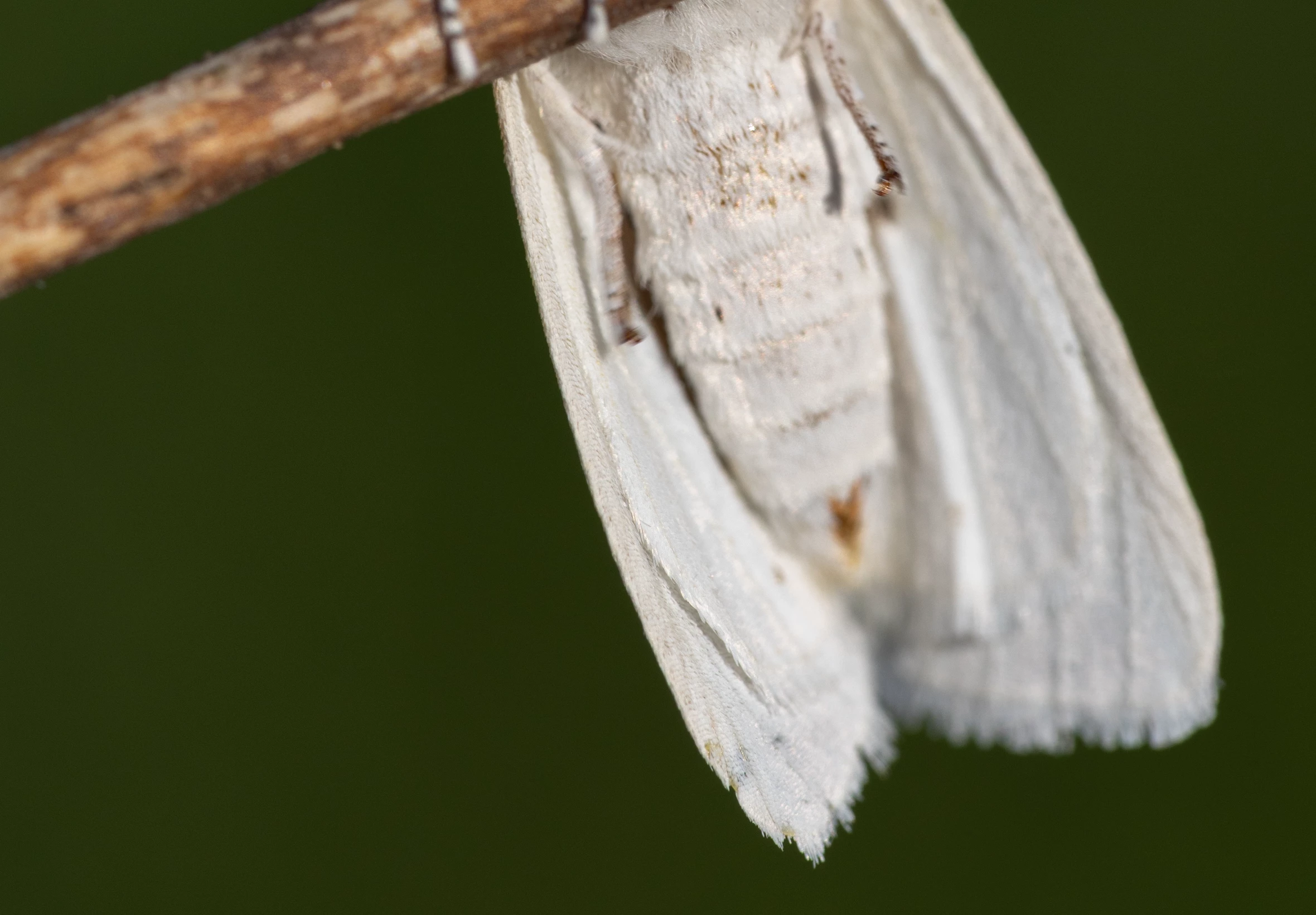
The above picture is one edited with the new masking the white moth picture below is edited before the changes took place. This is really ruining all my photos.
 

    3 replies

    QE3
    QE3Author
    Participant
    July 21, 2026

    Seems I’ve accidentally made this post about Lightroom classic when it is the iPad version of Lightroom where I am running into this issue. 

    QE3
    QE3Author
    Participant
    July 21, 2026

    Whatever was done in the masking with the last update you need to revert it. Masking was fine but now all my photos have this horrible gray outlining around the subject. All you have to do to reproduce this is take a picture load it in Lightroom add a subject or background mask edit it slightly and there you go. Previously no matter how bad you edited a photo it would never look like this. 

    The above picture is one edited with the new masking the white moth picture below is edited before the changes took place. This is really ruining all my photos.

    dj_paige
    Legend
    July 21, 2026

    I do not experience this problem, even with masking.


    QE3
    QE3Author
    Participant
    July 21, 2026

    Hmm that’s crazy because that might mean there is something wrong with just my app? I’ve never changed anything just realized that it takes longer to load the masks and then this happens now?

    dj_paige
    Legend
    July 21, 2026

    Please use the menu command Help->System Info and copy the results there into your reply.