Participant
March 9, 2025
Question

Lightroom output

  • March 9, 2025
  • 1 reply
  • 94 views

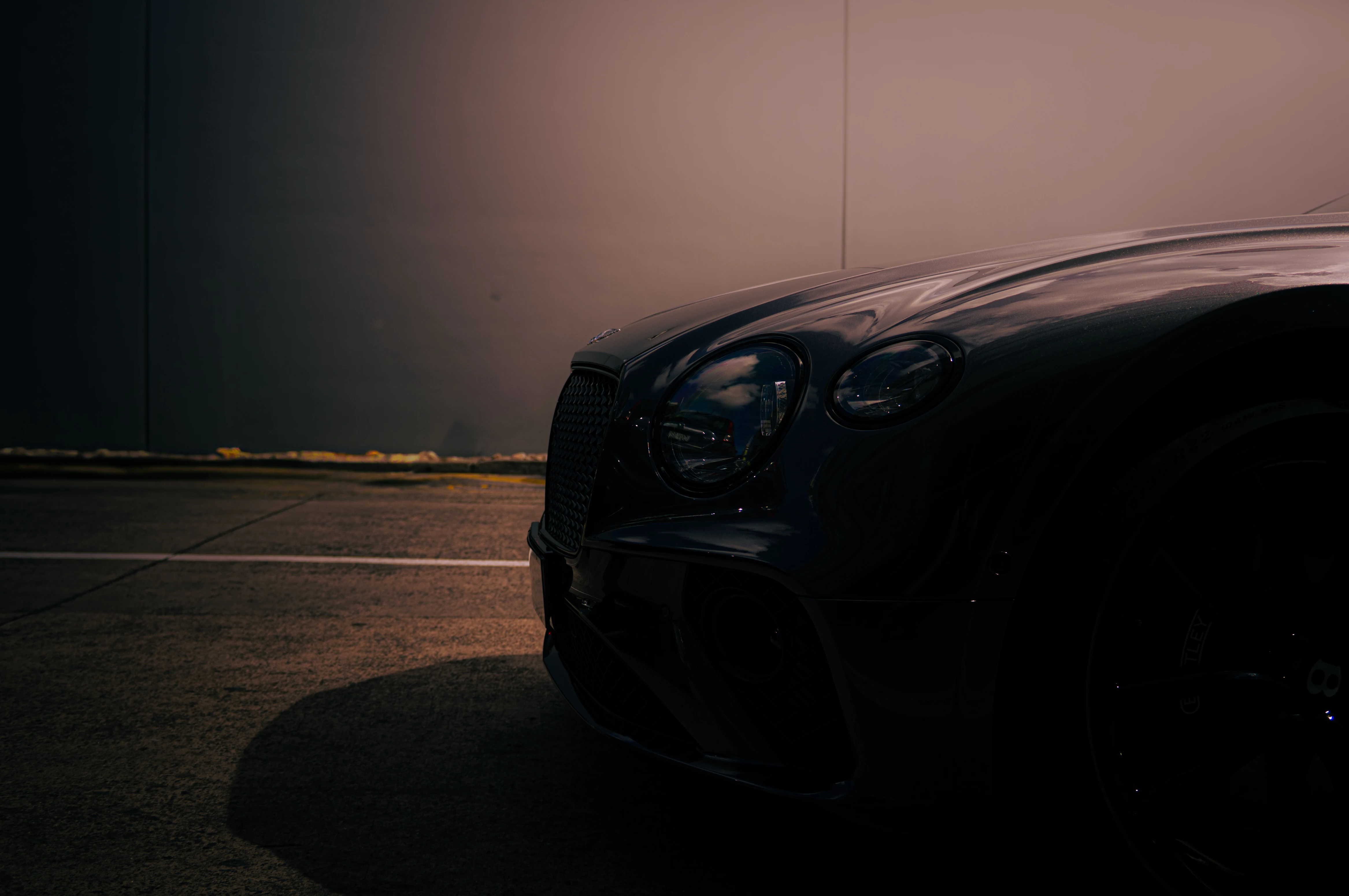
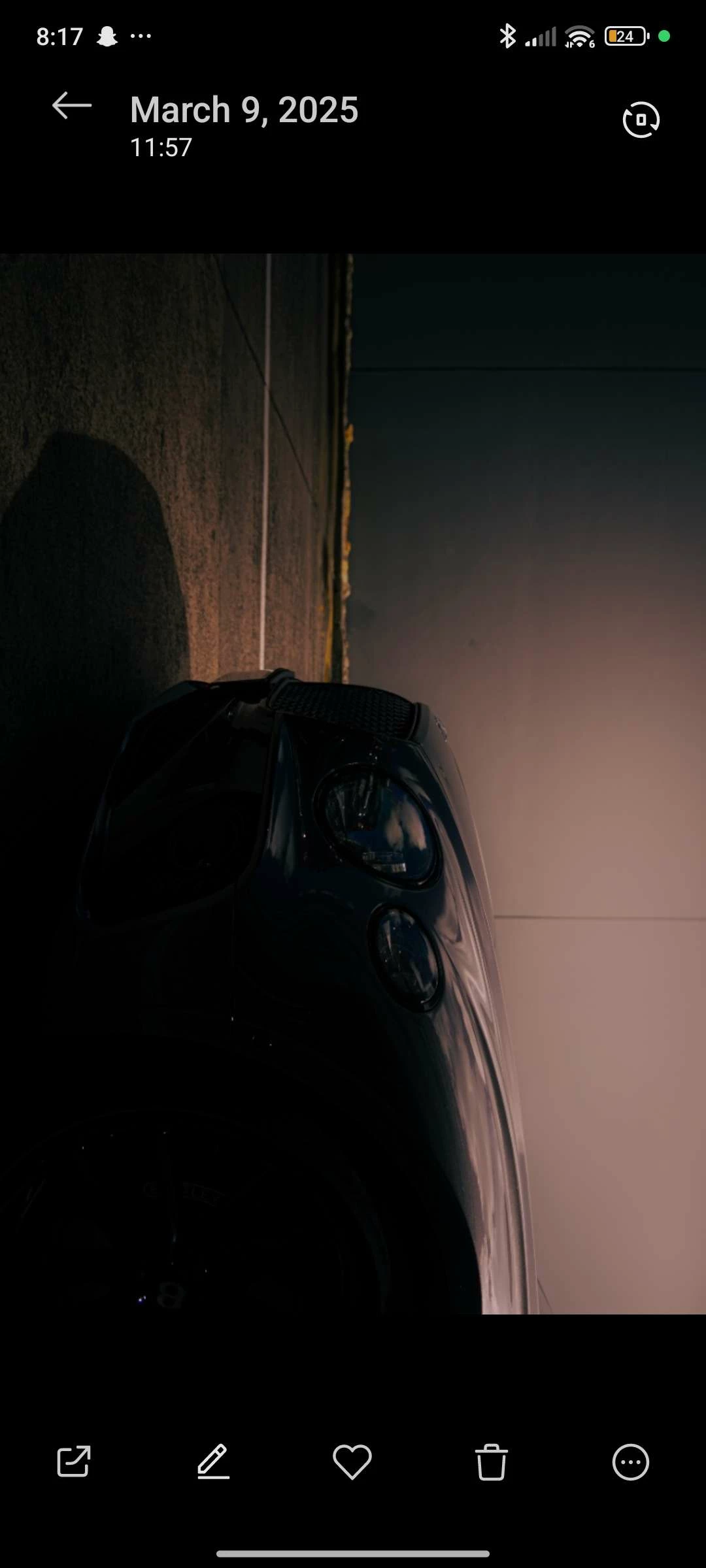
hey guys, I started using Lightroom to edit some photos for insta but the moment I send them to my phone it looks way darker than it is on PC, is this just how phones view the image or does Lightroom change some stuff (or even I use the wrong export settings)?  i know the phone one is a bit blurry (cuz I sent it to PC by Discord) but you get the point. idk if u can tell in these images, but if u take a look at the not screenshotted one, on ur phone and PC, you can tell the differences. this just might be the projected on different screens but surely there's a way to make it look exactly the same  


1 reply

Community Manager
March 10, 2025

Hi @Jayden23640348c5uk! 👋 Welcome to the community! 

I'm sorry, but I don't really notice a difference between the pictures you shared besides the quality. Could you share more details on what you're seeing and how you're expecting it to look?

Screens can vary a lot, and as such, what you're seeing on your phone will usually not match perfectly to what you see on your PC. What I see on my screen is also most likely different than what you're seeing on yours as well. To make your phone and monitor display the same colors, you'll need to adjust the color settings on both devices. Access the display settings on your phone and computer, and manually tweak the brightness, contrast, saturation, and color temperature until they visually match when viewing the same image on both screens. However, due to different display technologies, achieving a perfect color match might not always be possible.

Thanks so much!

Alek


*(If you mention me with an @, like @Aleke, I’ll get a notification and can respond faster.)*