
Question
Lightroom Preset Error Message Won't Go Away!
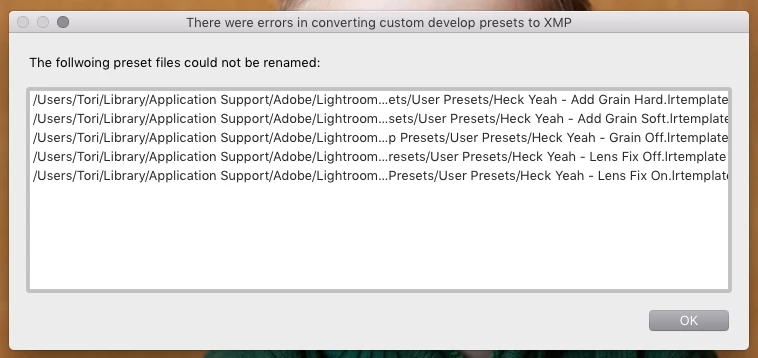
I purchased and installed new presets recently. They all showed up and are working just fine, however, I can't seem to get this error message to go away no matter what I try (see message below). I've tried quitting and restarting LR. I tried deleting the presets, but when I restarted LR, the message popped up and the presets reappeared. I deleted them again, restarted LR, and same thing happened. I did this multiple times and nothing is working! What can I do to get rid of this message. It's not effecting anything, just annoying!
 AdChoices