
Lightroom Presets - "Partially Incompatible Preset" Error Message
Hi all,
I was wondering if one of you might be able to help me as I'm a little confused. I'm looking to make a preset pack to share with friends and followers and hit this error message when trying to use my presets for testing.
Here are my steps:
- I've created my presets off the back of RAW images imported into Lightroom. (Mainly, Canon and Lumix RAW photos)
- I sync up my finished preset pack to my Lightroom Mobile version to test them out on various other pictures I have to see how they look.
- When attempting to use a preset for the first time on a picture that wasn't taken on either Canon or Lumix, I get the following error message appear: "This preset includes a profile that was made for a different camera which cannot be applied to this photo. All of the compatible enhancements from this preset will be applied to your photo"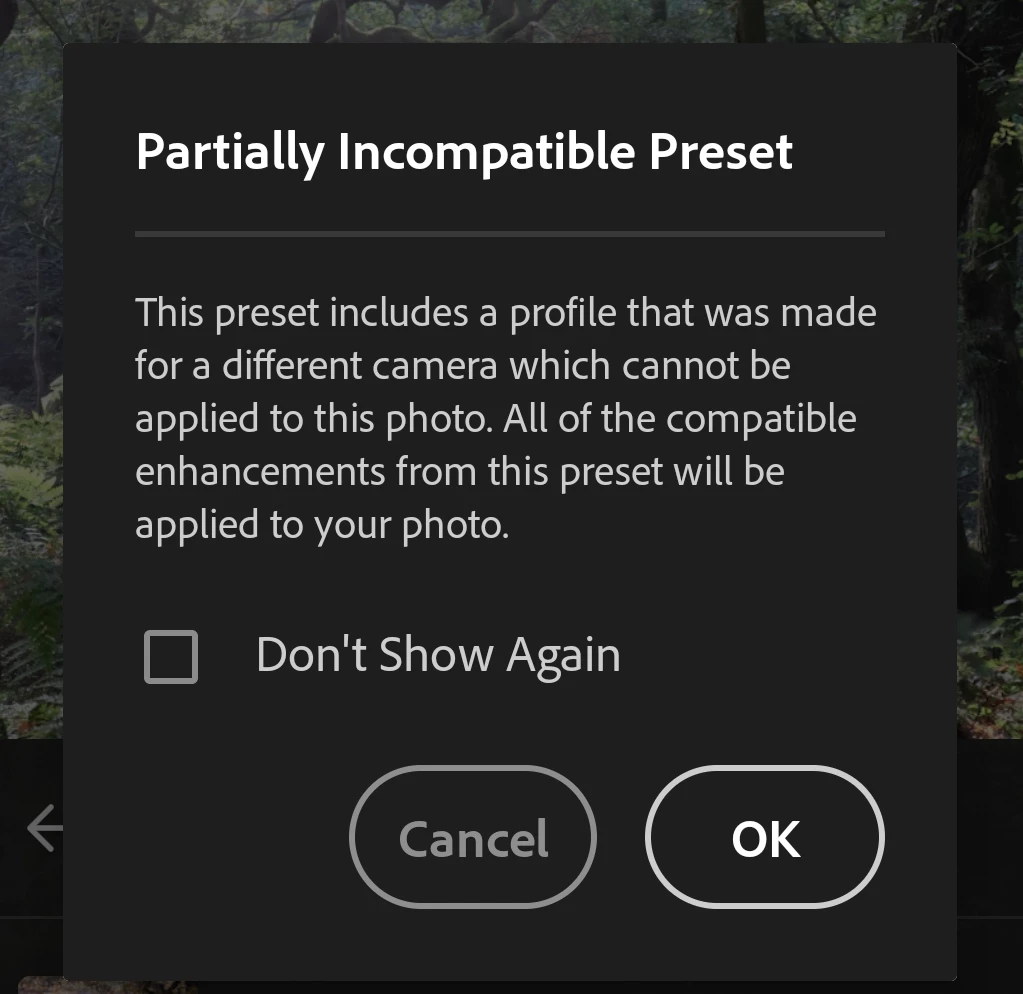
My question is:
Is this normal, expected behaviour? If I were to purchase a preset pack from another creator, would I get the same error message if they had created their presets using an image from a camera I do not own? Or is there some form of profile workaround for this problem to avoid this prompt appearing should anyone else download my preset? I'm looking to make my preset pack "universal" and not "camera specific".
Many thanks,
Kyle


 AdChoices