Alin1968
Participant
September 15, 2020
Answered

Lightroom problems after Windows Updates

  • September 15, 2020
  • 1 reply
  • 306 views

Hi 

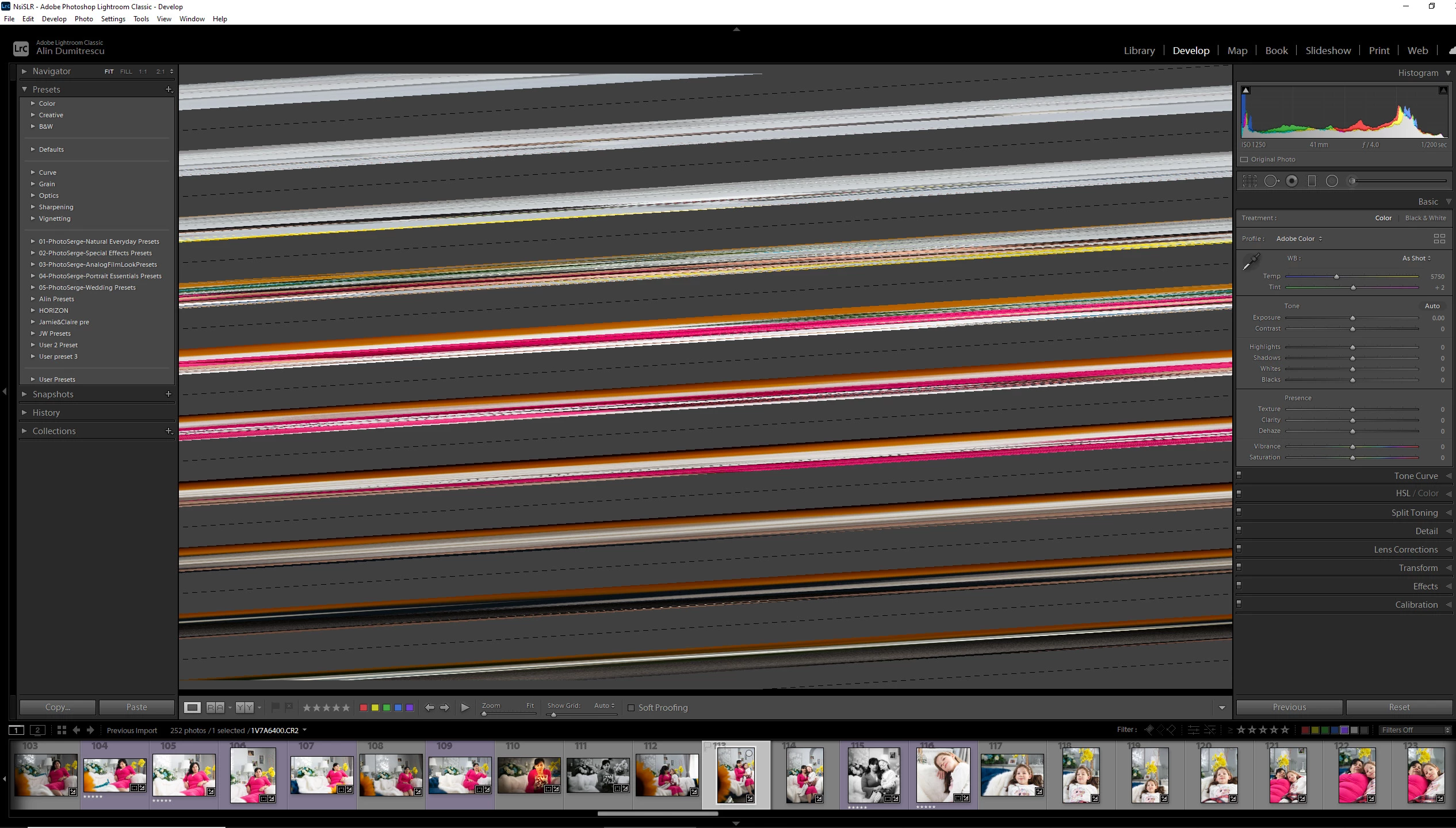
I'm using LR for over 3 years on this PC and yesterday after windows major updates this happen... anyone has an idea of what is going on? There are several other issues like every time I open PS or LR I need to sign in... Thanks, Alin
This topic has been closed for replies.
Correct answer Jim Wilde

Try turning off the GPU setting by going to Lightroom's Preferences>Performance tab and set "Use Graphics Processor" to "Off". If that resolves the issue, it's possible that the Windows update installed an "update" to the GPU driver (which are often not the latest version), so to allow re-using the GPU in Lightroom go to the graphics card's manufacturer's website and install their latest version.

1 reply

Jim Wilde
Community Expert
Jim WildeCommunity ExpertCorrect answer
Community Expert
September 15, 2020

Try turning off the GPU setting by going to Lightroom's Preferences>Performance tab and set "Use Graphics Processor" to "Off". If that resolves the issue, it's possible that the Windows update installed an "update" to the GPU driver (which are often not the latest version), so to allow re-using the GPU in Lightroom go to the graphics card's manufacturer's website and install their latest version.

Alin1968
Alin1968Author
Participant
September 15, 2020

That was indeed the problem and I managed to figure it out earlier. Thanks Anyway, Alin