Inspiring
October 7, 2021
Question

Lightroom size

  • October 7, 2021
  • 2 replies
  • 129 views

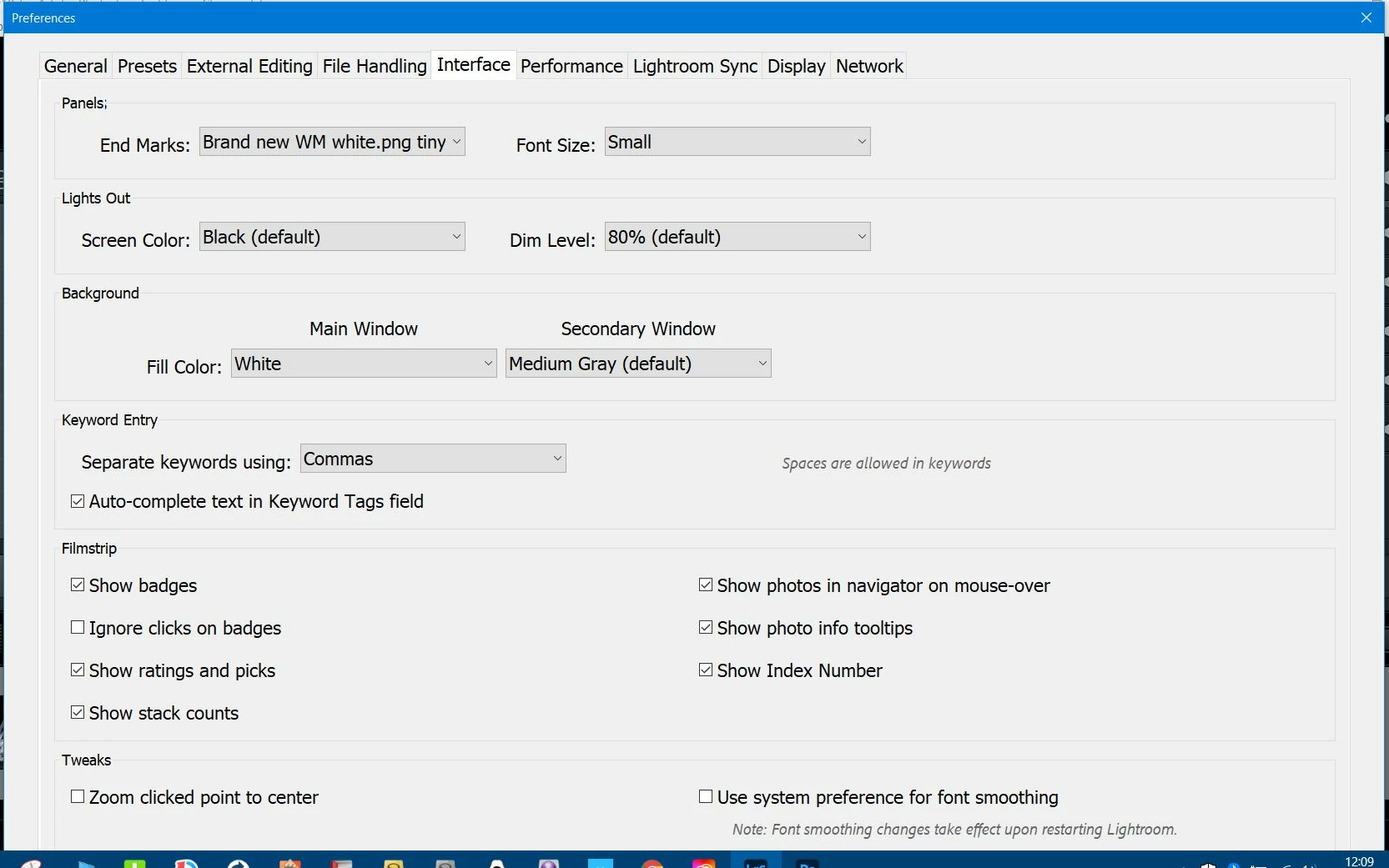
i changed the font size to 400 percent by accident in lightroom and now it's so big I can't access the menu to take it back to normal.  Can anyone help?
 

This topic has been closed for replies.

2 replies

Michael J. Hoffman
Community Expert
Community Expert
October 7, 2021

Another option that occurred to me (I don't know if it will work) is to make sure Lightroom is not maximized before opening the preferences box. The, you can press alt-spacebar and choose "Move" to reposition the window. I doubt this works with the dialog box open, but it is worth a try. 

Michael J. Hoffman
Community Expert
Community Expert
October 7, 2021

Are you able to set your screen to a higher resolution in Windows, temporarily? This would show more of the interface. 


You could also try closing the dialog box by tabbing to the hidden control and pressing Enter. It might be easier to back-tab from the top-most control. You could even try switching tabs in the preferences box, to see if another tab makes it easier to tab down to the hidden OK button.


If all else fails, you can reset your preferences to default. This may revert some of your customized settings like the Identity plate.

https://helpx.adobe.com/lightroom-classic/help/setting-preferences-lightroom.html