

Question
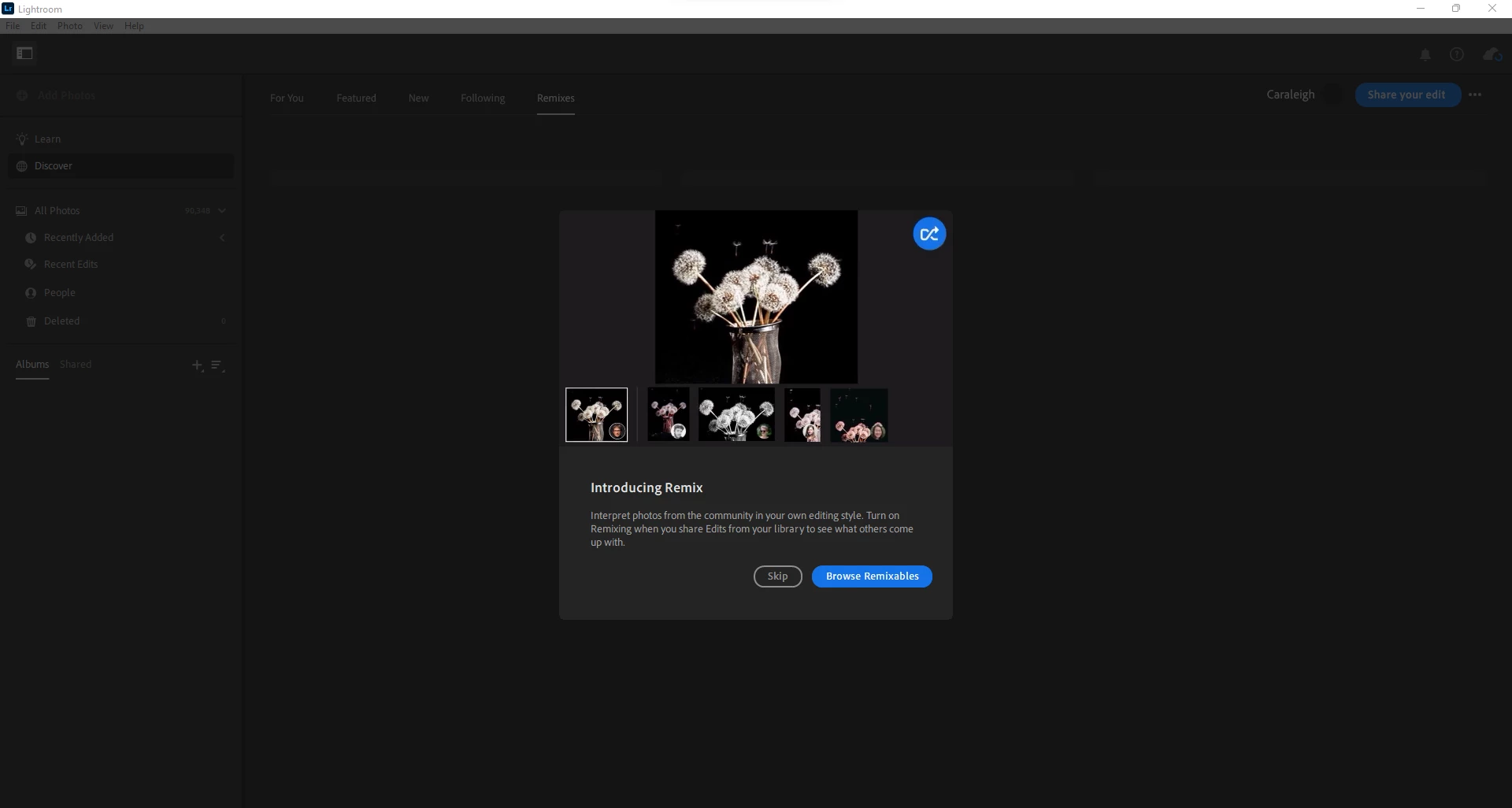
Lightroom Stuck on Remix Intro Screen
Launched LR 5.2 this morning on my Windows 11 (22000.527) laptop as I usually do and today a pop-up introducing Remix came up and will not go away.
Choosing the 'Skip' or 'Browse Remixables' buttons do nothing. I have had to force close the app with the task manager and by using end task, since the program will not close another way. I restarted LR 5.2 which did not fix the issue and I also restarted Windows; the problem still exists.
The program is currently unusable. I was headed to a job and wanted to set up my albums beforehand, so I am in a bit of a jam. I am not sure if there is a fix for this besides perhaps uninstalling the program and reinstalling.


 AdChoices