Participant
August 13, 2024
Question

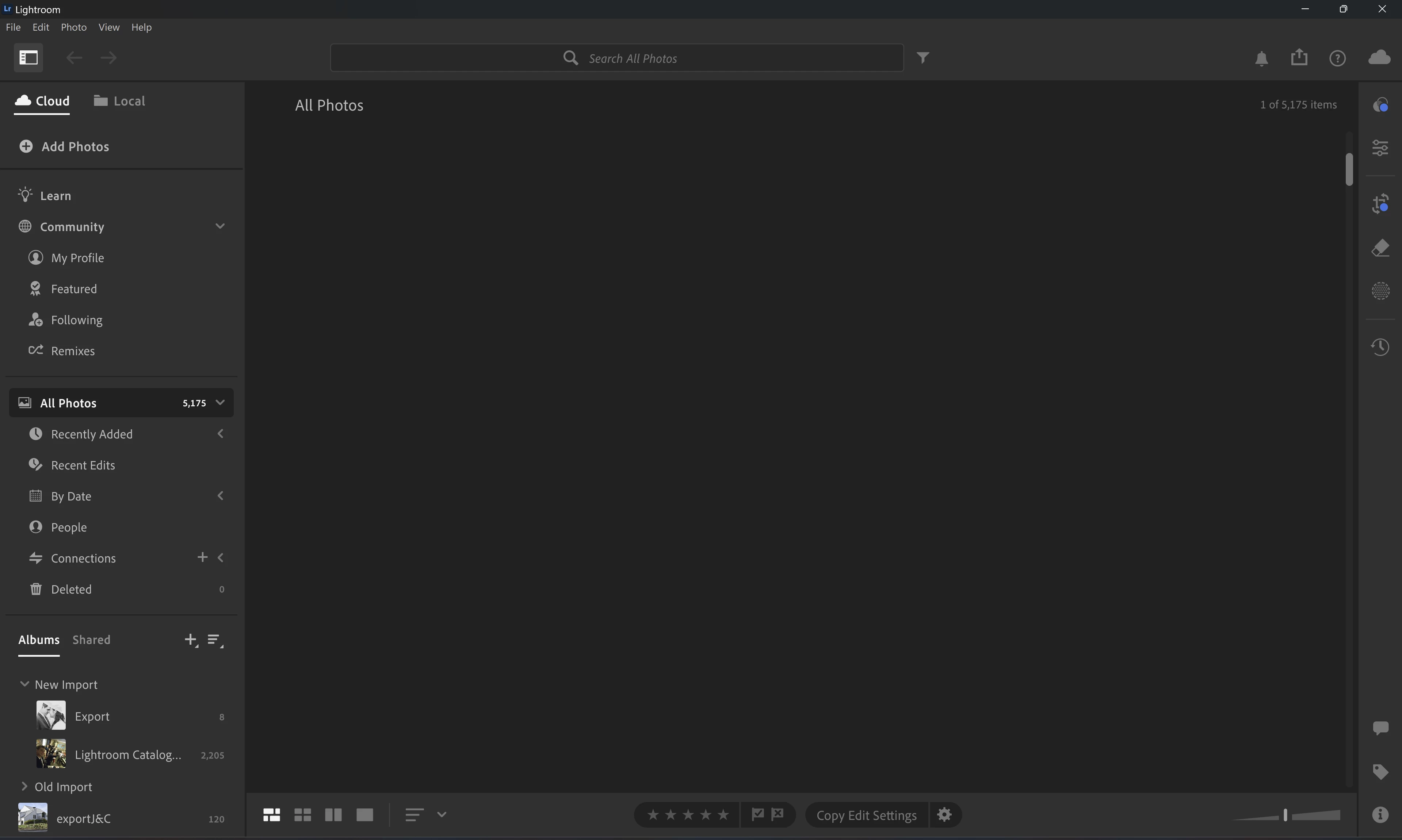
Lightroom Thumbnails Missing

  • August 13, 2024
  • 1 reply
  • 1683 views

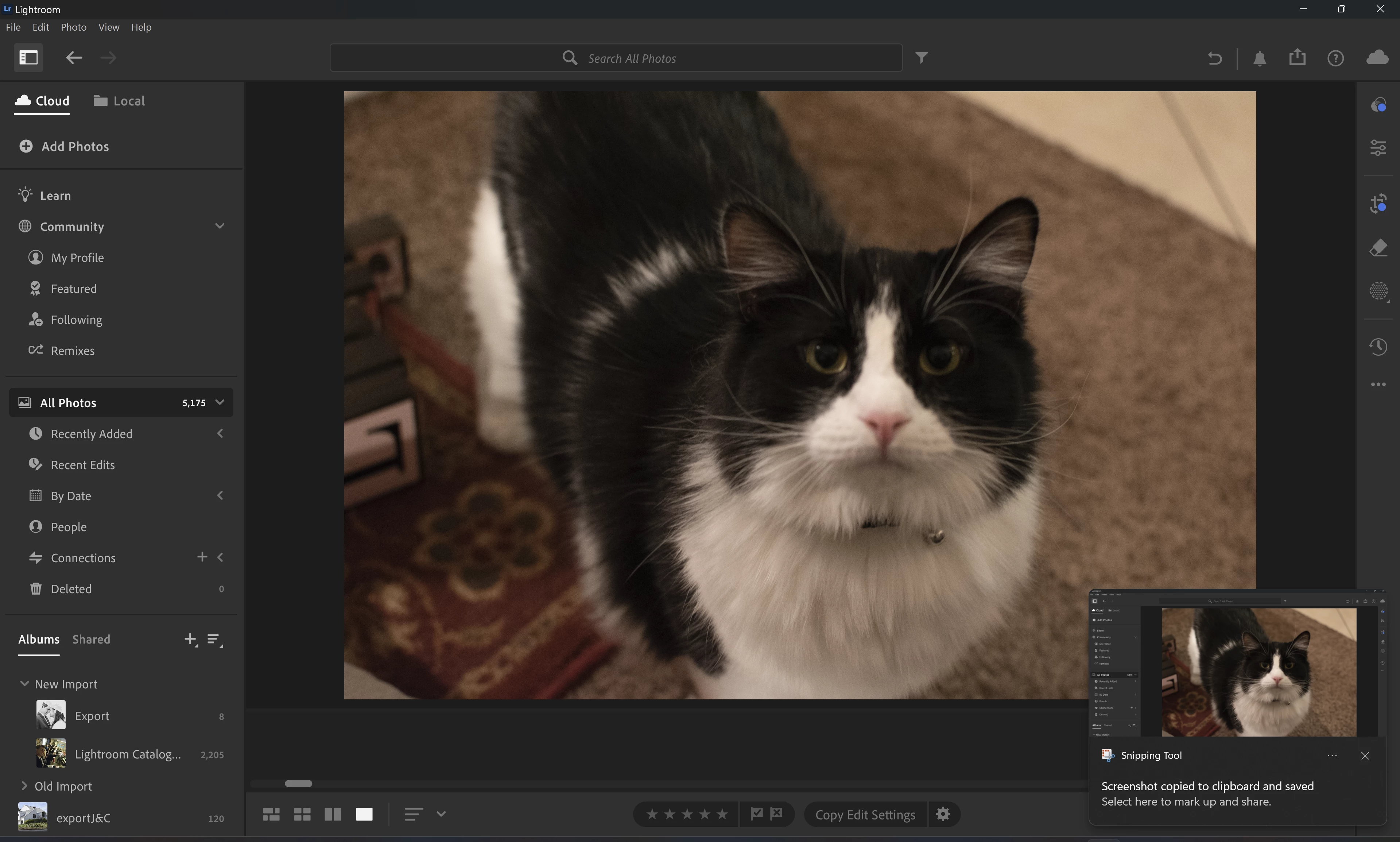
Brand new Windows 11 and lightroom install. On launch no thumbnails available on Photo Grid or Sqaure Grid. If I click on an individual picture it loads the image just fine. I tried v7.4.0, v7.4.1 and the latest v7.5 with a uninstall and reinstall each time.
 

This topic has been closed for replies.

1 reply

Rikk Flohr_Photography
Community Manager
August 14, 2024

A corrupt preference file survives an Uninstall/Reinstall. 

This procedure works for both Lightroom Classic and Lightroom Desktop.


If you are using Lightroom Desktop, your local storage location can be changed. Please review this setting after resetting preferences. 


Reset Procedure:

1. Close Lightroom.

2. Hold down [Alt/Opt]+[Shift] while restarting Lightroom.

3. Overwrite the Preferences when prompted by the dialog.

4. Close Lightroom.

5. Restart Lightroom.


Rikk Flohr: Adobe Photography Org
Participant
August 14, 2024

Hi Rikk. Thanks for the guidance. I got the prompt and reset my preferences but I'm still missing all thumbnails on launch. Any other ideas?


Rikk Flohr_Photography
Community Manager
August 14, 2024

Thanks for checking the Preferences. 

Your GPU driver is the next likely point of failure. Make sure you are using the latest Studio driver from nVidia. 

Rikk Flohr: Adobe Photography Org