Participating Frequently
April 23, 2025
Answered

Lightroom vignette not working as expected

  • April 23, 2025
  • 1 reply
  • 562 views

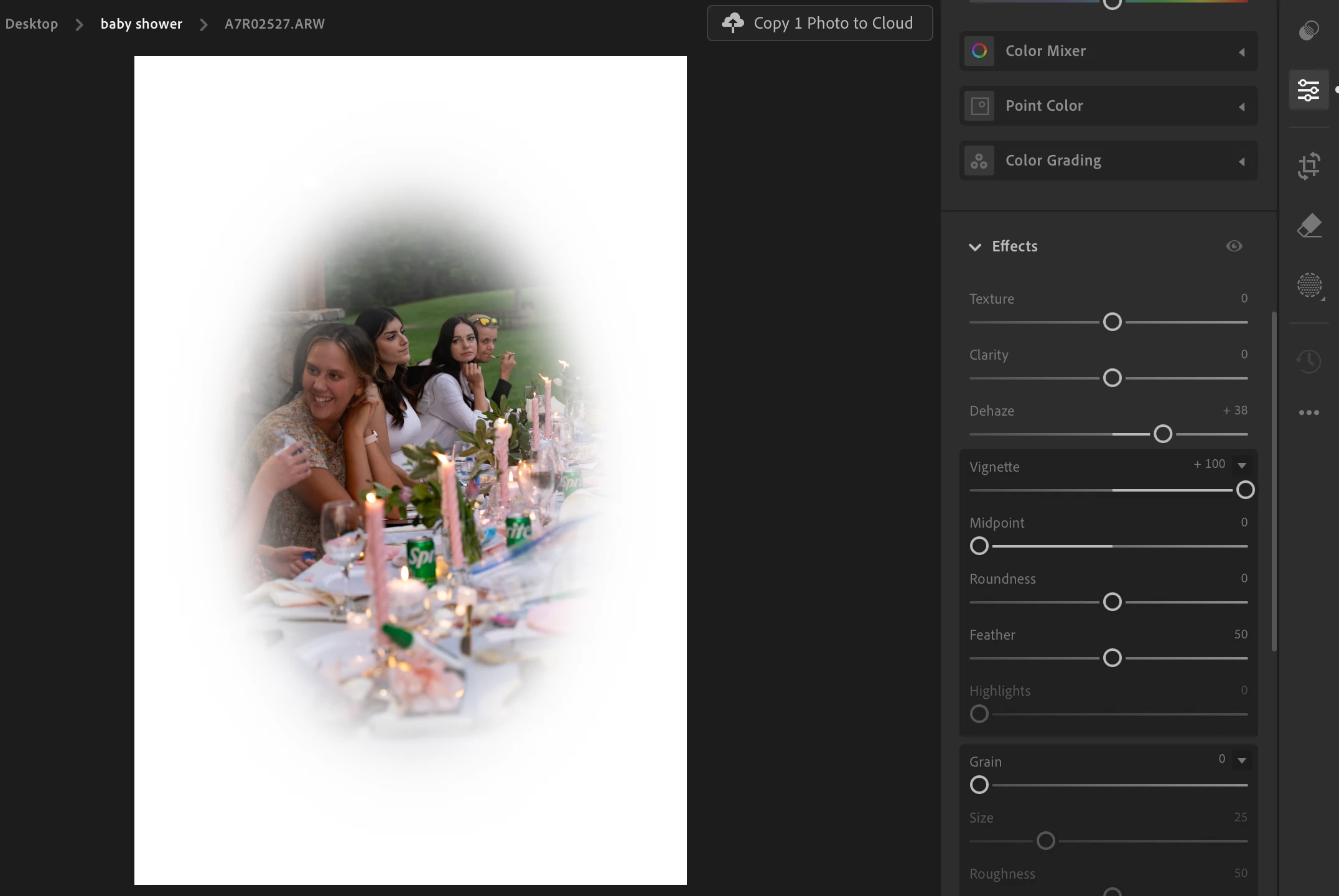
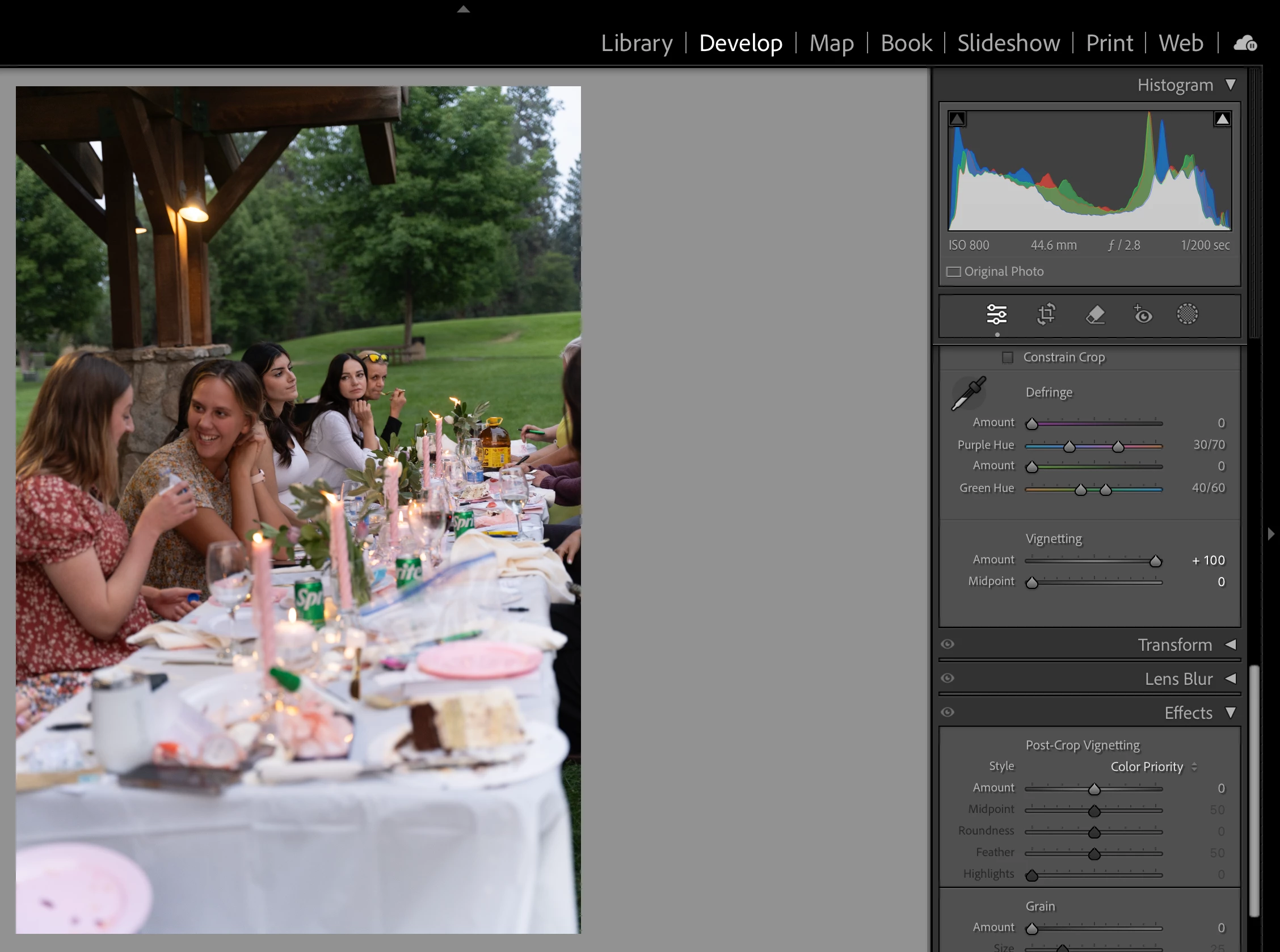
Seems like there's a bug with vignette on the Lightroom application vs Lightroom Classic on Mac. Both apps and OSX is up to date. I called Lightroom support and they said it is working as designed, but told me I'm welcome to report it as a bug here.
Correct answer Rikk Flohr_Photography

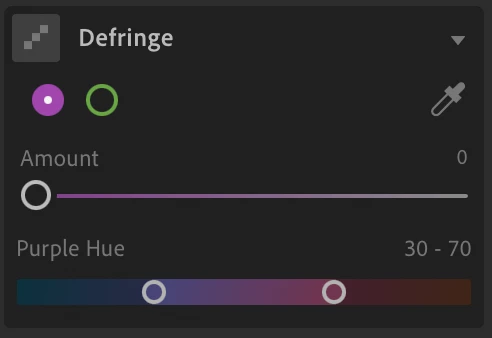
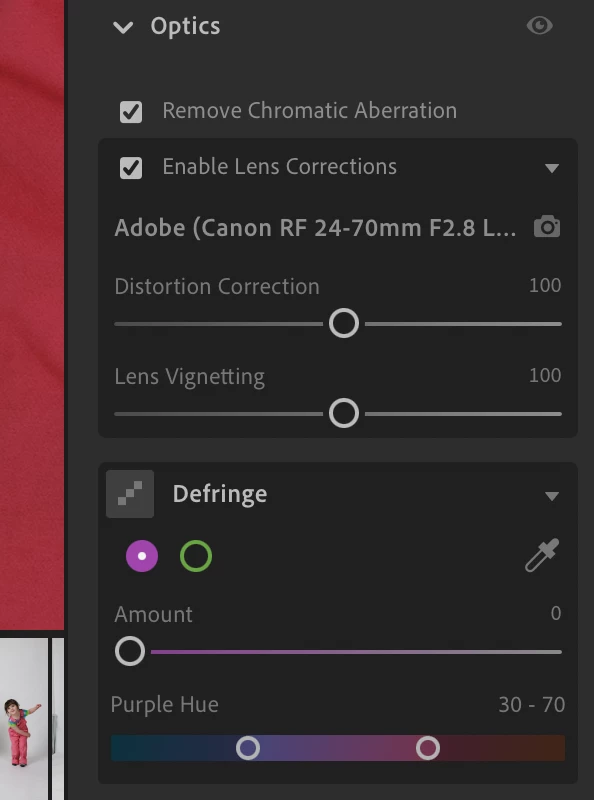
Here's what I see. Don't see anything about vignette.


Did you click on Enable Lens Corrections? 

1 reply

Rikk Flohr_Photography
Community Manager
April 23, 2025

You are comparing Apples to Oranges here. The Lightroom Desktop screenshot shows Post-crop Vignette controls, and the Classic screenshot shows Lens Correction Vignetting controls. Those are two very different things and would be expected to behave differently. 

Both Applications have a Lens Corrections section and an Effects section. The controls function similarly within each section.


Rikk Flohr: Adobe Photography Org
Participating Frequently
April 23, 2025

Thank you for your quick reply. Can you help me find the controls in Lightroom so that I can get the same results as I like in Classic?

Rikk Flohr_Photography
Community Manager
April 23, 2025

In your second screenshot, the controls that match your first screenshot are in the Effects panel.

LrD (Effects panel)   LrC (Effects Panel) 
             Vignette = Amount
           Midpoint = Midpoint
       Roundness = Roundness
             Feather = Feather 
          Highlight = Highlight

Classic has three modes, and Desktop has only Highlight.

Rikk Flohr: Adobe Photography Org