
Participating Frequently
September 1, 2024
Question

Local storage on network folder

  • September 1, 2024
  • 1 reply
  • 237 views

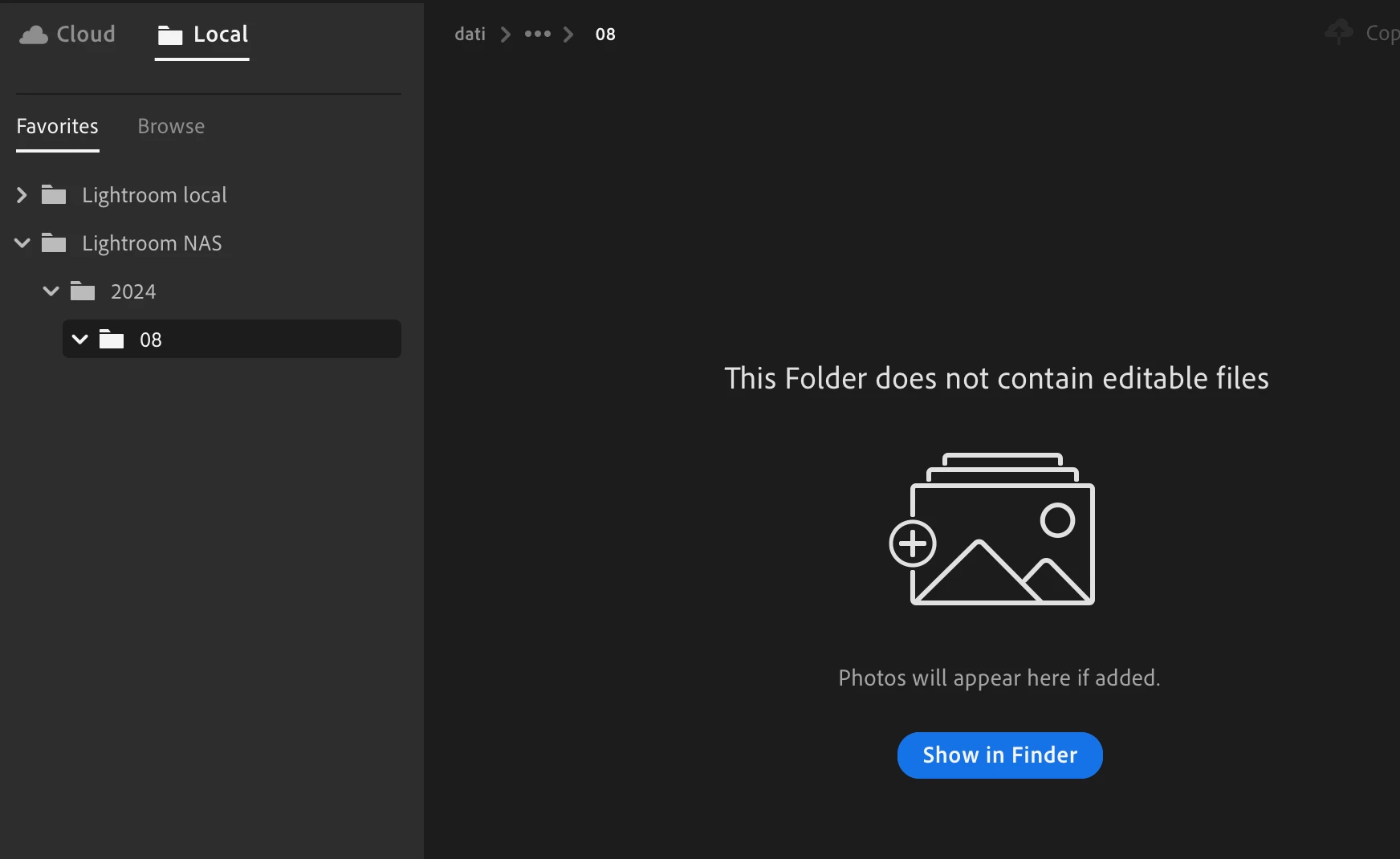
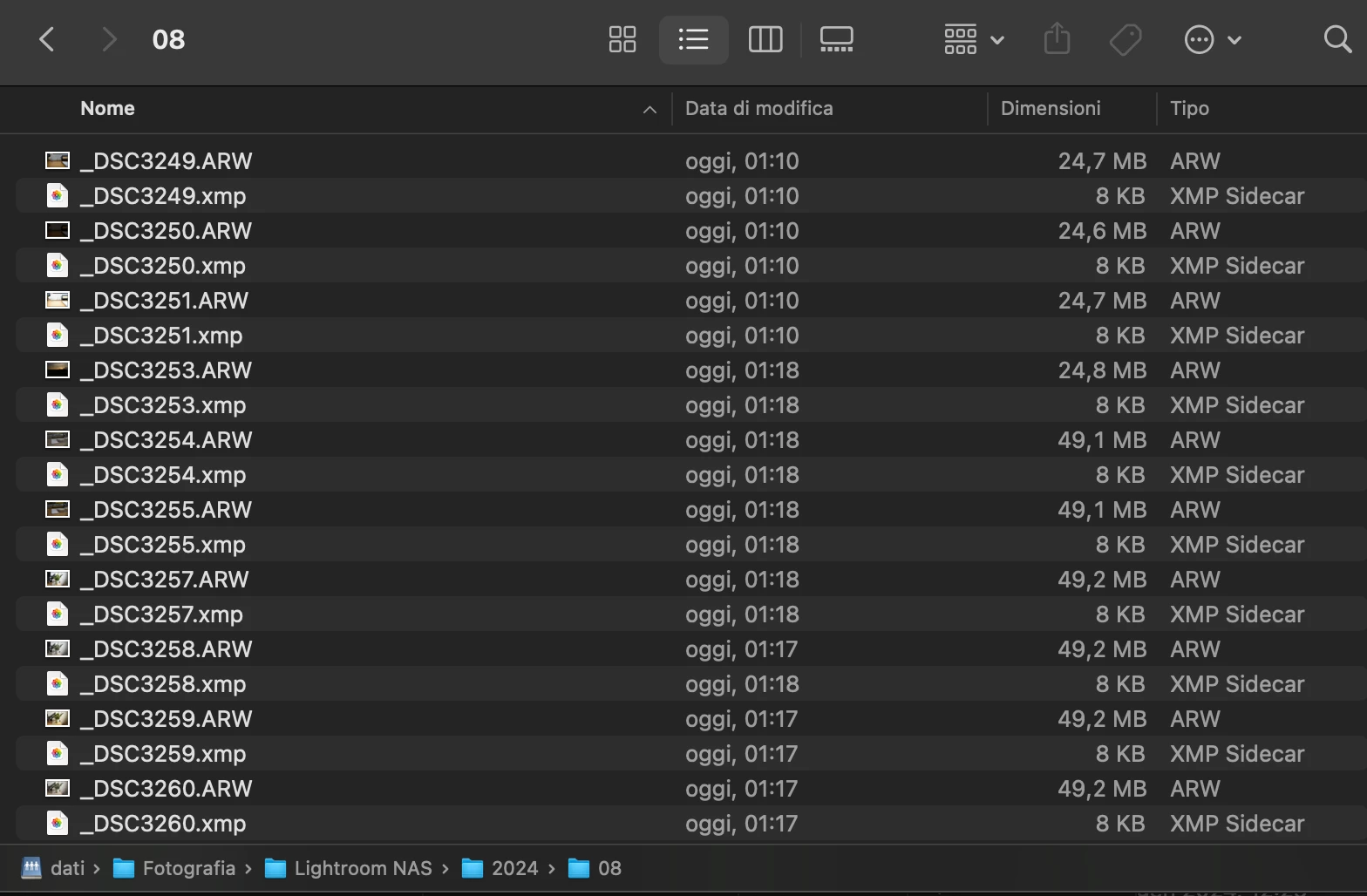
If I move images to local using "archive locally" function, ad I use a network folder from my nas mounted via NFS, the copy of files and the removal from cloud works, but if I look at the local folder in Lr, it's empty.
 

If I use a local folder on Mac, it works fine.


Lr 7.4.1

MacOS 14.5

Shared network path: nfs://10.69.20.4/volume1/dati


Thank you

This topic has been closed for replies.

1 reply

Rikk Flohr_Photography
Community Manager
September 2, 2024

When this occurs, please try the following steps: 


  1.  Right-click on the folder and choose "Refresh"
    2.  If that failed to restore the files in the view, restart Lightrom Desktop

    Do either of those procedures restore viewing of the files?

Rikk Flohr: Adobe Photography Org
Participating Frequently
September 2, 2024

Hi @Rikk Flohr: Photography and thank you for your promt reply.

I of course did both things (more than once) before opening a bug ticket 🙂


I did a couple of further tests:

  1. I used another Mac => same result
  2. I mounted the network folder using SMB instead of NFS => it works fine.

Anyway, SMB has very poor performances on Mac, so it woulb be great that local storage would work also with NFS shares.


It's also strange because moving files from cloud to NFS network share worked, it's just a problem of visualisation of these files.