
Local tab can't delete photos on NAS on macOS
In my workflow, I use the Cloud tab for active/recent projects, then offload albums to my NAS via the “Archive Album Locally” feature. Today I was hoping to go back and clean up some files in those archived albums. I pulled them up in the Local Tab, filtered to the photos I wanted to delete, and tried to delete them, but Lightroom refuses to. It seems like this is because the files live on my NAS (mounted via SMB in Finder), which means there’s no “Trash” feature supported, only permanent deletion. Lightroom seems to have a requirement that its “delete” feature must move the file to trash, which seems a bit silly to me.
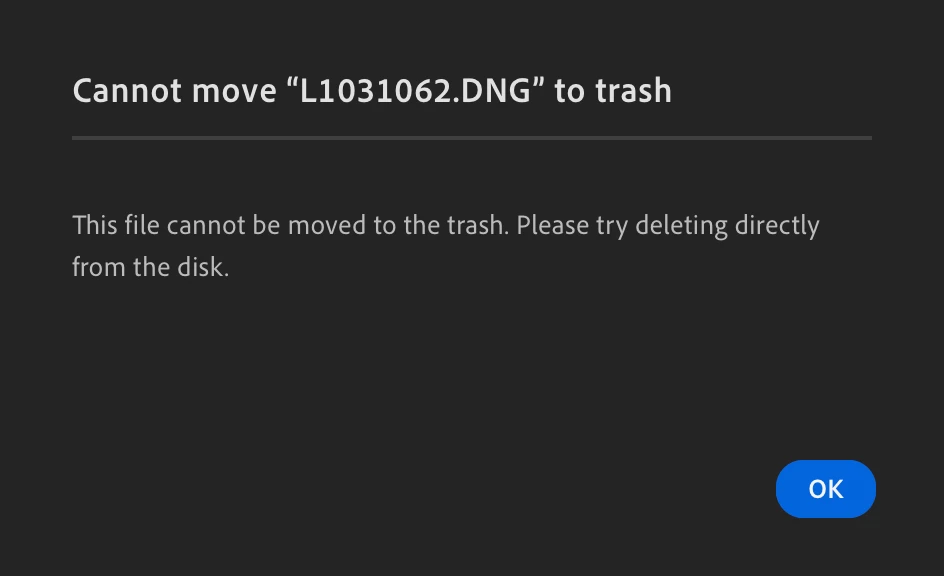
The reason I’m using Lightroom for this is because I want to delete only the RAW files for photos I didn’t end up selecting/editing (delete anything with no LR stars or flags). Lightroom is the only program that can read that culling metadata from the DNG and XMP files in those archived folders on the NAS, which means it’s the only way I can think of to do these deletions. Would appreciate any advice for potential workarounds, and hoping Adobe could take this as a feature request for LR CC.


 AdChoices