Participant
January 2, 2021
Question

Low disk space error Lightroom mobile

  • January 2, 2021
  • 6 replies
  • 3744 views

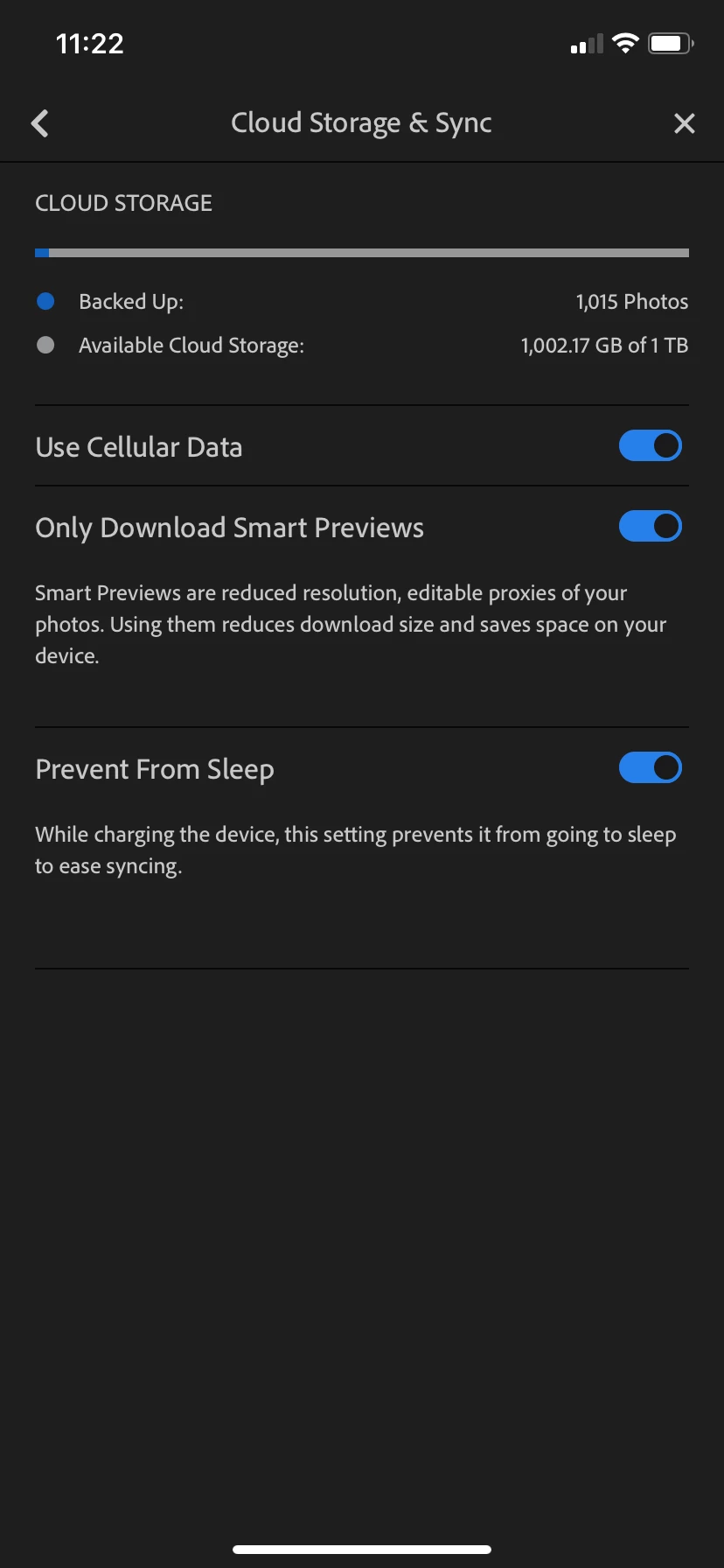
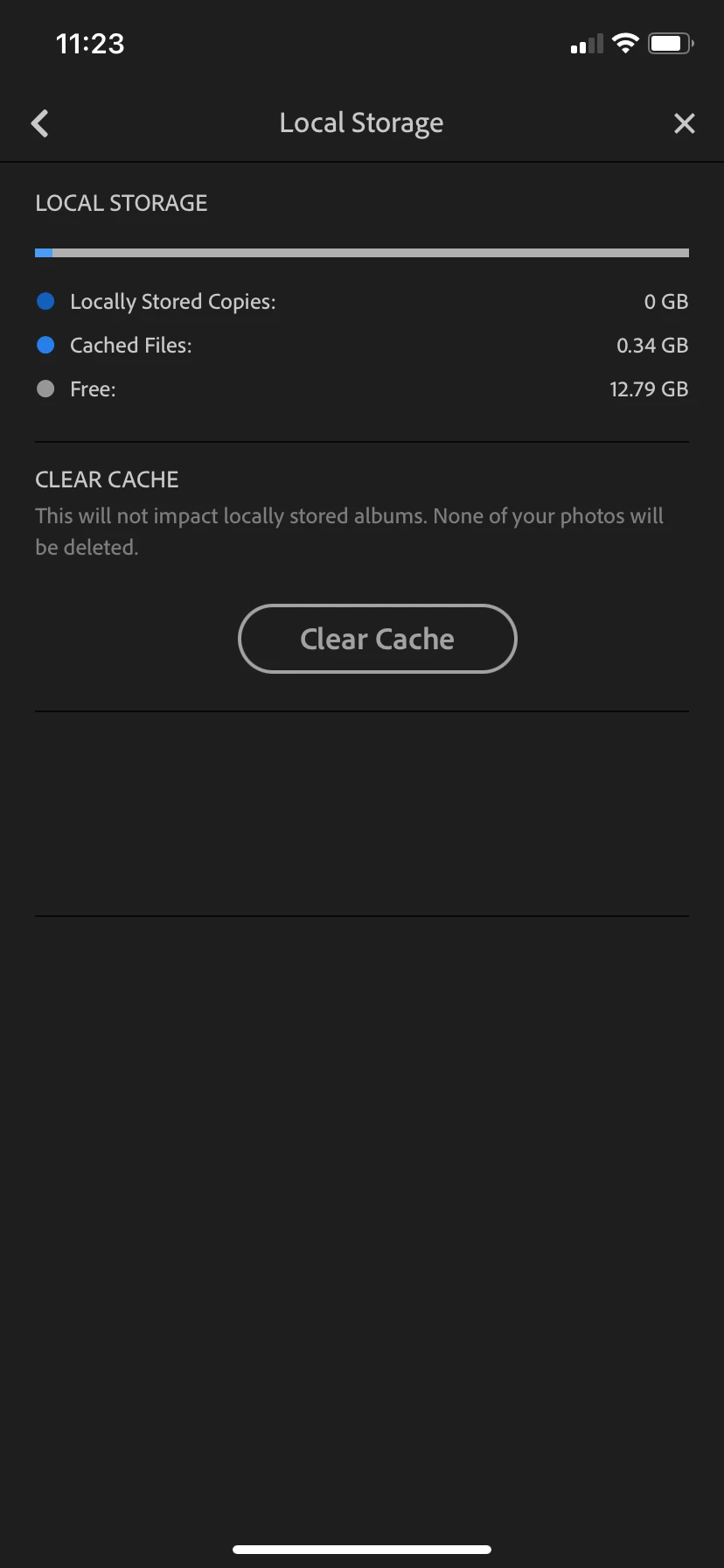
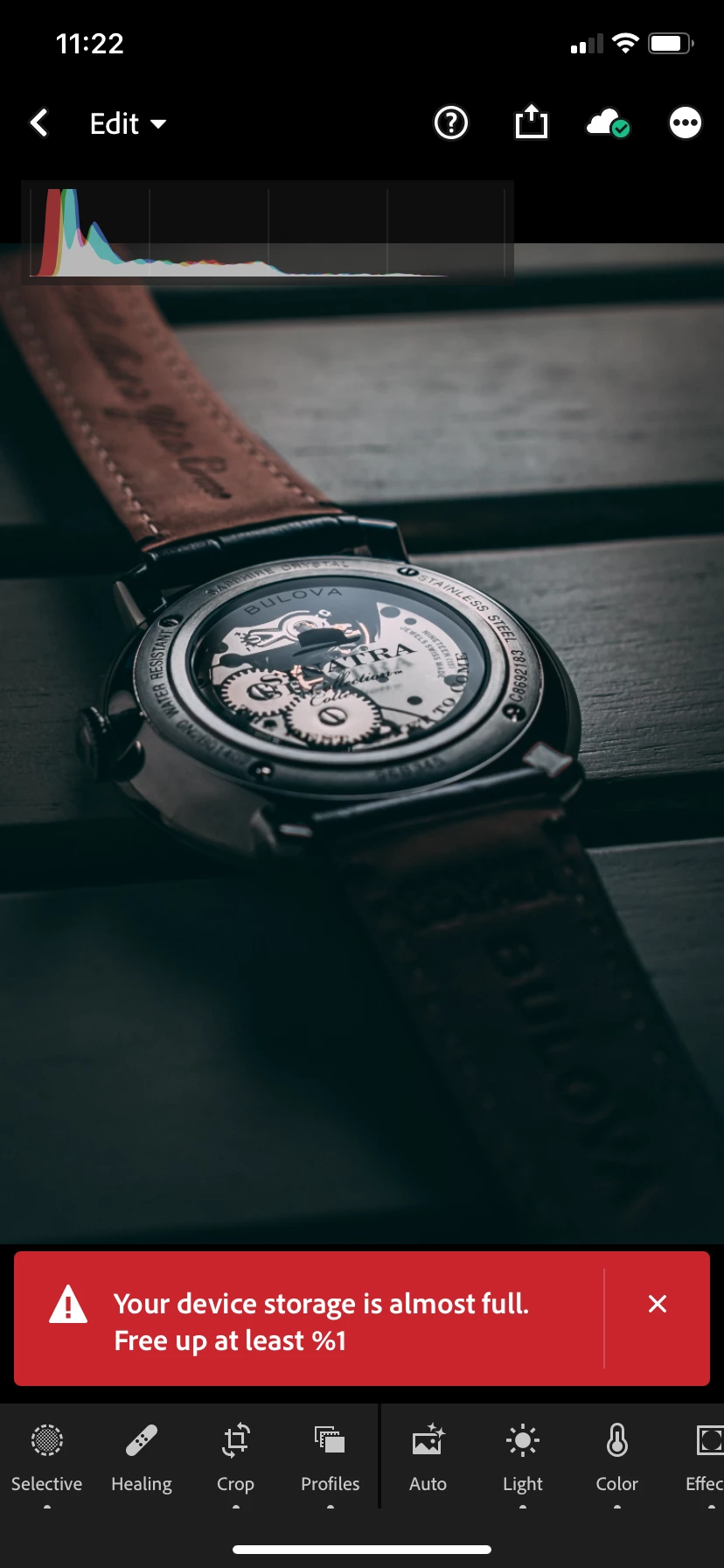
Keep getting this message though i have a ton of space. Any idea on what's going on?
This topic has been closed for replies.

6 replies

Community Manager
March 16, 2021

Please try out the 6.2 version and let us know how it went.

Thanks,
Ignacio

Participant
March 29, 2021

I often get this error message when exporting one photo to my camera roll. I have version 6.2.1. Clearing the cache sometime works, but it didn't today. I ended up closing all other open apps then tried the export and it was successful. Shouldn't have to do that though. Like others, I have plenty of free space on my iPad. 

Community Manager
April 6, 2021

Hi @Dedude1

there was a fix in the 6.2.0 release concerning incorrectly handling disk space calculations.
It seems as if all issues aren't fixed according to your post.

It would be very helpful if you can let us know how much space you have left on your device whenever this occurs.

thanks,
Ignacio

Participant
March 8, 2021

I get the same error on my iPad, with 60GB free. Clearly a bug which is making Lightroom unusable. Happens just trying to export one image to camera roll. 

Community Manager
March 15, 2021

Hi,

Does force quitting all application and restarting the device help?

Thanks,
Ignacio

Participant
January 16, 2021

I have the same error on my iPad. I have deleted 1000 photos on my ipad and I have 150 GB free space now, but the error message still turns up, so it's got absolutele nothing to do with free space. So how do we solve it?

Participating Frequently
January 12, 2021

I also get this message all the time, even though I have srill over 100GB of free space on my ipad. Any solution?

greule
Community Manager
Community Manager
January 4, 2021

Do you see this "only" for a specific export setting or does this occur to every single photo?  ...in addition have you tried to force-restart Lr. Hope this helps - Guido

Just Shoot Me
Legend
January 2, 2021

Your post was moved to a better forum, from LrC to LrM.


Have you actually read that Error message?

The Screen shot you posted is from your PHONE.

The Error states YOUR DEVICE Storage is Almost Full. Meaning the phones storage, internal or external or BOTH storage areas of your PHONE, is almost full. Not the Adobe Cloud Storage you get with your subscription.


Time to go through your phones storage Areas, internal and external micro SD card, and delete thing or move things froom the internal storage to the SD card (if you have a SD card installed).